Advertisement
Click to download now, finish the installation quickly, and directly unlock the "all-round experience"
Advertisement
Screenshots
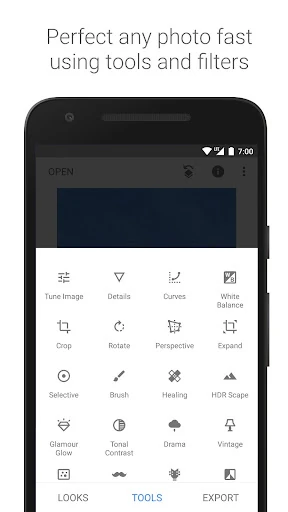
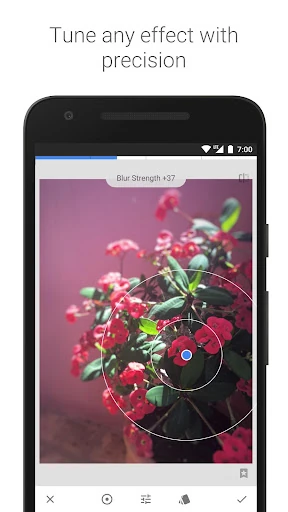
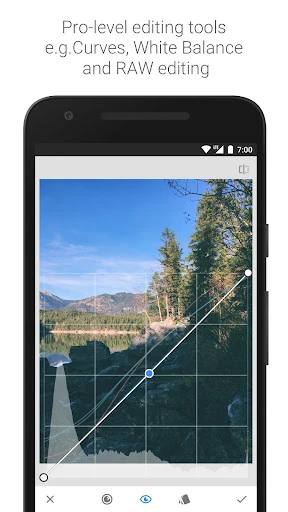
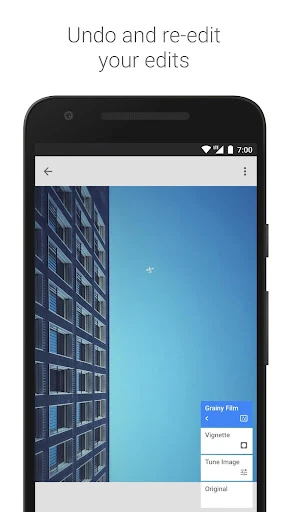
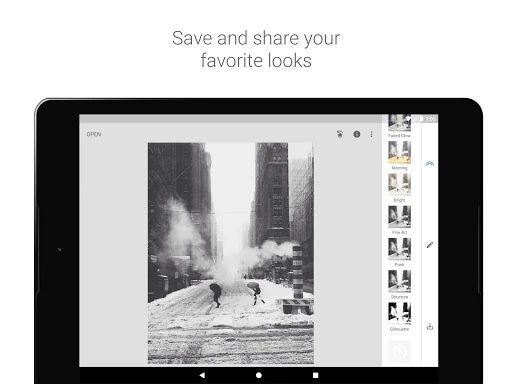
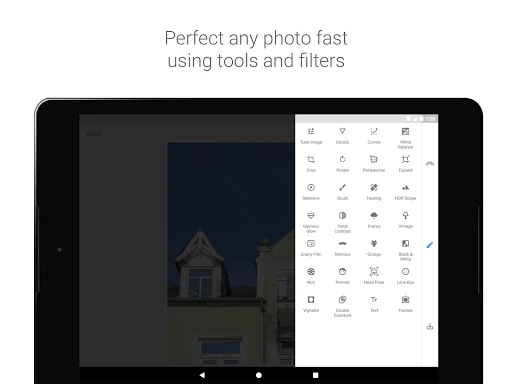
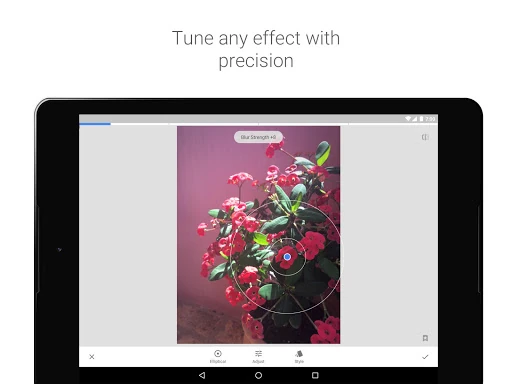
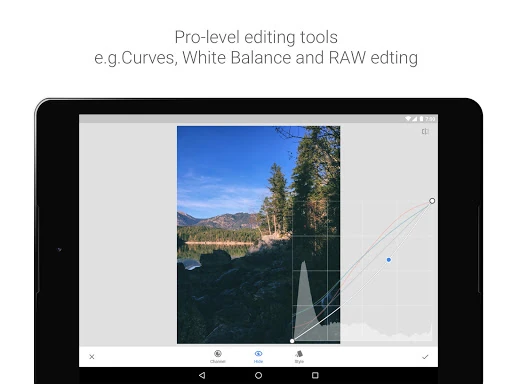
Click to download now, finish the installation quickly, and directly unlock the "all-round experience"
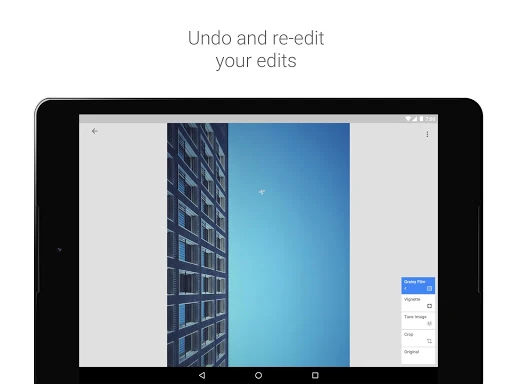
Snapseed stands as a definitive benchmark in the mobile photography landscape, offering a level of sophistication and professional utility rarely seen in the free-to-use market. Developed by Google, it serves as a bridge between casual one-tap filtering and high-end desktop editing suites like Lightroom. By providing a completely ad-free, non-destructive editing environment, Snapseed has secured its place as an essential tool for mobile creators who demand precision and power without the burden of a subscription model.
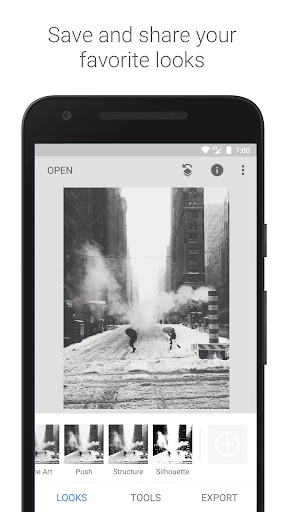
The user interface of Snapseed is a masterclass in functional minimalism. Eschewing cluttered sidebars and complex sliders, it utilizes a unique gesture-based control system. Users swipe vertically to select parameters and horizontally to adjust intensity, a system that keeps the focus entirely on the image rather than the UI. While this approach requires a brief learning period, it eventually facilitates a much faster and more intuitive workflow. The clean, dark-themed workspace aligns perfectly with the standards expected for professional photography applications, minimizing visual distraction during the editing process.
While Snapseed remains powerful, it would benefit greatly from the integration of Google’s modern AI-driven generative tools, such as the "Magic Eraser" found on Pixel devices. Furthermore, an updated asset management system or a dedicated gallery view would help users manage large volumes of photos more efficiently. Adding a simplified batch-export feature for applying custom "Looks" to multiple photos at once would also be a significant workflow upgrade for social media managers.
Snapseed is the premier choice for enthusiast photographers, social media professionals, and anyone who has outgrown basic filter apps but isn't ready for a paid Adobe subscription. It is built for those who value granular control and artistic precision. Because of its zero-cost entry and high-performance output, it remains a "must-have" recommendation for the Photography category on any mobile device.