Advertisement
Click to download now, finish the installation quickly, and directly unlock the "all-round experience"
Advertisement
Screenshots
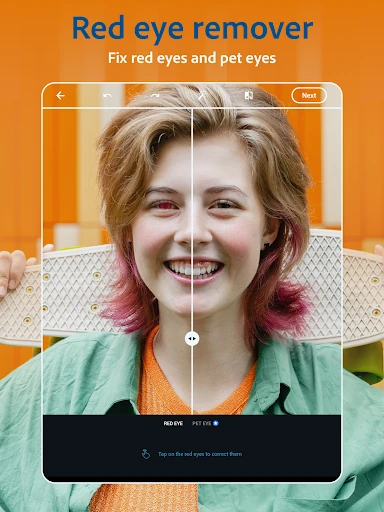
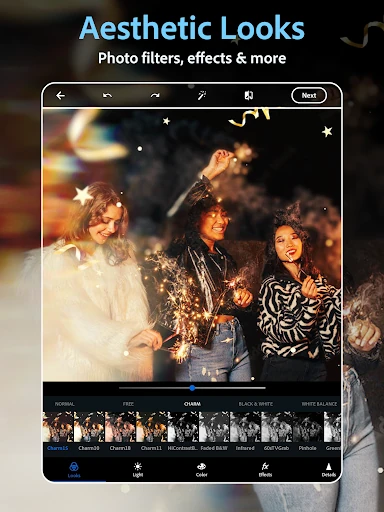
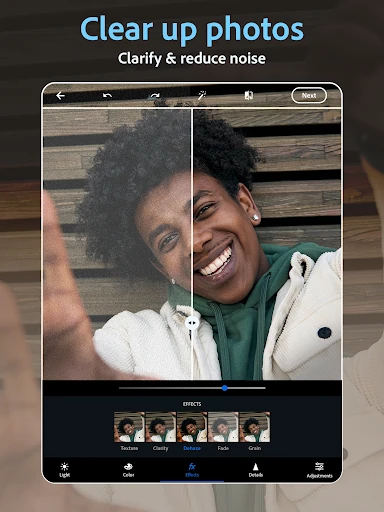
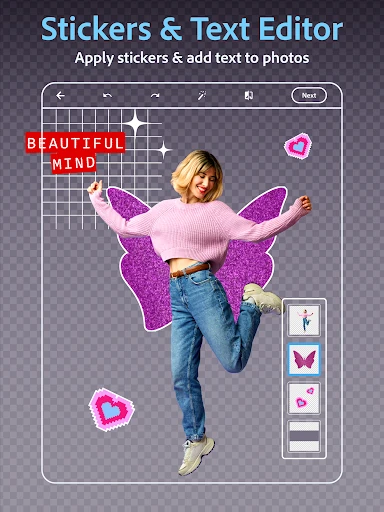
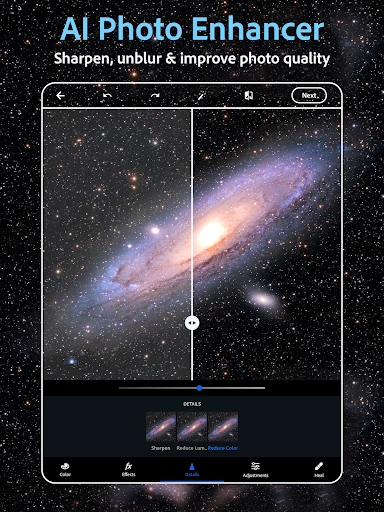
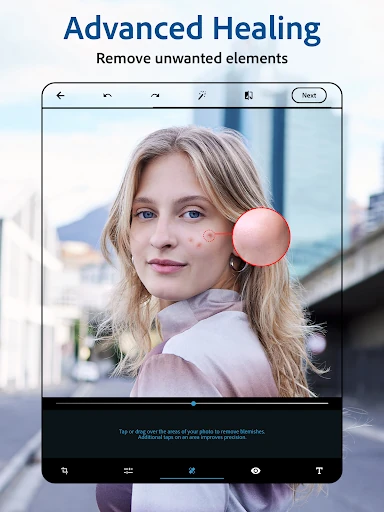
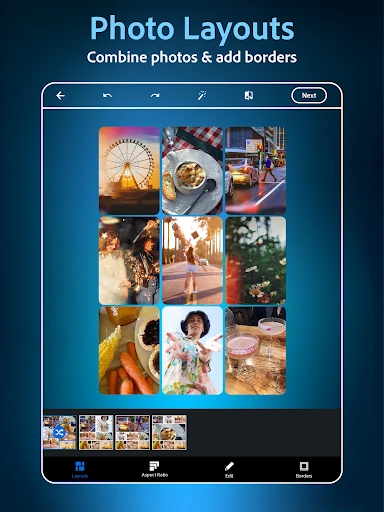
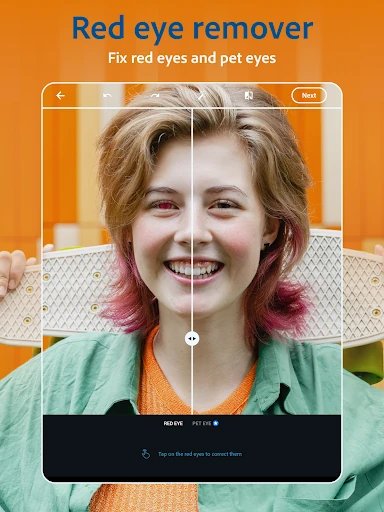
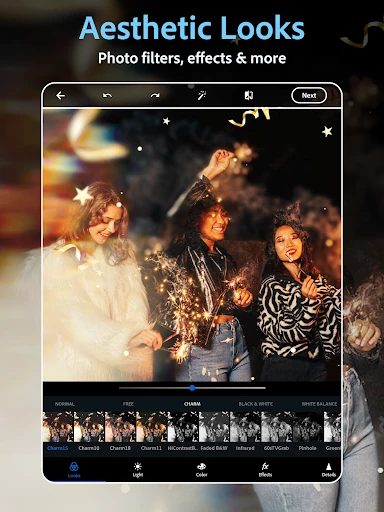
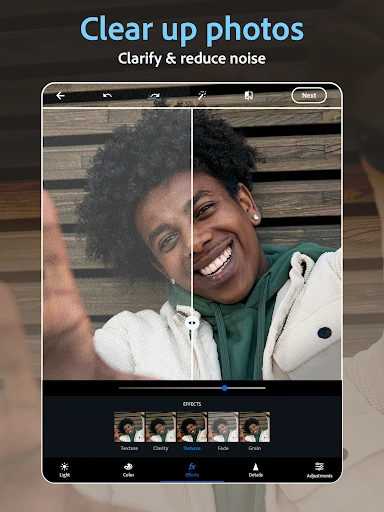
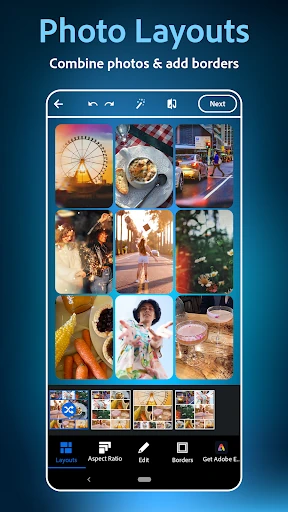
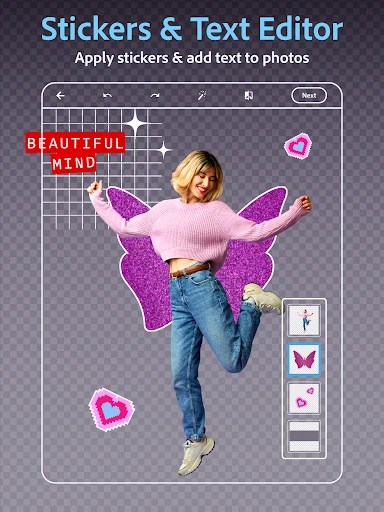
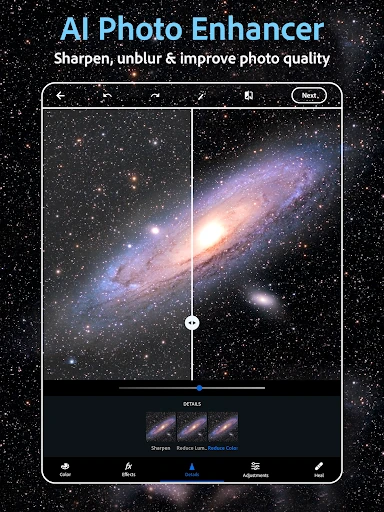
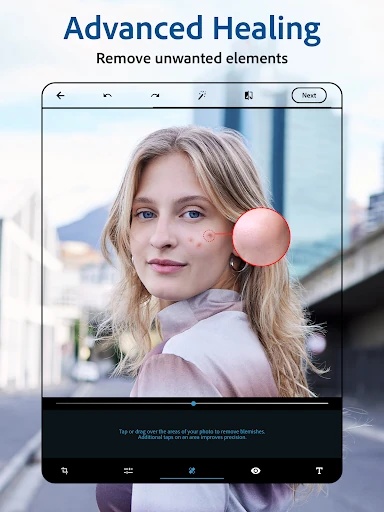
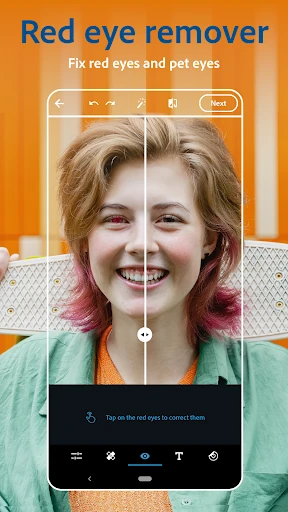
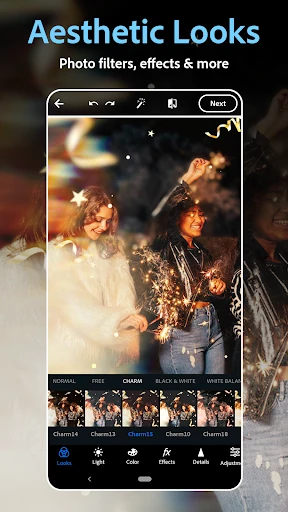
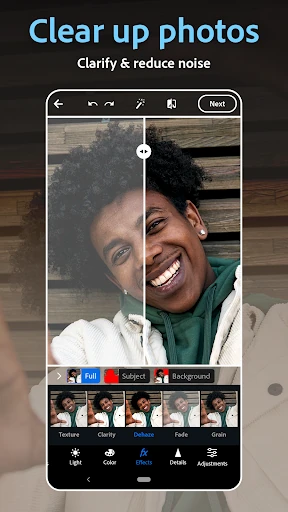
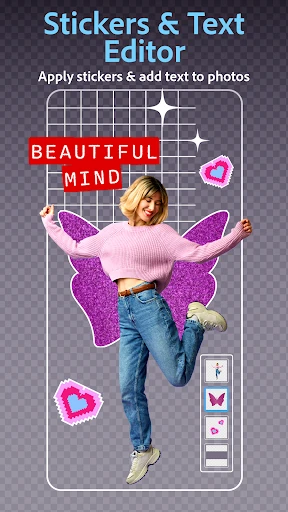
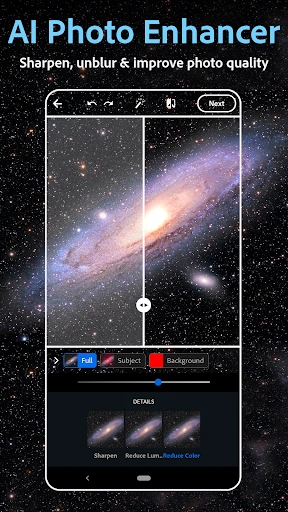
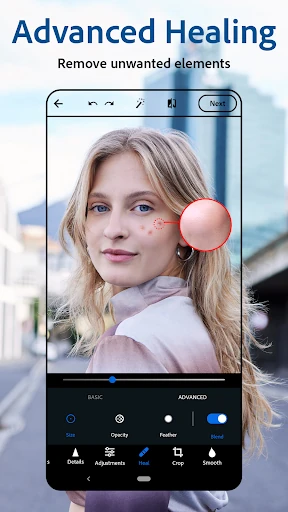
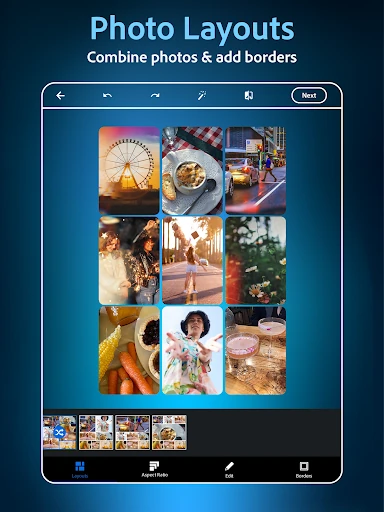
Click to download now, finish the installation quickly, and directly unlock the "all-round experience"
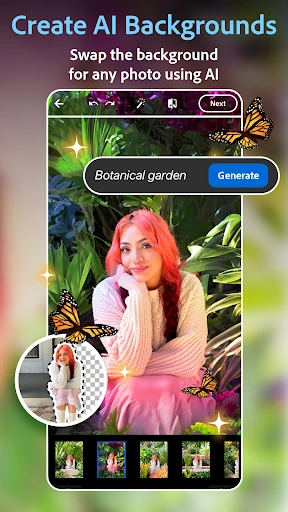
Photoshop Express Photo Editor stands as a premier mobile entry point into the Adobe ecosystem, successfully distilling the complex power of its desktop sibling into a streamlined, touch-first experience. Within the crowded photography landscape, this app differentiates itself by balancing "one-tap" simplicity with sophisticated retouching tools that go far beyond standard social media filters. It serves as an essential bridge for users who require more than basic editing but aren't yet ready for the steep learning curve or hardware requirements of professional-grade software.
The UI follows Adobe’s modern design language, featuring a sleek, dark interface that allows photo colors to pop and minimizes eye strain during long editing sessions. Navigating through the dense feature set is intuitive thanks to a logical bottom-shelf arrangement of tools categorized by function. While the breadth of options—ranging from vintage camera filters to AI generators—could easily feel overwhelming, the app employs a progressive disclosure strategy that keeps the workspace clean until specific tools are selected. The UX is optimized for speed, allowing users to go from raw import to social media share in a matter of seconds.
To further solidify its lead, Photoshop Express could benefit from introducing basic layer support to allow for more complex compositions beyond simple text overlays. Additionally, expanding the offline functionality of certain AI tools would be a significant boon for travel photographers. Finally, adding a simplified batch-processing feature would help social media managers handle large volumes of content more efficiently without needing to open every photo individually.
Photoshop Express is the definitive tool for social media influencers, casual photographers, and small business owners who require high-impact visual content without the overhead of desktop software. It is the gold standard for the "fast-edit" category. Whether you are performing a quick blemish removal or generating a brand-new AI visual from scratch, this app provides the most robust toolkit currently available on mobile platforms. It is highly recommended for anyone who wants professional results without the professional price tag or complexity.