Advertisement
Click to download now, finish the installation quickly, and directly unlock the "all-round experience"
Advertisement
Screenshots
Click to download now, finish the installation quickly, and directly unlock the "all-round experience"
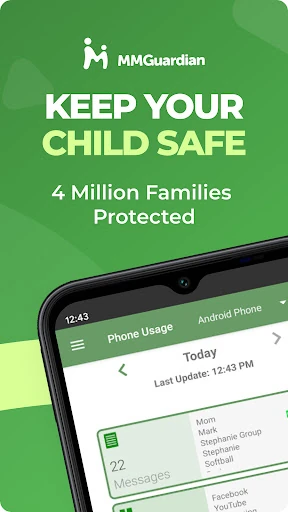
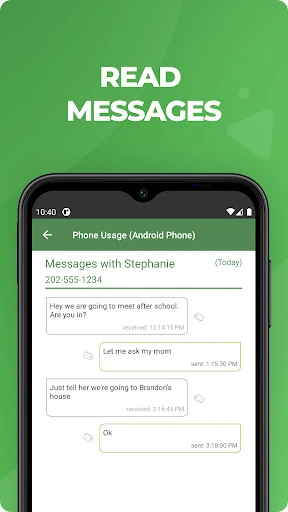
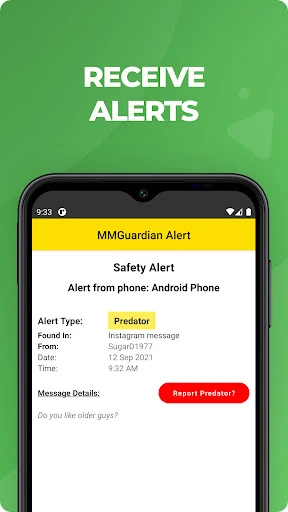
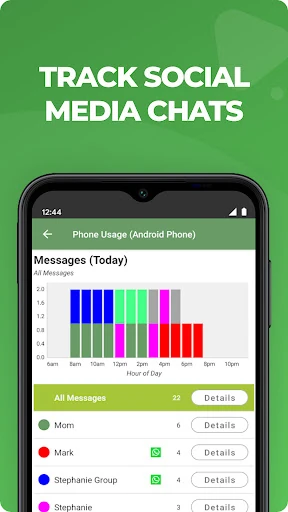
MMGuardian Parental Control stands out in the crowded parenting category as a high-utility safety suite that prioritizes proactive intervention over passive monitoring. While many competitors focus strictly on screen time, MMGuardian leans heavily into child safety by leveraging advanced AI to scan for signs of cyberbullying, sexting, and suicidal ideation. It acts as a comprehensive remote dashboard for parents, offering a necessary bridge between digital freedom for children and peace of mind for guardians. In the modern landscape of pervasive social media, its ability to monitor encrypted or ephemeral messaging apps like Snapchat and WhatsApp makes it a heavyweight contender for those managing pre-teen and teenage digital footprints.
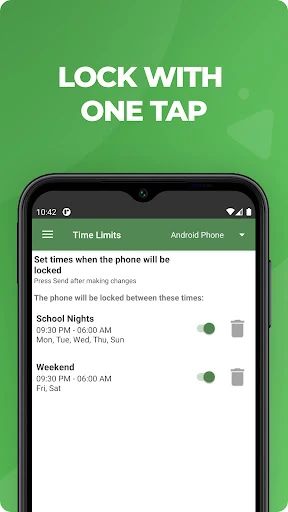
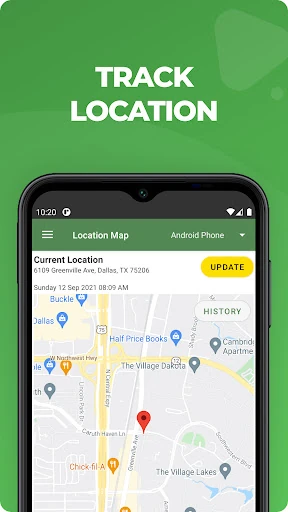
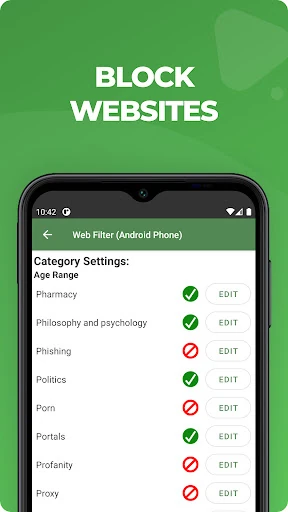
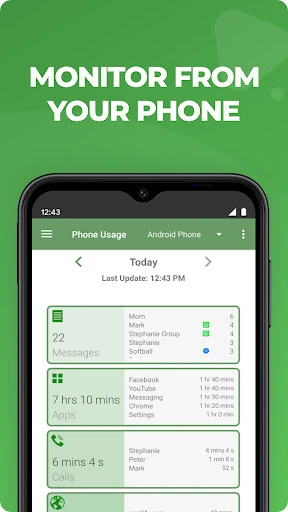
The user experience of MMGuardian is designed around a "Parent-First" architecture. The setup process is methodical, requiring the installation of a dedicated controller app on the parent's device which then facilitates the deployment of the child-side software. While the interface leans more toward functional utility than modern aesthetic minimalism, it excels in information density. The reporting dashboard is logically structured, providing quick-glance insights into web activity and app usage. However, the dual-app requirement introduces a slight learning curve during initial configuration, which is mitigated by the app's guided installation prompts.
To further enhance the user experience, MMGuardian could benefit from a modernized UI refresh to align with Material Design 3 standards, making the dashboard feel more contemporary. Additionally, streamlining the installation process into a single-scan QR code setup could reduce friction for parents. Expanding the AI categories to include emerging digital trends or slang used in cyberbullying would also ensure the safety alerts remain ahead of the curve.
MMGuardian Parental Control is an essential tool for parents of children who have just received their first smartphone or are highly active on social media. It is particularly well-suited for those who prioritize safety and content monitoring over simple time-tracking. Because of its deep-dive reporting and alert system, it is the gold standard for protecting vulnerable teens from the darker corners of the internet. We highly recommend it for any household looking for a robust, "set-it-and-alert-me" safety solution.