🏆 Expert Verdict & Overview
Genius Art: Image AI Generator serves as a versatile Swiss Army knife in the competitive Art & Design landscape. By consolidating generative AI art creation with practical utility tools like upscaling and object removal, it effectively bridges the gap between casual creative expression and professional-grade editing. In an ecosystem often fragmented by single-purpose apps, Genius Art stands out as a comprehensive hub that prioritizes accessibility without sacrificing the quality of its machine-learning outputs.
🔍 Key Features Breakdown
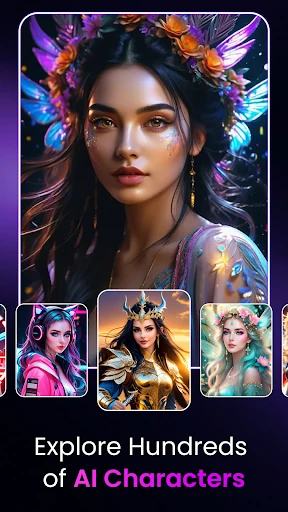
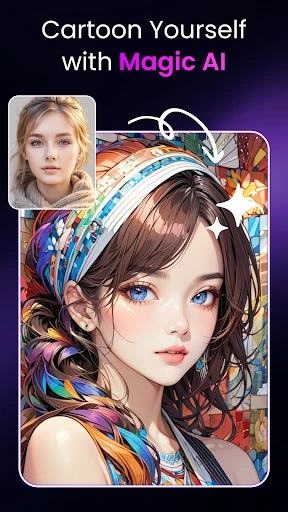
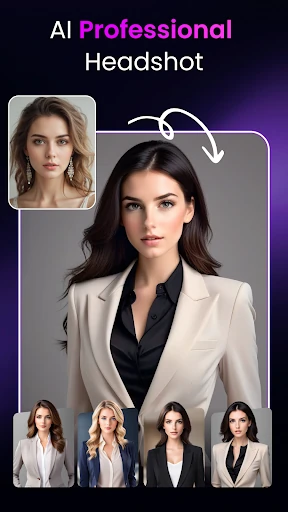
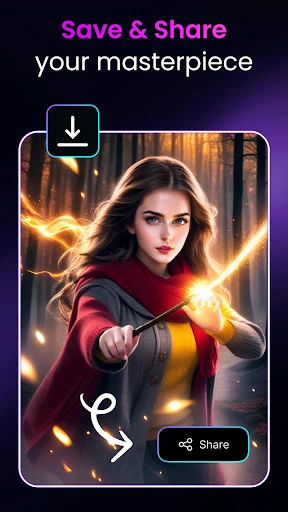
- AI-Generated Images: This feature eliminates the barrier to entry for digital art by allowing users to transform concepts and templates into high-fidelity visuals, solving the common problem of creative block.
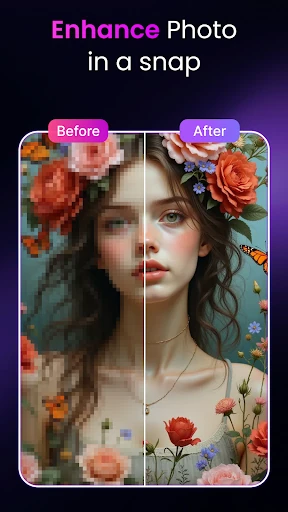
- AI Image Enhancer: It addresses the technical limitations of mobile photography by using neural networks to reconstruct details in blurry or low-resolution images, making them suitable for professional use.
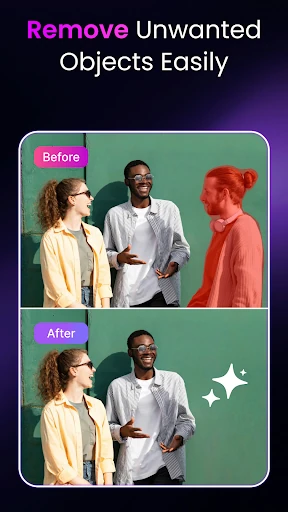
- AI Object Remover: This tool solves the issue of photobombing and visual clutter, providing a seamless "content-aware fill" experience that previously required expert knowledge of desktop software.
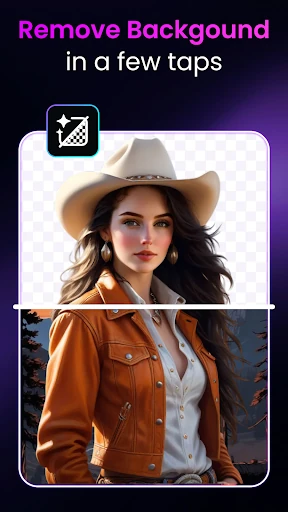
- Instant Background Remover: By automating the isolation of subjects, it streamlines the workflow for e-commerce sellers and graphic designers who need transparent PNGs or quick background replacements.
🎨 User Experience & Design
The UI of Genius Art: Image AI Generator is built upon a "one-tap" philosophy, which is essential for modern mobile creators. The interface design minimizes cognitive load by categorizing complex AI processes into intuitive, task-oriented modules. From a UX perspective, the app succeeds by making sophisticated technology feel approachable; the navigation is clean, and the feedback loop—from uploading an image to receiving the AI-processed result—is optimized for speed, which is a critical standard for high-ranking apps in the Art & Design category.
⚖️ Pros & Cons Analysis
- ✅ The Good: Offers a holistic suite of both generative and corrective AI tools within a single installation.
- ✅ The Good: A transparent freemium model that keeps all features accessible to non-paying users.
- ❌ The Bad: The frequency of advertisements in the free tier can disrupt the creative immersion during intensive editing sessions.
- ❌ The Bad: Template-based generation may feel restrictive for advanced artists seeking granular control over AI parameters.
🛠️ Room for Improvement
To further solidify its position as a market leader, future updates should consider implementing batch processing for the background and object removal tools to assist power users. Additionally, introducing an "Advanced Mode" for the AI generator—allowing for custom prompts, aspect ratio selections, and negative prompt inputs—would attract a more professional demographic of AI enthusiasts.
🏁 Final Conclusion & Recommendation
Genius Art: Image AI Generator is primarily designed for social media influencers, small business owners, and hobbyist creators who require high-quality visual assets on the go. It effectively democratizes professional editing tools. Our final recommendation is that this app is a "Must-Download" for anyone looking to leverage AI to enhance their visual storytelling without the steep learning curve of traditional design software.