🏆 Expert Verdict & Overview
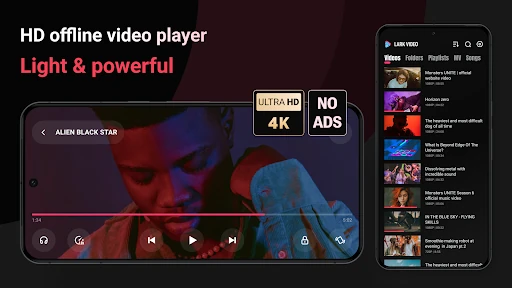
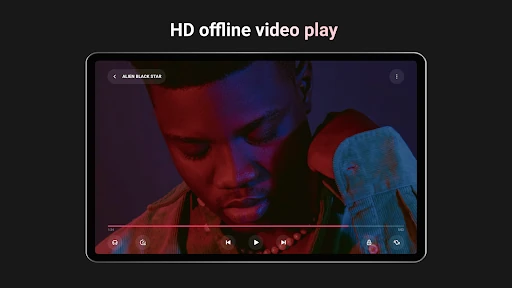
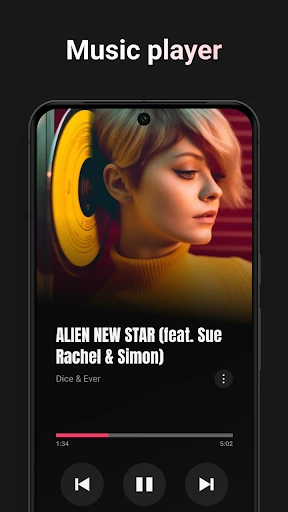
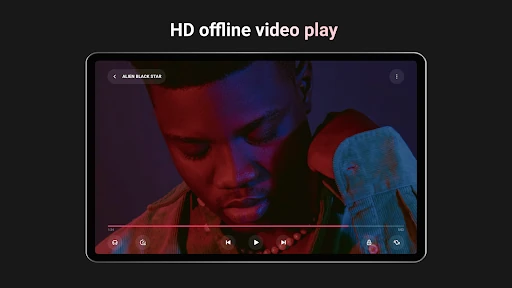
Lark Video Player stands out as a refined, high-performance solution within the Video Players & Editors category, specifically designed for users who demand organization and fluidity in their offline media consumption. By blending the robust functionality of a traditional file player with the intuitive, gesture-based navigation found in modern social media apps, it successfully modernizes the local playback experience. It positions itself as a lightweight yet powerful alternative to bloated media suites, offering a dual-purpose environment for both video and high-fidelity audio.
🔍 Key Features Breakdown
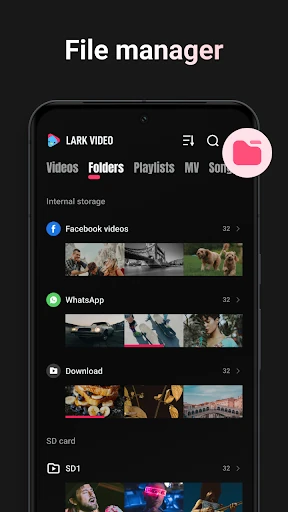
- Smart Video Library: Solves the problem of cluttered storage by automatically sorting files into categories like movies, social media, and music, while even identifying specific content creators for faster discovery.
- Universal Format Support: Eliminates compatibility frustrations by supporting a comprehensive range of formats, including MKV, MP4, M4V, MOV, and WEBM, without requiring external codecs.
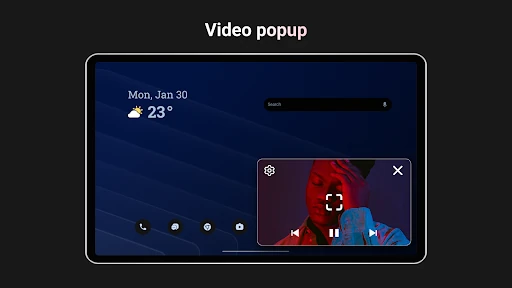
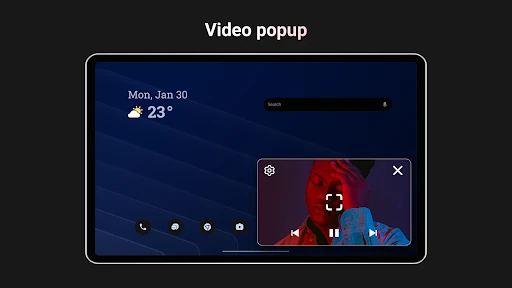
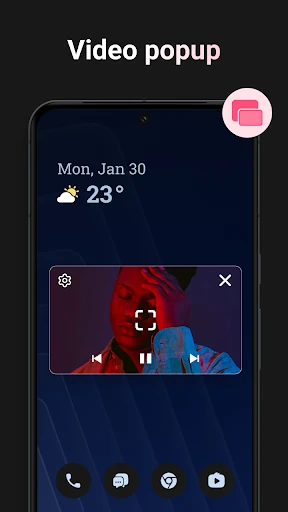
- Picture-in-Picture (PiP) Popup: Addresses the need for multitasking by allowing users to shrink their video into a stable, floating window that remains active while using other applications.
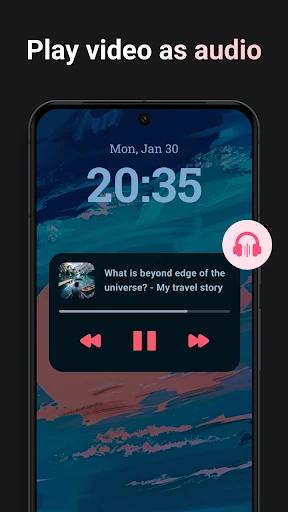
- Video-to-Audio Background Play: Solves the limitation of screen-on playback by allowing users to listen to videos as MP3s, complete with music-player animations, making it ideal for podcasts and music videos.
🎨 User Experience & Design
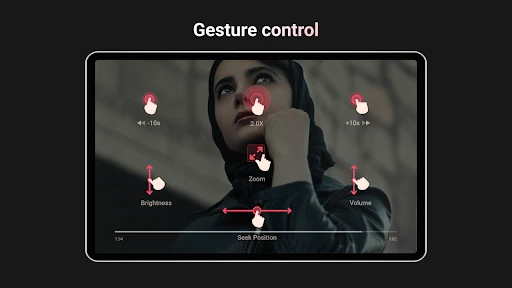
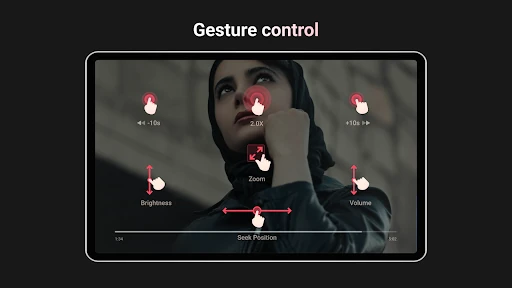
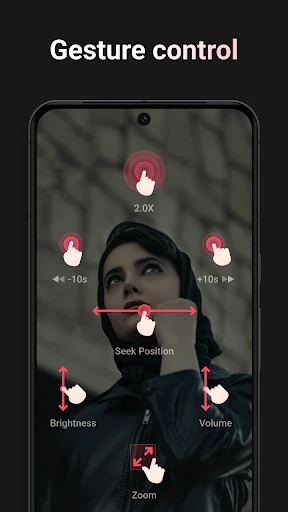
The UI of Lark Video Player is remarkably clean, adhering to a "light and stylish" aesthetic that prioritizes ease of access. The UX is heavily influenced by short-video platforms, utilizing smooth transitions and swiping mechanics that feel natural to modern mobile users. This immersive design language removes the friction usually associated with navigating large offline directories. By maintaining a small installation footprint, the app ensures that the interface remains snappy and responsive even on devices with limited hardware resources.
⚖️ Pros & Cons Analysis
- ✅ The Good: Intelligent auto-categorization that significantly reduces the time spent on manual file management.
- ✅ The Good: Versatile hybrid functionality that serves as both a high-quality video player and a dedicated offline music player.
- ❌ The Bad: The app is strictly focused on offline playback, lacking integrated support for cloud storage or network streaming (DLNA/SMB).
- ❌ The Bad: Missing advanced post-processing features like manual color grading or video trimming found in more "editor-centric" competitors.
🛠️ Room for Improvement
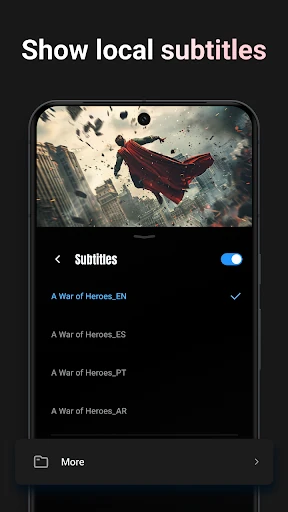
For future updates, the inclusion of an integrated subtitle downloader and support for localized network streaming would greatly appeal to power users. Additionally, adding basic editing features—such as the ability to trim clips or export audio segments directly—would further solidify its standing in the Video Players & Editors space.
🏁 Final Conclusion & Recommendation
Lark Video Player is a top-tier choice for users who maintain a large collection of local media and value organizational efficiency over streaming features. It is particularly well-suited for users in regions with intermittent internet access or those looking to save data. If you are looking for a stylish, "smart" hub to manage your offline videos and music without the clutter of traditional file managers, this app is highly recommended.