
Concepts: Sketch, Note, Draw
TopHatch, Inc.
Downloads
5,000,000+
Version
Latest
Advertisement
Click to download now, finish the installation quickly, and directly unlock the "all-round experience"
Advertisement
Screenshots
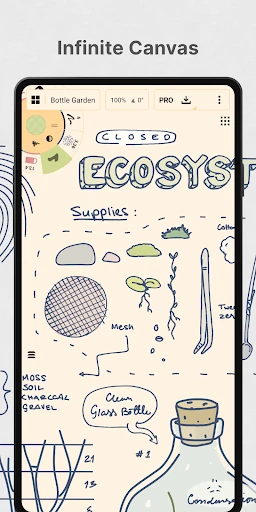
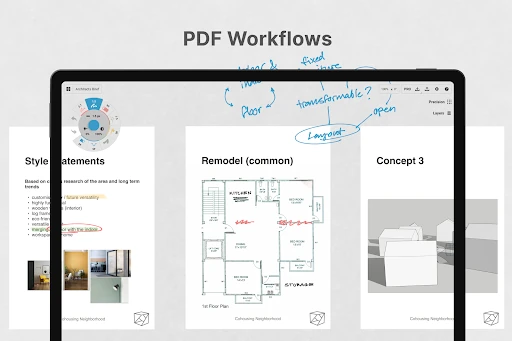
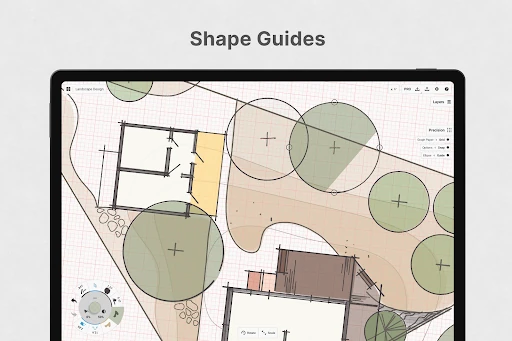
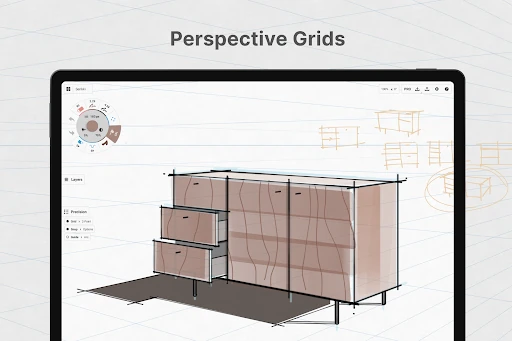
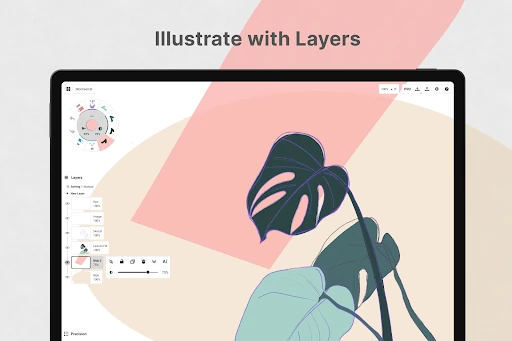
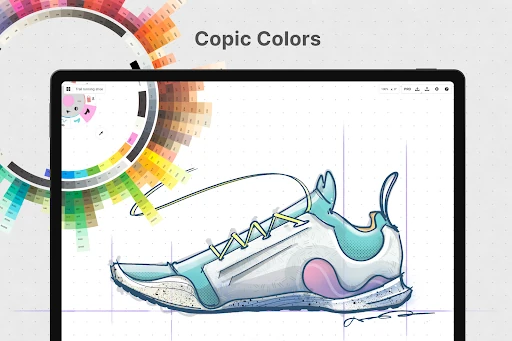
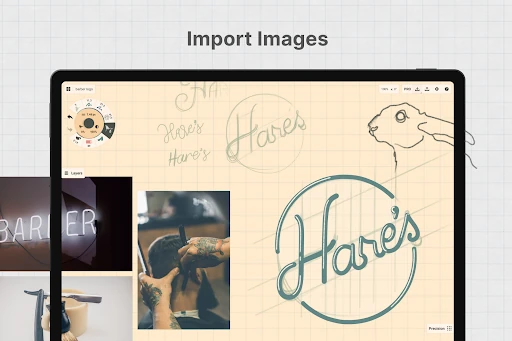
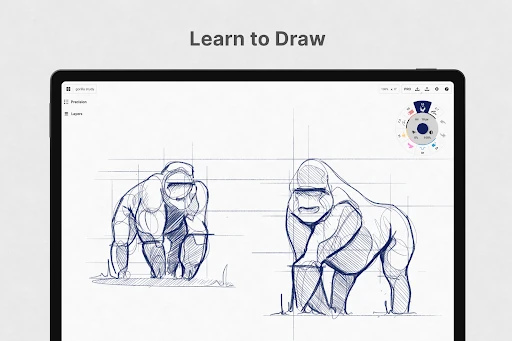
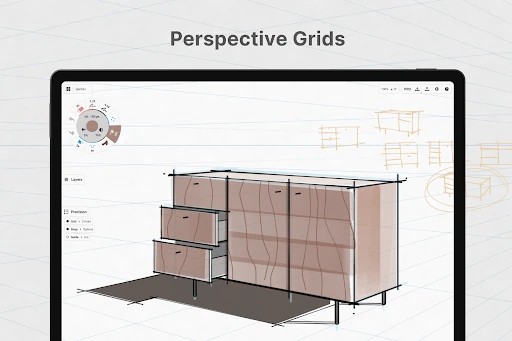
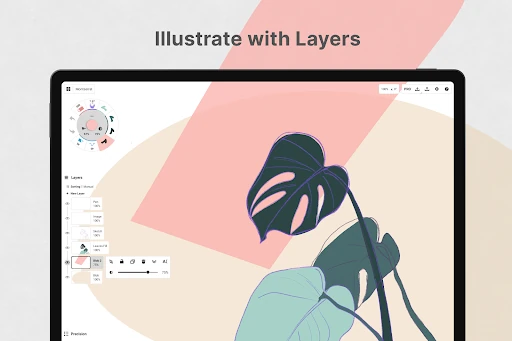
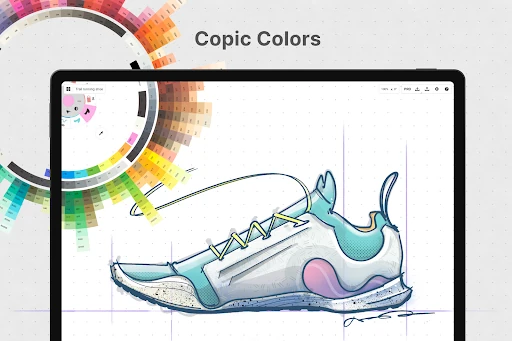
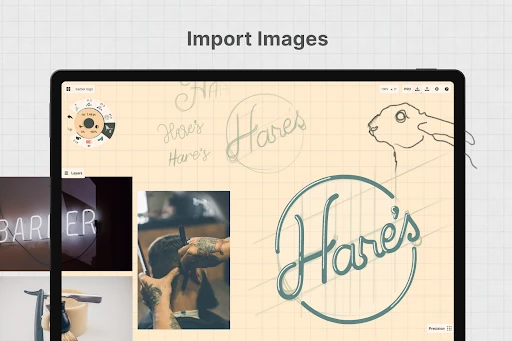
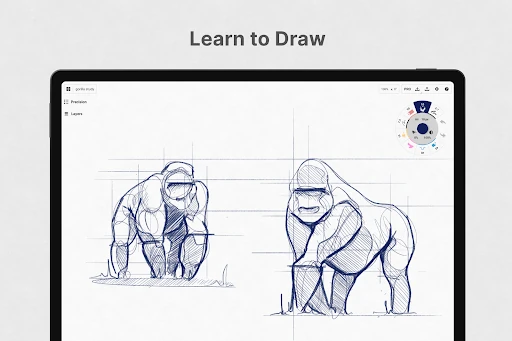
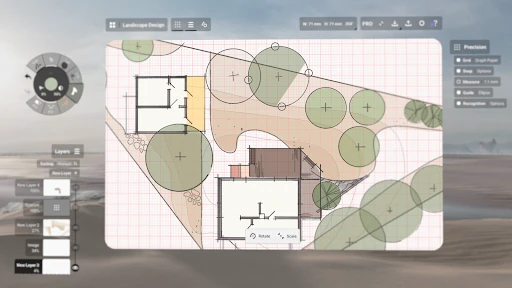
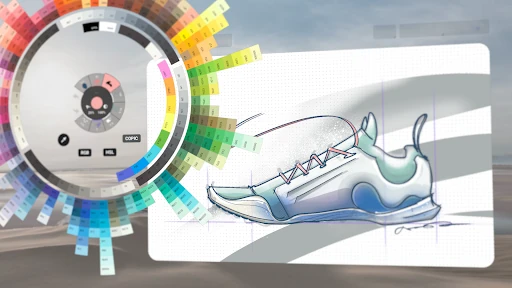
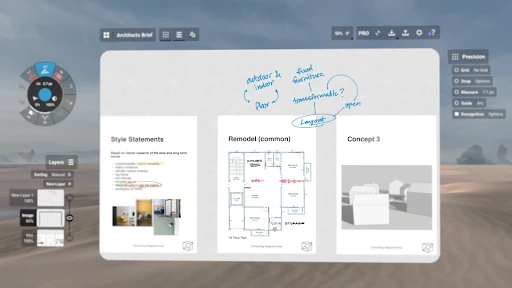
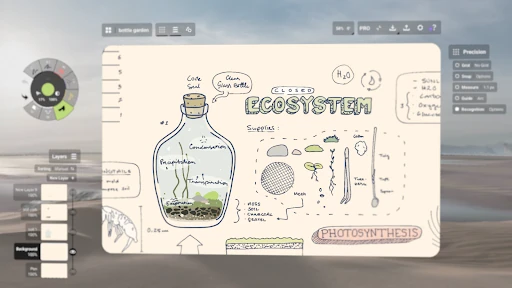
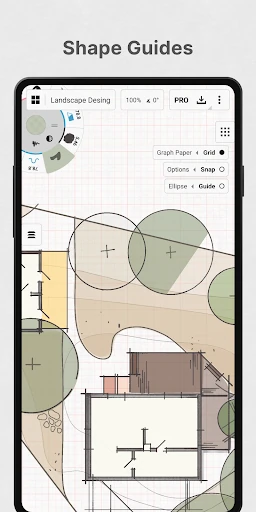
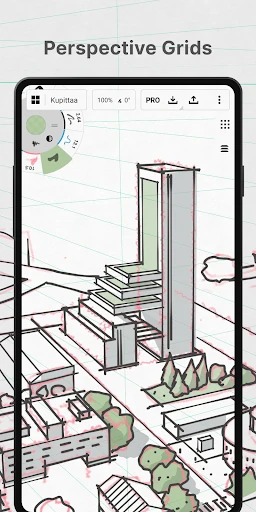
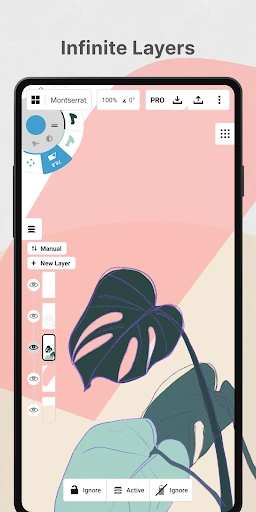
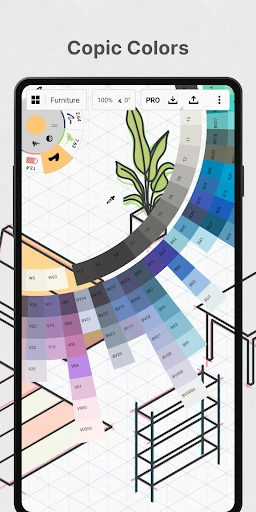

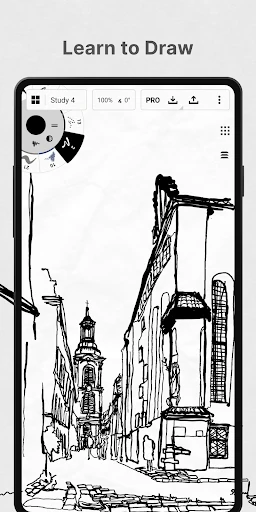
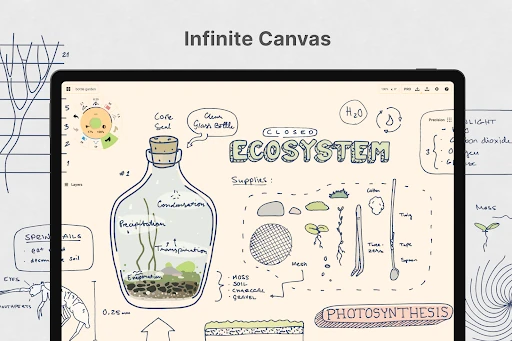
Click to download now, finish the installation quickly, and directly unlock the "all-round experience"
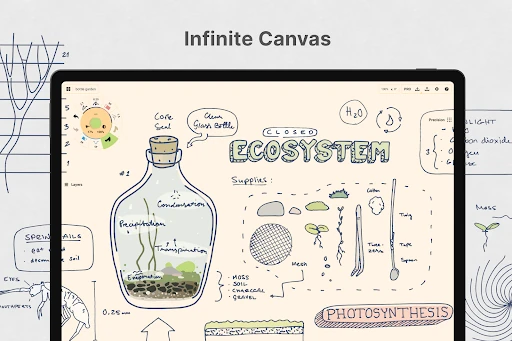
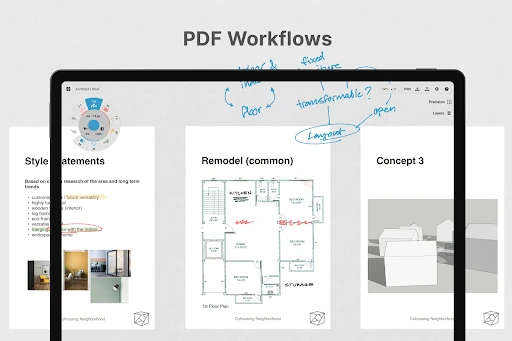
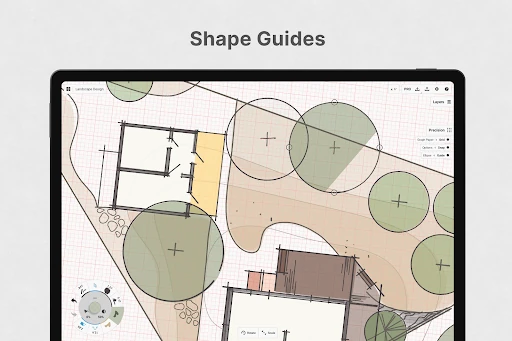
Concepts: Sketch, Note, Draw represents a sophisticated evolution in the Art & Design landscape, positioning itself as a premier vector-based workspace for high-level ideation. Unlike traditional raster painting apps, Concepts focuses on the "flexible" nature of design, allowing creators to bridge the gap between initial brainstorming and professional production. Utilized by industry titans like Disney and Google, it offers a unique value proposition: the freedom of a sketchbook combined with the surgical precision of vector mathematics. It is an essential tool for architects, product designers, and visual thinkers who require more than a static canvas.
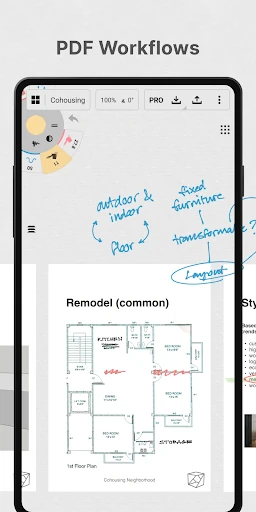
The UI of Concepts is a masterclass in minimalist, functional design. By utilizing a circular tool wheel that can be tucked into corners, the app maximizes the visible workspace—a critical factor for mobile and tablet users. The UX is heavily optimized for pen-enabled devices and Chrome OS, resulting in near-zero latency that mimics the tactile response of physical media. The learning curve is managed through an intuitive gesture system, though the depth of its vector manipulation tools requires some initial experimentation for users transitioning from standard pixel-based drawing apps.
To further solidify its market lead, Concepts should consider a unified "one-time purchase" license that syncs across all platforms, similar to how the subscription model functions. Additionally, integrating more robust in-app interactive tutorials for the "Nudge" and "Slice" tools would help bridge the technical gap for hobbyist users who find vector manipulation unintuitive at first glance.
Concepts: Sketch, Note, Draw is the definitive choice for professional designers, architects, and visual storytellers who value flexibility and precision. It is best suited for users who need to iterate rapidly and scale their ideas from small screen doodles to large-scale professional exports. While the subscription is necessary for the full cross-platform experience, the power of its vector engine makes it a top-tier recommendation for any serious creative professional.