Advertisement
Click to download now, finish the installation quickly, and directly unlock the "all-round experience"
Advertisement
Screenshots
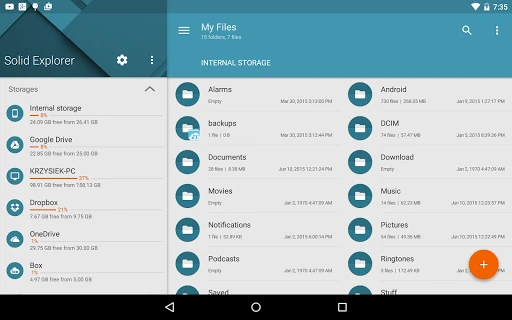
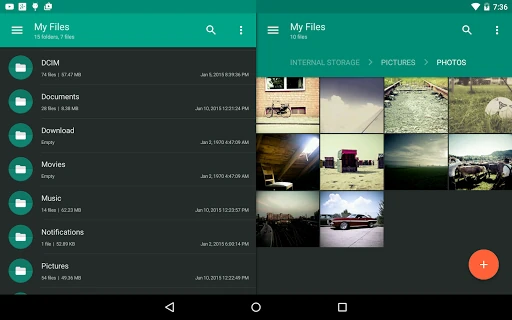
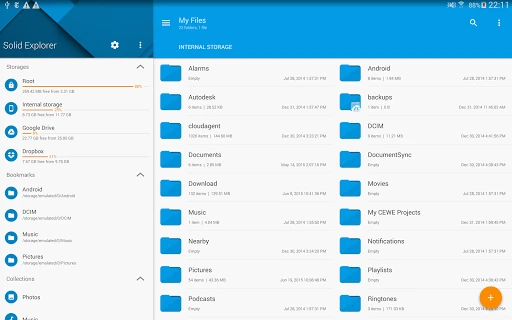
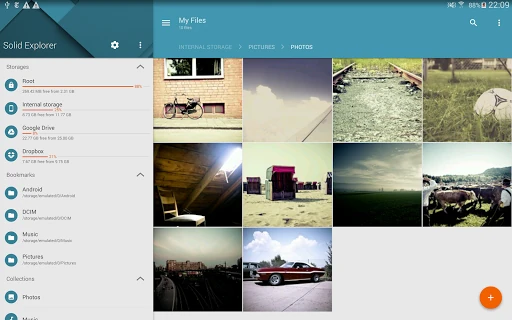
Click to download now, finish the installation quickly, and directly unlock the "all-round experience"
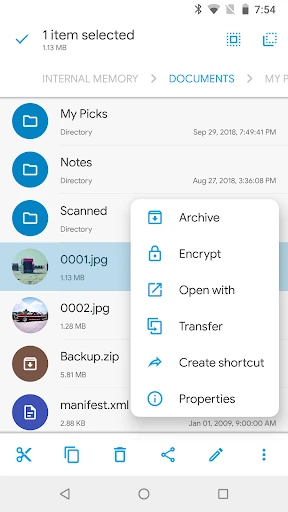
Solid Explorer File Manager is a sophisticated powerhouse in the Productivity landscape, widely recognized as the gold standard for Android file management. By reviving the efficiency of "old school" dual-pane file commanders and blending them with modern Material Design, it offers a professional-grade tool that surpasses stock file explorers in every metric. For users who treat their mobile devices as genuine workstations, Solid Explorer provides the necessary bridge between mobile portability and desktop-class file manipulation.
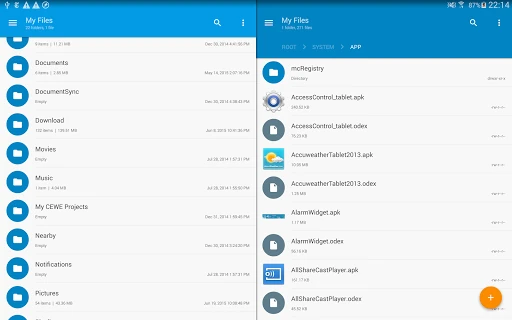
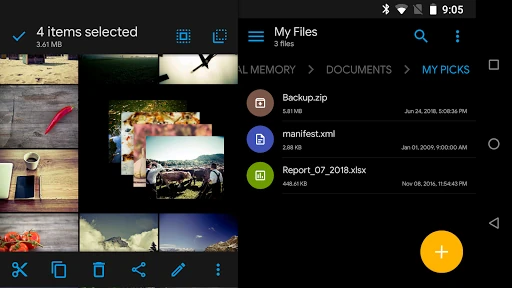
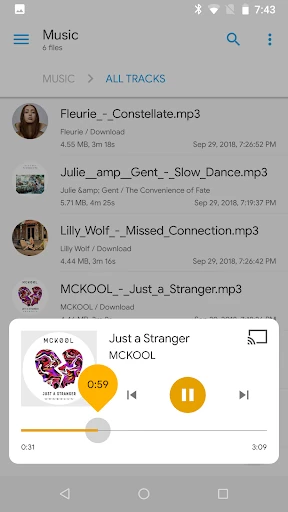
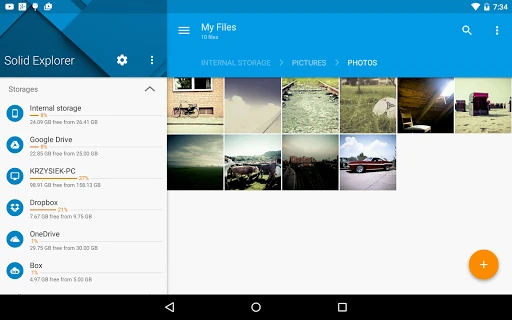
The interface of Solid Explorer is a masterclass in functional UI design. It adheres strictly to modern design principles, offering a clean, clutter-free environment that remains highly customizable through themes and icon sets. The dual-pane UX is particularly effective on tablets and Chromebooks, where it utilizes the additional screen real estate to mimic a desktop environment. Navigation is fluid, and the inclusion of internal viewers for media and text ensures a cohesive experience that keeps the user focused on their task rather than jumping between different applications.
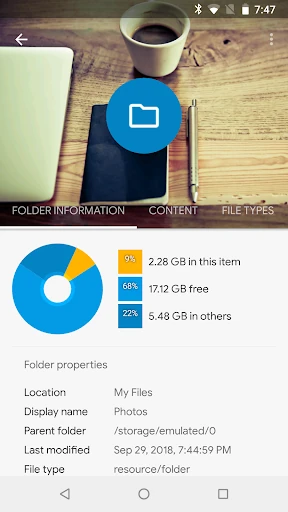
To further solidify its lead in the Productivity category, the developers could integrate a more visual storage analyzer, such as a "sunburst" or "treemap" chart, to help users identify large files at a glance. Additionally, bringing all cloud provider support into the core app—rather than requiring separate plugins—would simplify the user experience for those who rely on diverse storage ecosystems.
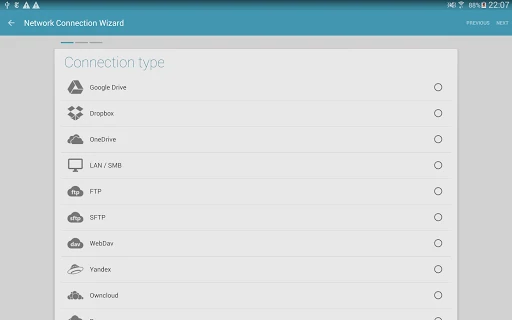
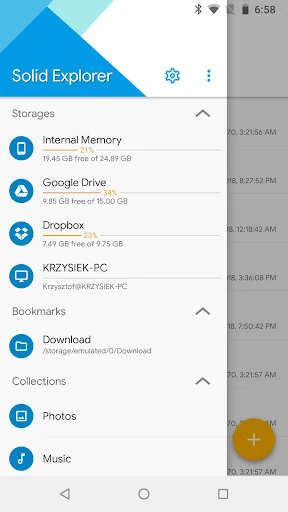
Solid Explorer File Manager is specifically built for power users, IT professionals, and digital hoarders who require total control over their file architecture. It is the most robust and secure file management solution available on the Google Play Store today. If you need more than just basic file viewing—particularly if you manage files across local, network, and cloud storage—this is an essential installation for your productivity toolkit.