Advertisement
Click to download now, finish the installation quickly, and directly unlock the "all-round experience"
Advertisement
Screenshots
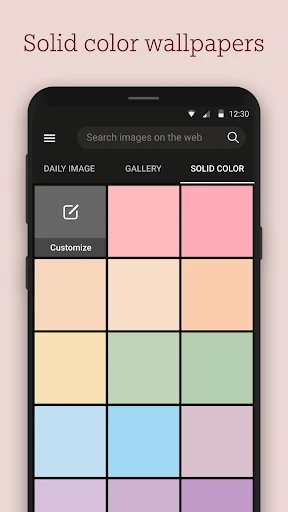
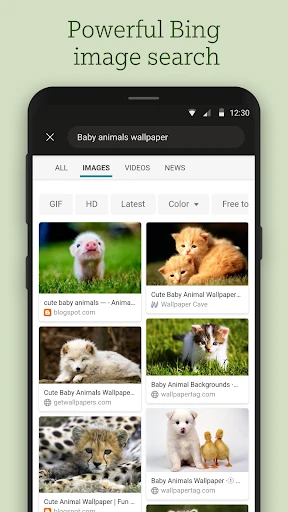
Click to download now, finish the installation quickly, and directly unlock the "all-round experience"
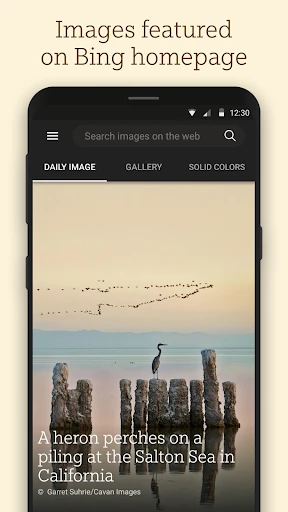
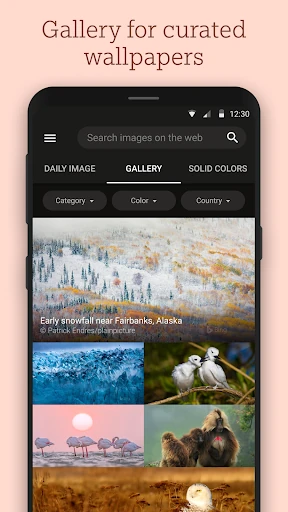
Bing Wallpapers is a premier entry in the Personalization category, leveraging Microsoft's vast, decade-long archive of high-quality homepage imagery. In a market saturated with low-resolution and generic background apps, Bing Wallpapers stands out by treating the mobile screen as a digital gallery. It successfully bridges the gap between a utility tool and an educational platform, providing professional-grade photography with deep contextual storytelling. For users seeking a sophisticated and dynamic visual experience, it represents one of the most authoritative and reliable options available.
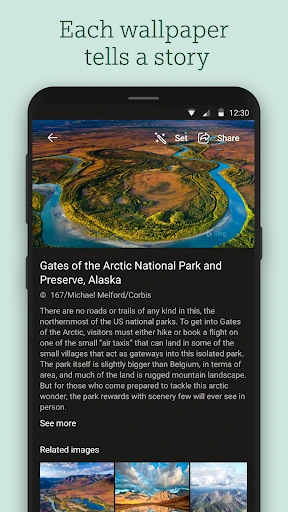
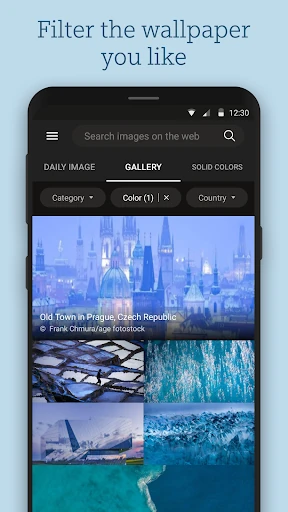
The UI/UX design of Bing Wallpapers is rooted in a "content-first" philosophy. The interface is remarkably clean, utilizing a minimalist layout that allows the high-resolution imagery to take center stage. Navigation is intuitive, following modern Android design standards with smooth transitions and responsive filtering. The experience of discovering the "story" behind an image is integrated naturally into the browsing flow, making the app feel premium and well-engineered. It avoids the cluttered, ad-heavy interface common in the Personalization category, offering a professional environment that mirrors the Bing homepage's own aesthetic.
To further elevate the user experience, Microsoft should consider adding a "Depth Effect" or "Blur" toggle to help app icons stand out against detailed photographic backgrounds. Additionally, implementing a cross-device "Favorites" sync via a Microsoft account would allow users to curate a personal collection that follows them from phone to tablet or desktop.
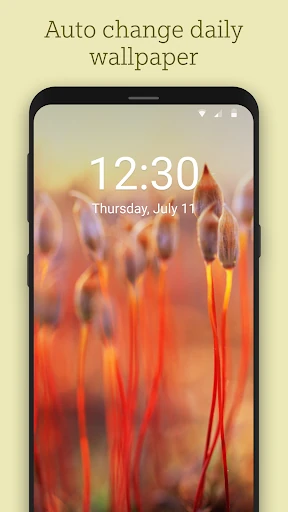
Bing Wallpapers is the ideal solution for nature lovers, photography enthusiasts, and professionals who want a refined, high-quality aesthetic for their mobile devices. It is particularly well-suited for users who prefer a "set it and forget it" approach to customization. If you appreciate the story behind the lens and demand professional-grade clarity, this app is a highly recommended addition to your device.