Advertisement
Click to download now, finish the installation quickly, and directly unlock the "all-round experience"
Advertisement
Screenshots
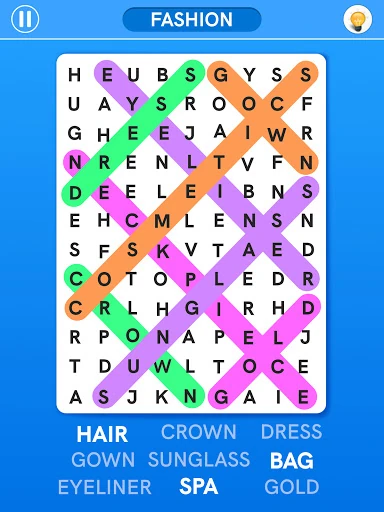
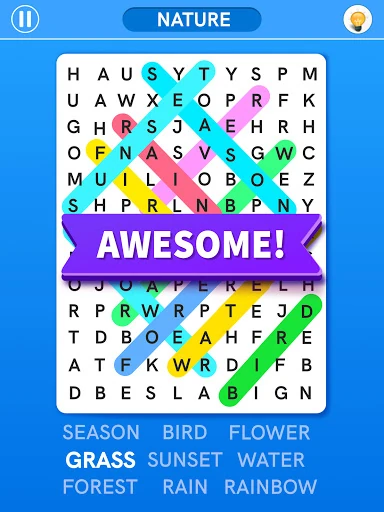
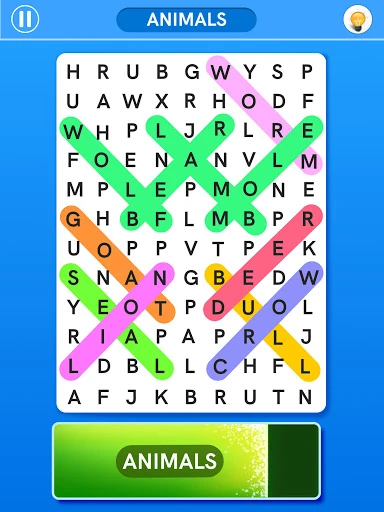
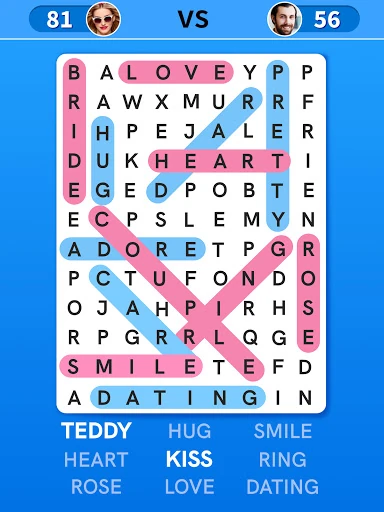
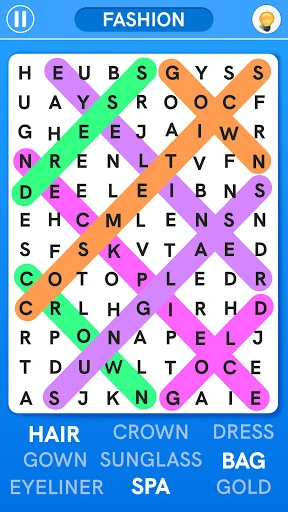
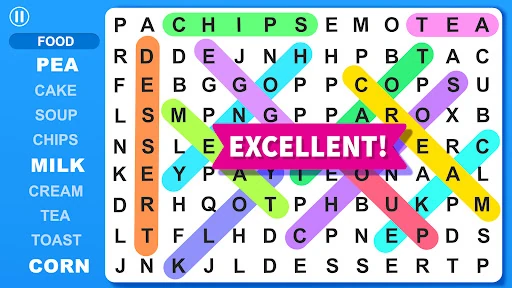
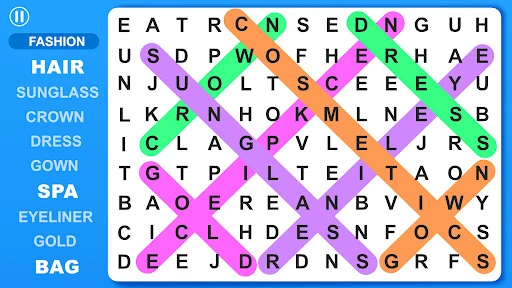
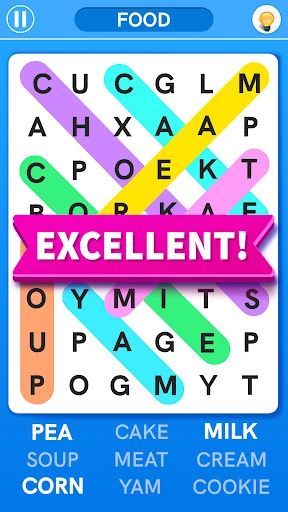
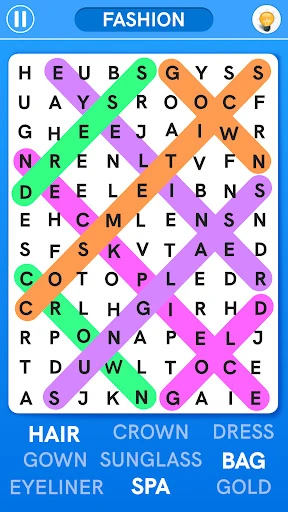
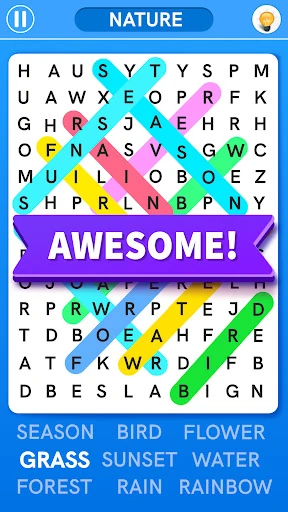
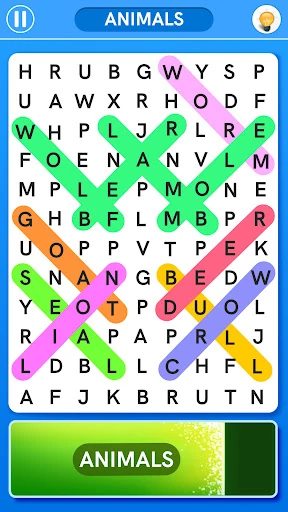
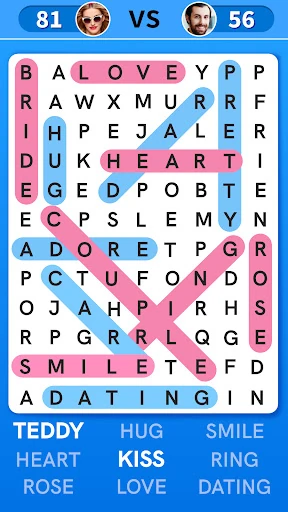
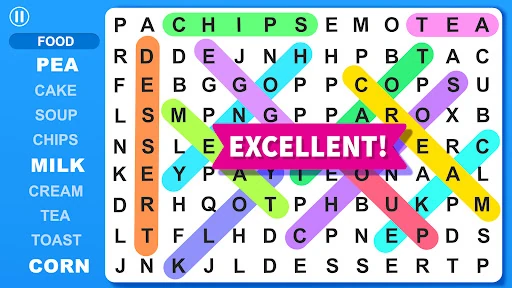
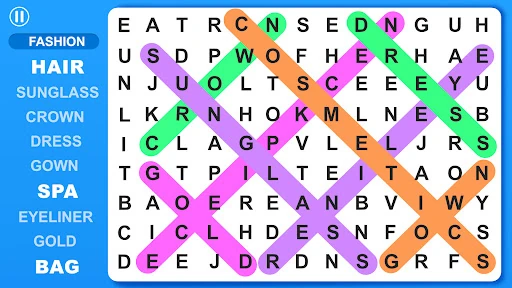
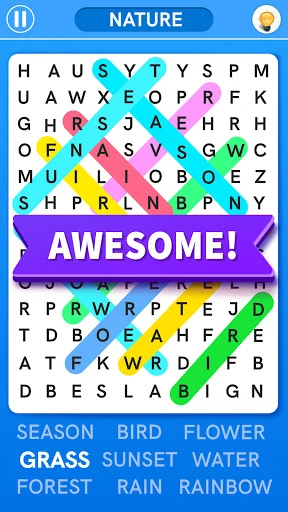
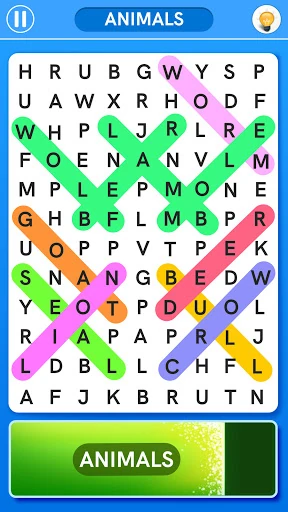
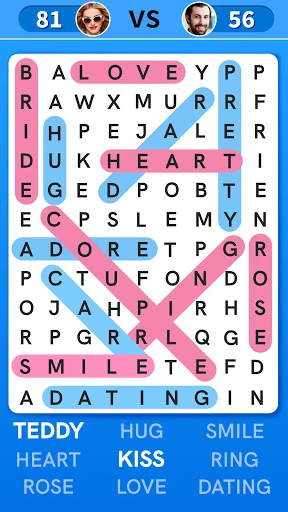
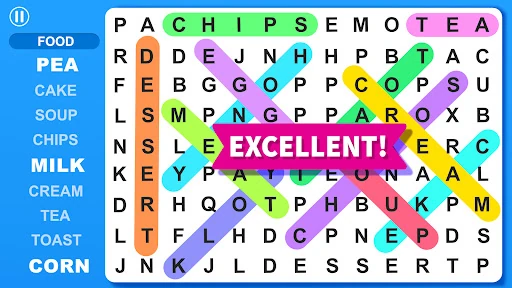
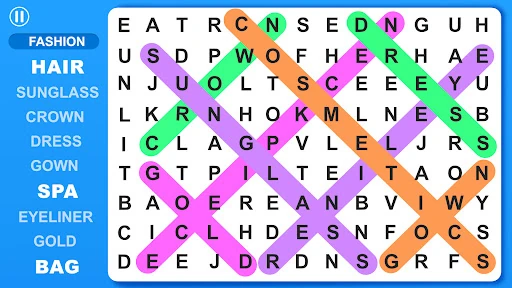
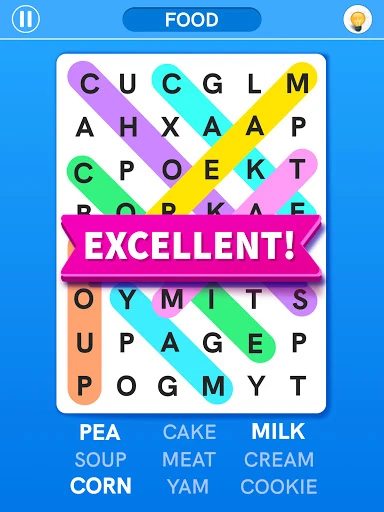
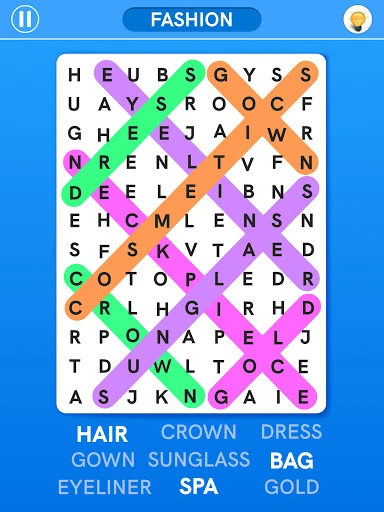
Click to download now, finish the installation quickly, and directly unlock the "all-round experience"
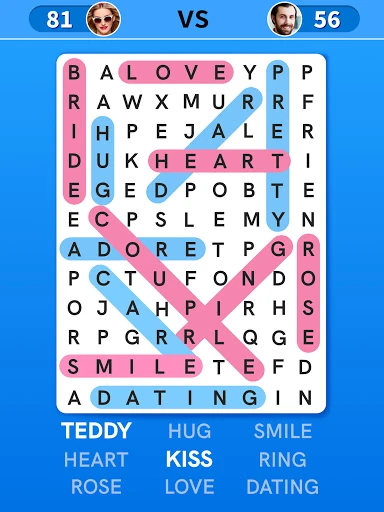
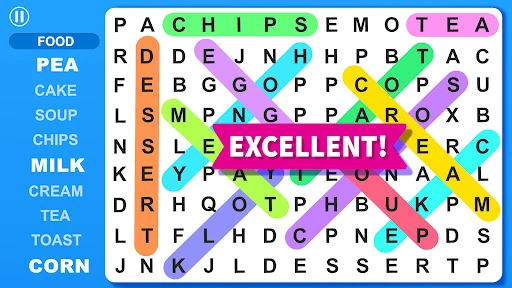
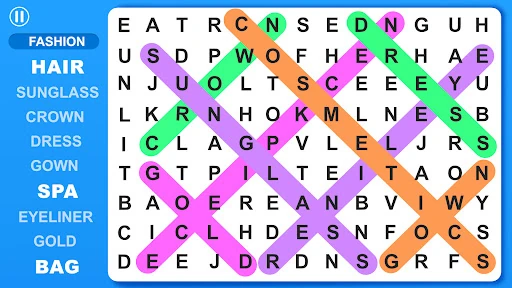
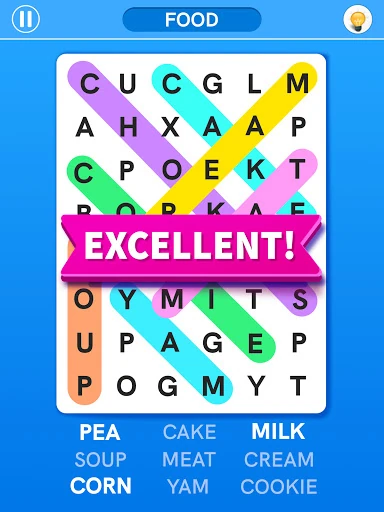
Word Search Games: Word Find is a comprehensive and polished entry into the competitive Word category on the Google Play Store. Positioned as both an educational tool and a leisure activity, the app successfully modernizes the traditional pen-and-paper word search experience. By offering a library of over 10,000 words across 50 categories, it provides a high degree of replayability that few competitors can match. It fits into the word game landscape as a versatile "all-in-one" solution, catering to casual solo players, competitive spirits via multiplayer, and families seeking wholesome, age-appropriate content.
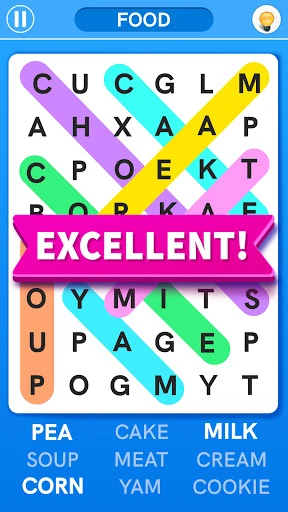
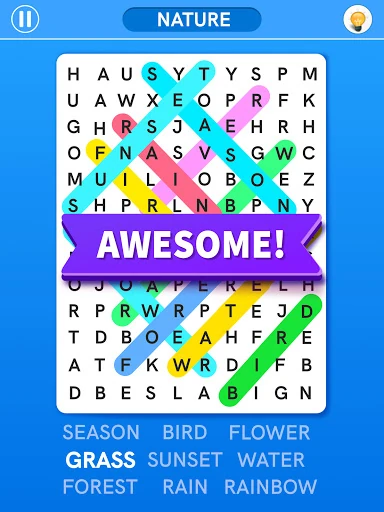
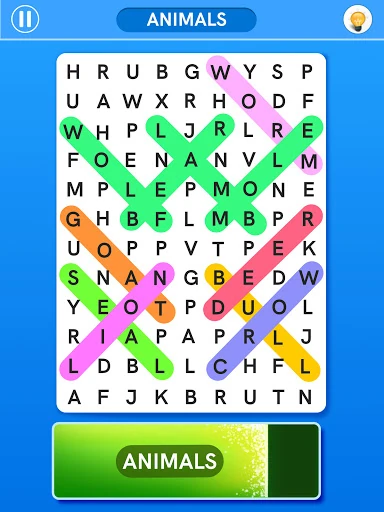
The UI design of Word Search Games: Word Find prioritizes legibility and ease of navigation, which is critical for a genre focused on letter identification. The interface is clean, avoiding the cluttered "ad-heavy" look that plagues many free-to-play puzzle games. From a UX perspective, the swipe mechanics are fluid and responsive, minimizing frustration during high-speed modes like "Up Words." The addition of profile customization and avatars adds a layer of personalization that encourages long-term user retention and emotional investment in the gameplay experience.
To further differentiate itself, the app could benefit from integrating a built-in dictionary or "definition pop-up" when a word is found, reinforcing its value as a learning tool. Additionally, implementing a "Daily Challenge" with unique rewards would enhance the daily active user (DAU) metrics by giving players a specific reason to return every 24 hours beyond general gameplay.
Word Search Games: Word Find is an ideal choice for "logophiles" (word lovers) and families alike. It is particularly well-suited for students looking to expand their vocabulary and seniors aiming to maintain cognitive sharpness. Our final recommendation is that this is a "must-download" for anyone seeking a pure, feature-rich word search experience that balances traditional mechanics with modern mobile conveniences.