Advertisement
Click to download now, finish the installation quickly, and directly unlock the "all-round experience"
Advertisement
Screenshots
Click to download now, finish the installation quickly, and directly unlock the "all-round experience"
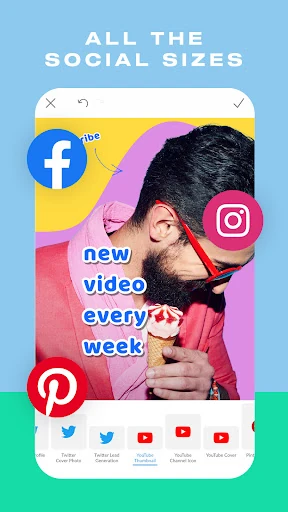
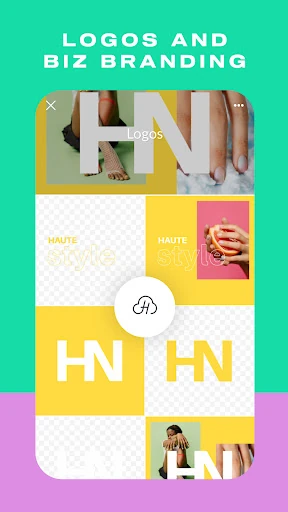
PicMonkey Photo Editor positions itself as a powerful bridge between traditional photo retouching and modern graphic design. In the competitive Photography landscape, it distinguishes itself by focusing on "result-driven" imagery—assets specifically designed to boost social media engagement and professional branding. While many apps focus solely on filters, PicMonkey provides a comprehensive toolkit for creators who need to balance aesthetic beauty with functional marketing utility, making it a versatile companion for the modern digital entrepreneur.
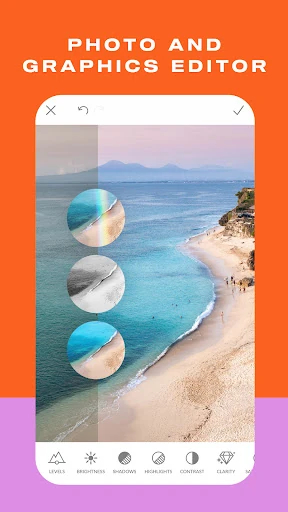
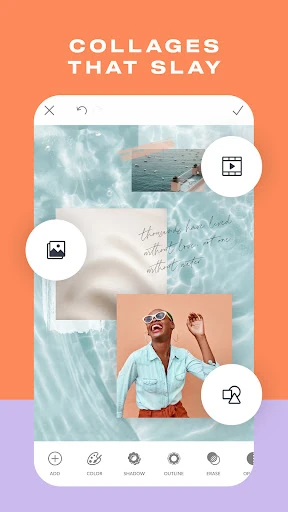
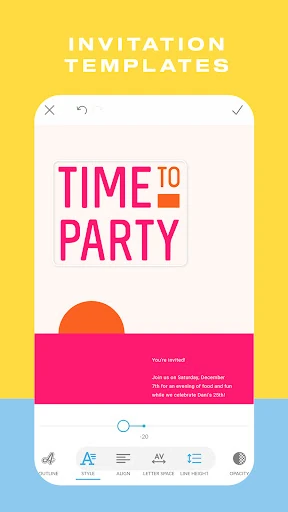
The interface of PicMonkey Photo Editor reflects a "mobile-first" philosophy, prioritizing speed and accessibility. The UX is anchored by the "Presto" adjustment tool, which caters to the photography category's standard for quick, one-tap enhancements. Navigation is intuitive, though the depth of features—ranging from drawing tools to transparency adjustments—requires a slight learning curve for novice users. The design succeeds in making complex graphic design tasks, like managing overlays and text layers, feel manageable on a handheld screen.
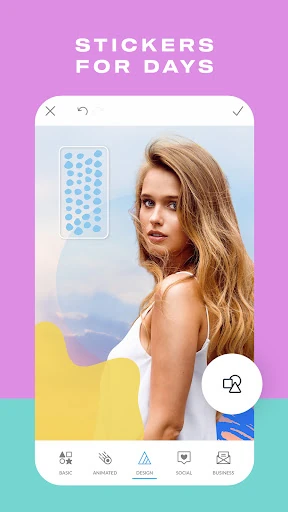
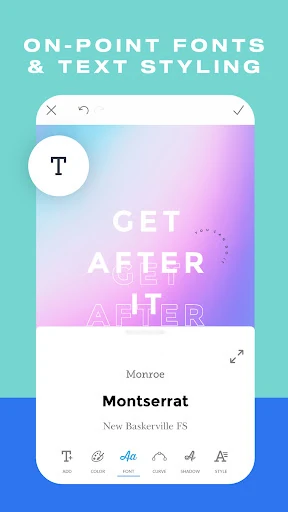
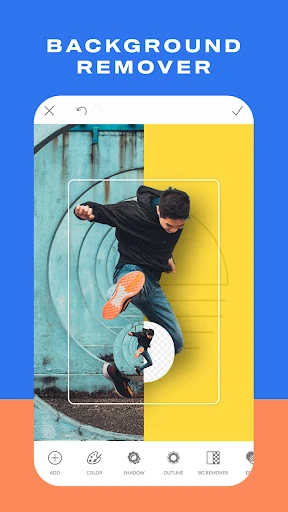
To further dominate the photography category, PicMonkey could benefit from more robust AI-driven features, such as automatic background removal or "smart" color matching between overlays and base photos. Additionally, expanding the library of free graphic stickers and font pairings would help retain casual users who may be deterred by the current subscription-heavy model.
PicMonkey Photo Editor is an ideal solution for social media managers, small business owners, and influencers who need to produce high-quality, branded content quickly. It is less of a "filter app" and more of a "design studio" in your pocket. While casual users might find the monetization of premium features a hurdle, the app's professional-grade output makes it a top-tier recommendation for anyone serious about their digital presence.