Advertisement
Click to download now, finish the installation quickly, and directly unlock the "all-round experience"
Advertisement
Screenshots
Click to download now, finish the installation quickly, and directly unlock the "all-round experience"
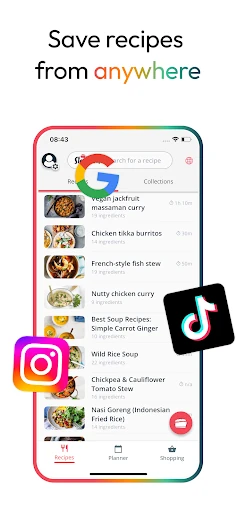
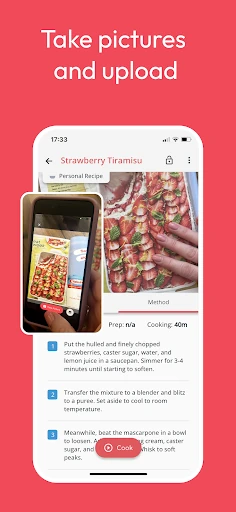
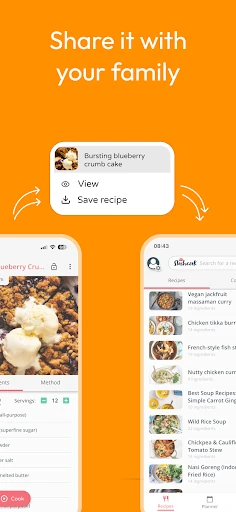
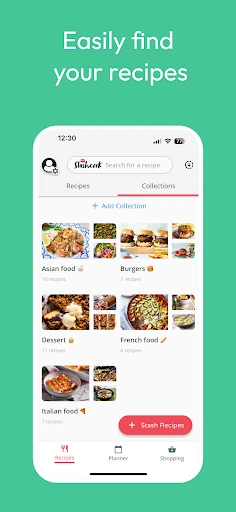
Meal Planner & Recipe Keeper, known commercially as Stashcook, serves as a high-utility bridge between digital recipe discovery and practical kitchen execution. In the saturated Food & Drink landscape, it distinguishes itself by focusing on a "clean" utility model rather than an ad-heavy social platform. By centralizing recipes from fragmented sources like TikTok, Instagram, and traditional web blogs into a unified digital recipe book, it solves the primary pain point of modern home cooks: recipe fragmentation. It is an authoritative tool for those who prioritize organization and efficiency over community-driven bloat.
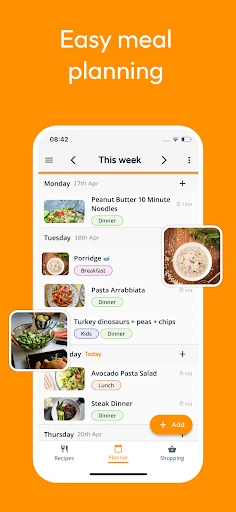
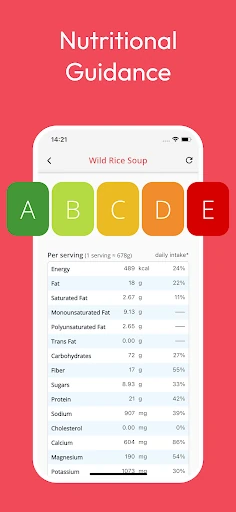
The UI of Stashcook adheres to modern design principles, favoring a minimalist aesthetic that avoids the clutter typical of recipe-sharing apps. The UX is clearly built with the "messy kitchen" environment in mind—specifically the Cook Mode, which prevents screen timeouts. Navigation is intuitive, relying on a familiar "Stash, Plan, Cook" workflow that reduces the learning curve for new users. The integration of nutritional data is handled with subtlety, providing value without overwhelming the core utility of the app.
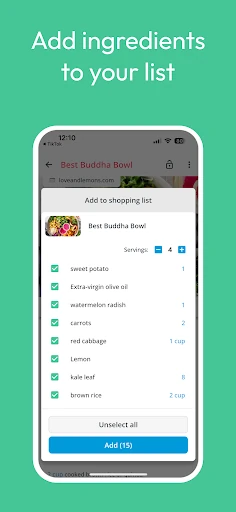
Future updates would benefit from an integrated pantry inventory system. Allowing users to track what ingredients they already have on hand would close the loop between the shopping list and the recipe keeper, further reducing food waste. Additionally, incorporating AI-driven meal suggestions based on "soon-to-expire" ingredients already stashed in the user's digital pantry would elevate the app's utility to the next level.
Meal Planner & Recipe Keeper is an essential tool for the organized home cook and busy families who find themselves overwhelmed by saved links across multiple social platforms. It is best suited for users who want a "single source of truth" for their culinary life. We highly recommend this app for anyone looking to transition from chaotic bookmarking to a structured, efficient meal prep routine.