Advertisement
Click to download now, finish the installation quickly, and directly unlock the "all-round experience"
Advertisement
Screenshots
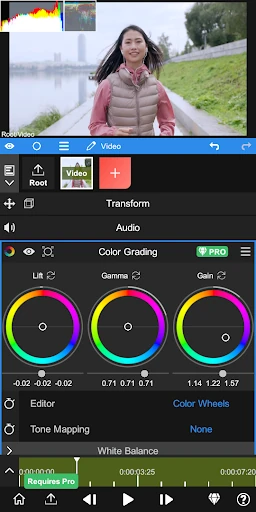
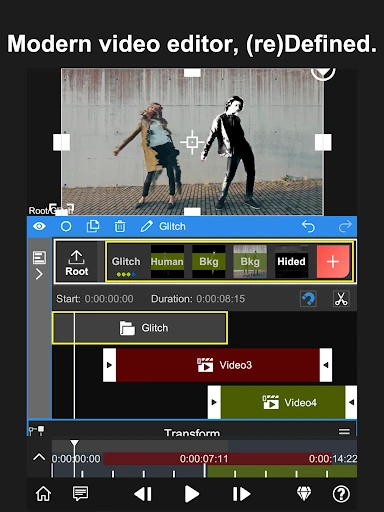
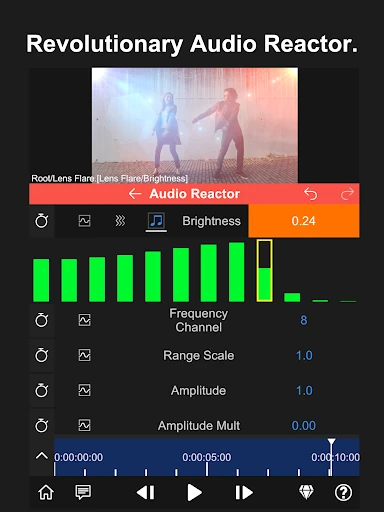
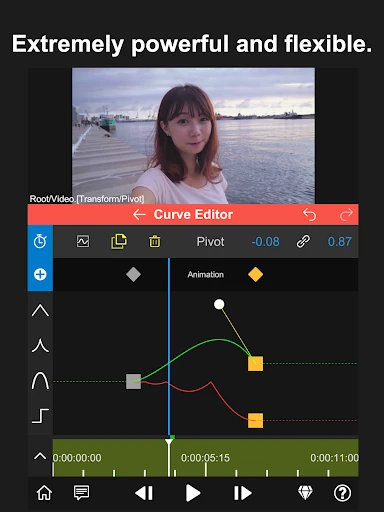
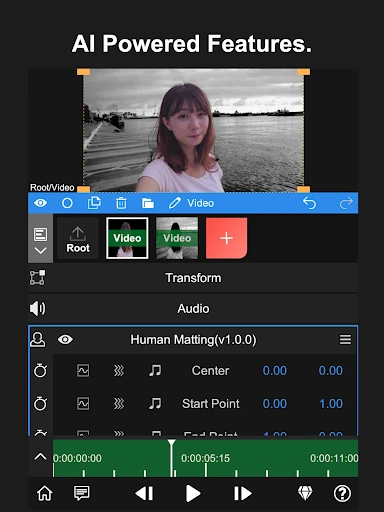
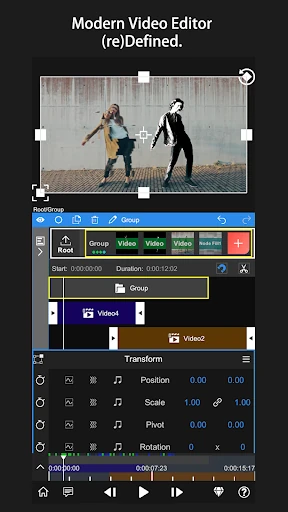
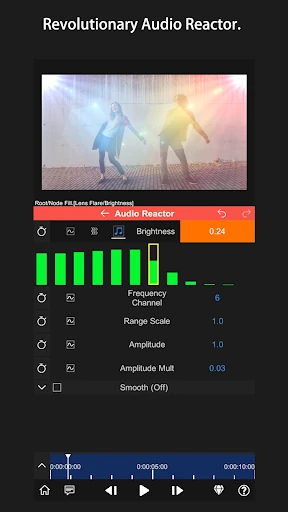
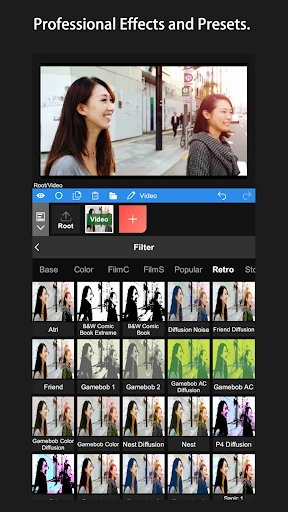
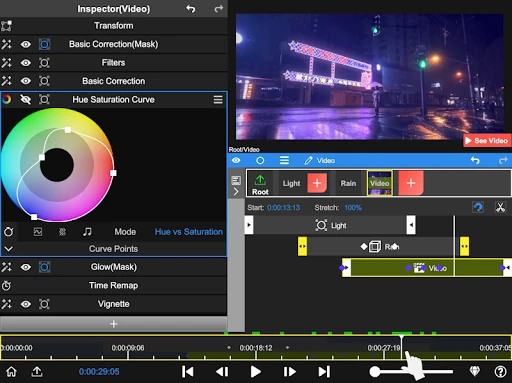
Click to download now, finish the installation quickly, and directly unlock the "all-round experience"
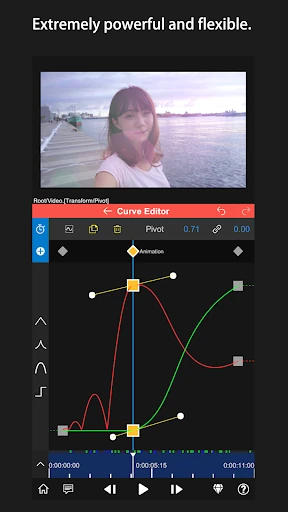
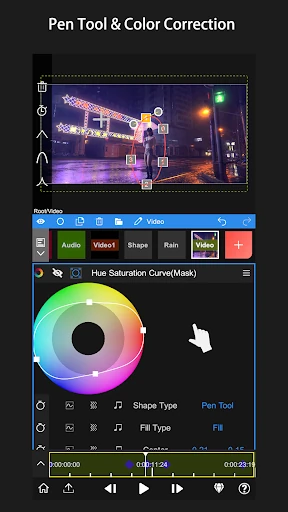
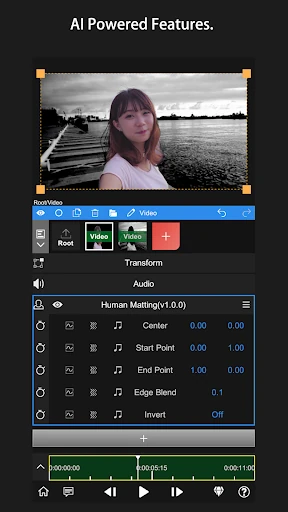
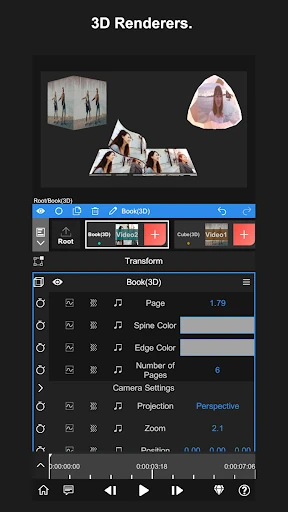
Node Video establishes itself as a powerhouse in the Video Players & Editors landscape, positioning itself not just as a casual editing tool but as a mobile-first professional workstation. While the market is flooded with automated, template-driven editors, Node Video distinguishes itself by offering granular, desktop-grade control. It successfully bridges the gap between mobile convenience and high-end post-production, making it a "secret weapon" for creators who require advanced technical capabilities like motion tracking and frame interpolation without being tethered to a desktop PC.
The UI/UX of Node Video is clearly designed for the "power user." Eschewing the simplified sliders common in entry-level apps, the interface adopts a logic closer to professional suites like After Effects. While this presents a steeper learning curve for beginners, it offers unparalleled flexibility for seasoned editors. The layout maximizes screen real estate for the timeline and preview window, though the density of features may feel overwhelming on smaller smartphone screens. It is a functional, "pro-studio" aesthetic that prioritizes utility over visual hand-holding.
To enhance its market position, Node Video could benefit from an integrated interactive tutorial system to guide novices through its more complex features. Additionally, implementing a "Simplified Mode" for quick edits could expand its user base without alienating professionals. Performance optimizations for mid-range devices would also help in making these high-end tools accessible to a broader demographic of creators.
Node Video is the definitive choice for professional videographers, motion designers, and serious content creators who need a "portable studio" in their pocket. It is not recommended for users seeking a quick social media filter app, but for those who want "Your creation, Your rules," it is an industry-leading tool. If you are willing to invest the time to master its interface, it is arguably the most powerful video editor currently available on the Google Play Store.