Screen Recorder - XRecorder
InShot Inc.
Downloads
100,000,000+
Version
Latest
Advertisement
Click to download now, finish the installation quickly, and directly unlock the "all-round experience"
Advertisement
Screenshots
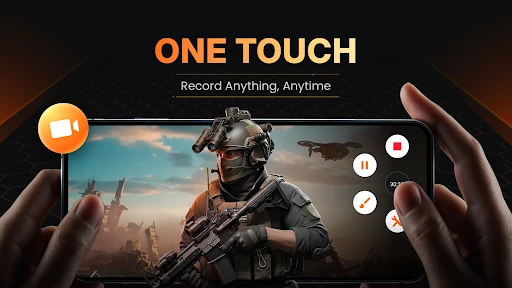
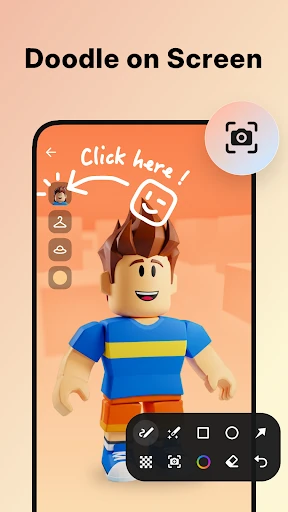
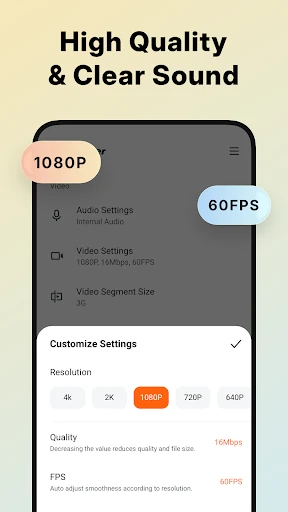
Click to download now, finish the installation quickly, and directly unlock the "all-round experience"
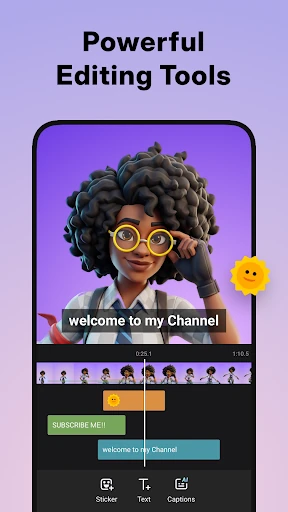
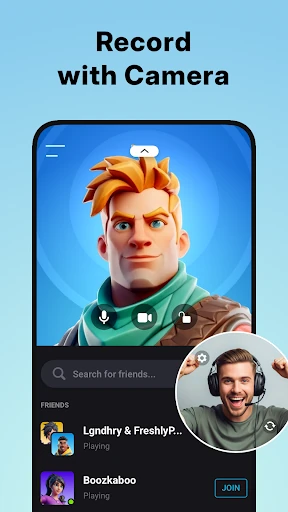
Screen Recorder - XRecorder stands as a powerhouse in the Video Players & Editors category, successfully bridging the gap between casual screen capture and professional-grade mobile production. In an ecosystem often hampered by intrusive branding and hardware limitations, XRecorder distinguishes itself by offering a high-performance, no-watermark solution that does not require root access. It serves as a comprehensive utility that addresses the needs of mobile gamers, educators, and content creators who demand fluid performance and high-fidelity output without the traditional hurdles found in stock recording tools.
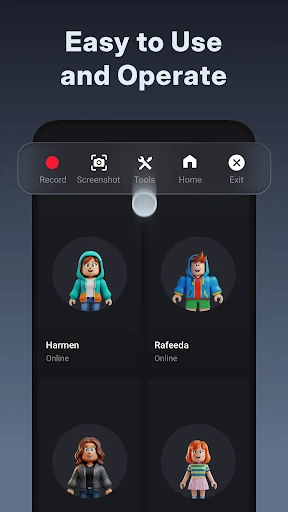
The user experience of XRecorder is built around a "floating ball" interface, a design choice that prioritizes accessibility while minimizing screen obstruction. This UI element allows for one-tap controls that are essential when the user is focused on gameplay or a complex tutorial. Within the app, the layout is clean and follows modern Android design principles, making navigation through the video library and settings menu intuitive. While the feature set is dense, the categorization of tools—separating recording settings from editing functions—ensures that the interface remains manageable for both novice users and power users who require granular control over bitrates and frame rates.
To further solidify its position as a market leader, XRecorder could benefit from more advanced multi-track audio editing, allowing users to balance microphone and system audio levels separately after recording. Additionally, integrating cloud storage synchronization would provide a valuable safety net for creators who manage large video projects and need to free up local device storage without losing their work.
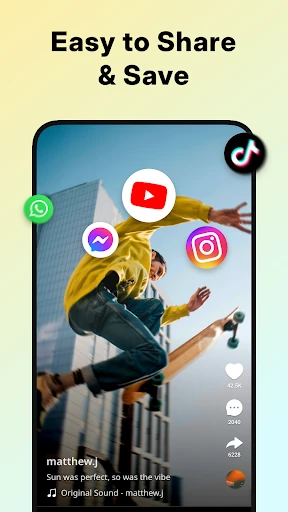
Screen Recorder - XRecorder is the definitive tool for mobile content creators, gamers, and educators who need a reliable, high-performance recording solution. Its lack of restrictive watermarks and its robust editing suite make it a top-tier choice in the Video Players & Editors landscape. Whether you are looking to record high-octane gameplay or a simple "how-to" video, XRecorder provides the most comprehensive and user-friendly experience currently available on the Google Play Store.