Advertisement
Click to download now, finish the installation quickly, and directly unlock the "all-round experience"
Advertisement
Screenshots
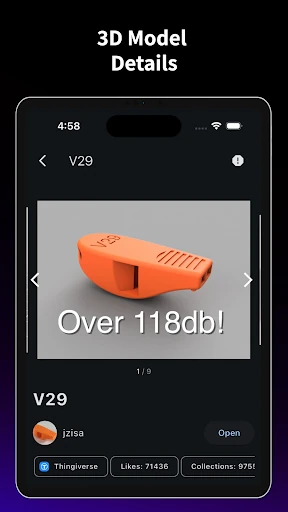
Click to download now, finish the installation quickly, and directly unlock the "all-round experience"
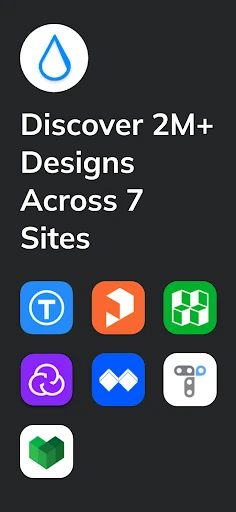
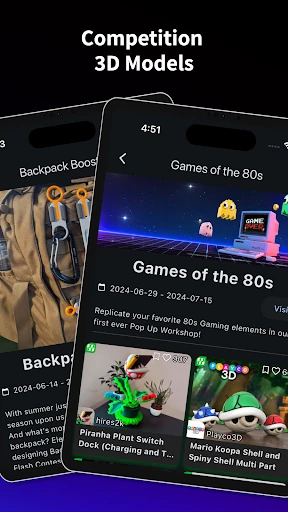
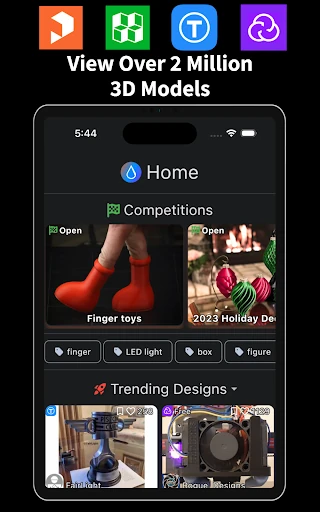
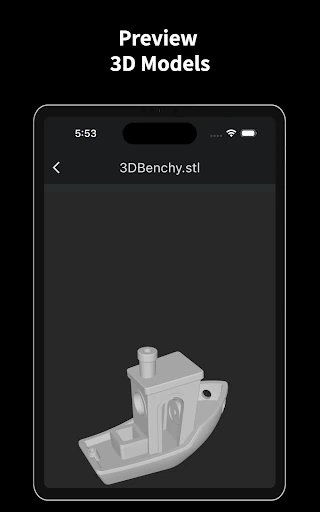
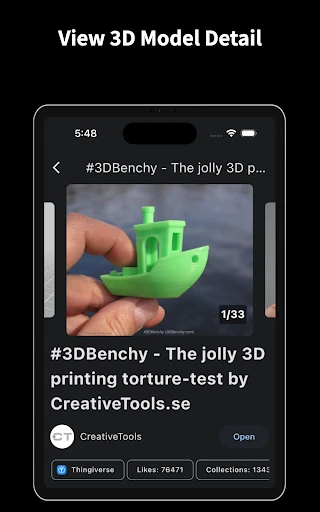
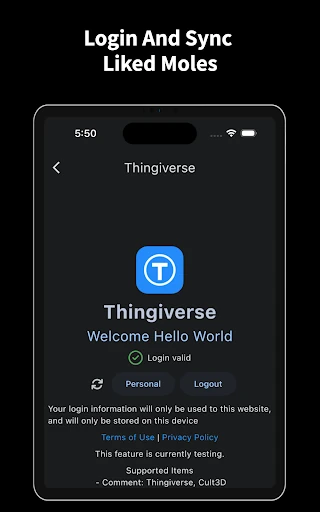
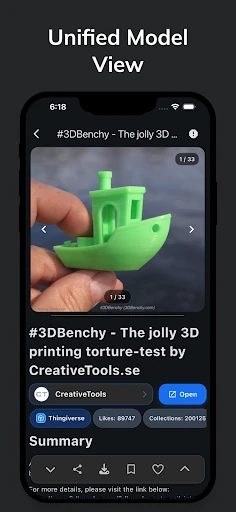
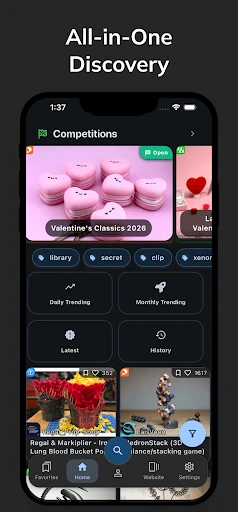
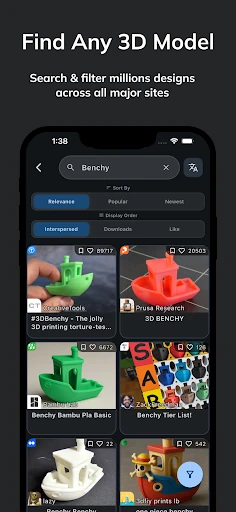
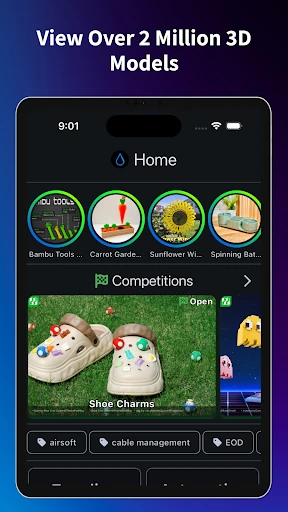
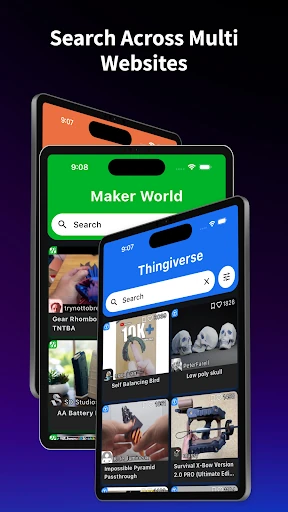
Thingiverse Printables | 3Drop stands out as a sophisticated utility within the Tools landscape, specifically engineered to solve the fragmentation problem inherent in the 3D printing ecosystem. Instead of forcing users to navigate through a dozen browser tabs across competing repositories, 3Drop functions as a centralized command center for model discovery and management. It is a high-utility aggregator that prioritizes workflow efficiency, making it an essential installation for both casual hobbyists and professional makers who value a streamlined "search once, find everywhere" approach.
The UI of 3Drop is a testament to modern Android design standards, featuring full support for Material You and dynamic color theming. Unlike many tool-category apps that sacrifice aesthetics for function, 3Drop offers a highly customizable interface where users can adjust grid density, image fit, and card layouts. The UX is intuitive, utilizing familiar navigation patterns that make transitioning between a Thangs search and a Thingiverse profile feel seamless. The performance is optimized for quick scrolling through image-heavy feeds, which is critical for a visual-first discovery app.
To further solidify its position as the ultimate maker tool, 3Drop could benefit from direct integration with slicer software or remote printing interfaces like OctoPrint and Mainsail. Adding a feature to "Send to Slicer" via local network or cloud API would bridge the gap between model discovery and the actual physical printing process, creating a true end-to-end workflow.
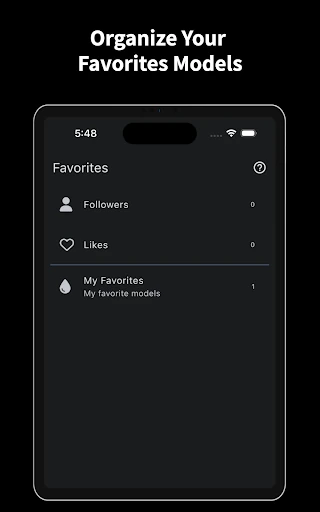
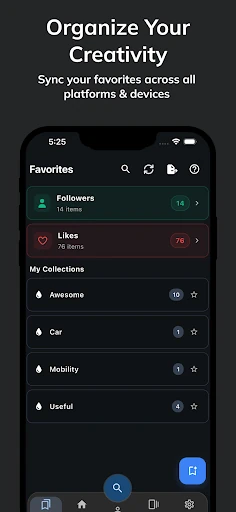
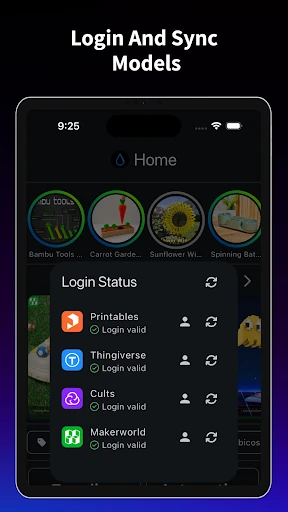
Thingiverse Printables | 3Drop is the definitive "Swiss Army Knife" for the 3D printing community. It is primarily targeted at makers, designers, and hobbyists who have grown tired of the fragmented nature of the 3D model market. By unifying search, favorites, and account management, it transforms a tedious manual process into a polished mobile experience. If you own a 3D printer, this app is a mandatory addition to your digital toolkit.