
Advertisement
Click to download now, finish the installation quickly, and directly unlock the "all-round experience"
Advertisement
Screenshots
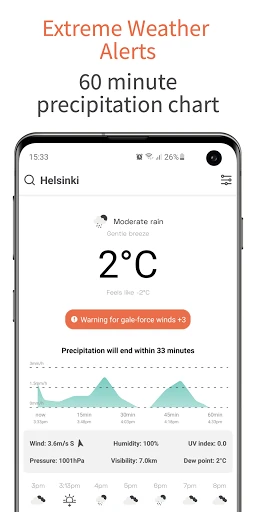
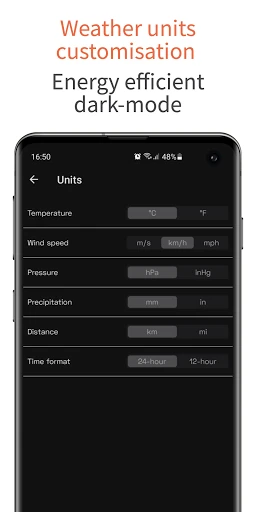
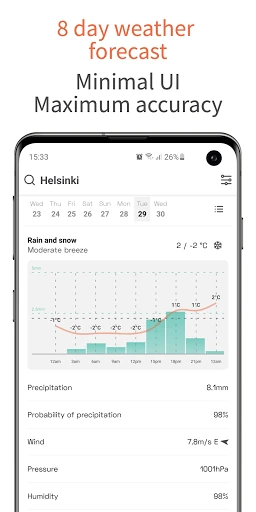
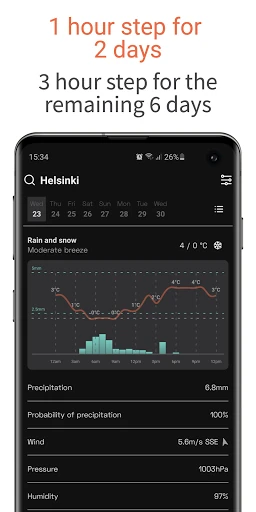
Click to download now, finish the installation quickly, and directly unlock the "all-round experience"
OpenWeather is a powerhouse in the meteorological data industry, serving as the foundational engine for millions of developers and businesses worldwide. Its official application offers a "scientific yet simple" approach, delivering raw, accurate data without the clutter of advertising or unnecessary bloat. Positioned as a direct-to-consumer gateway for its One Call API™, OpenWeather stands out in a crowded landscape by prioritizing data integrity and minimalist presentation over flashy gimmicks. It is the definitive choice for users who want their weather reports straight from the source.
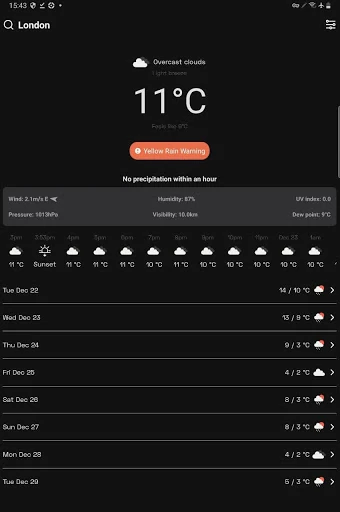
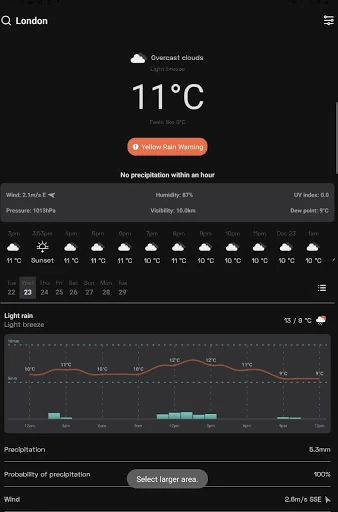
The OpenWeather UI is a masterclass in functional minimalism. By eschewing the intrusive advertisements that plague many weather apps, the interface remains clean and focused on the data. The use of intuitively clear icons and sophisticated data visualization—such as temperature fluctuation charts and interactive daily expansions—makes complex meteorological data digestible at a glance. The inclusion of a native Dark Mode and the logical arrangement of sunset/sunrise times alongside wind and pressure metrics align perfectly with the high UX standards expected in the Weather category.
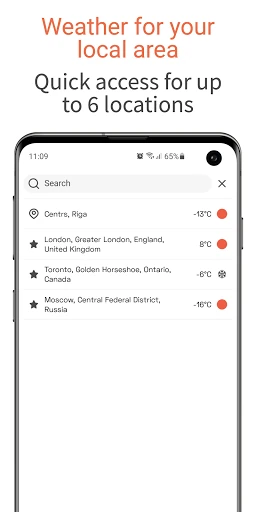
While the app excels in data delivery, the inclusion of customizable home screen widgets would significantly enhance the user experience by providing instant updates without requiring the user to open the app. Additionally, expanding the city limit beyond six and integrating a high-resolution, interactive radar overlay would satisfy the needs of power users who prefer spatial visual data over tabular charts.
OpenWeather is specifically designed for users who value data accuracy and a distraction-free interface over aesthetic flair. It is a "purist’s" weather tool, ideal for developers, outdoor athletes, and professionals who need reliable, science-backed forecasts to plan their activities. If you are tired of weather apps that feel like advertising platforms, OpenWeather is the top recommendation for a clean, authoritative, and scientifically-minded alternative.