Advertisement
Click to download now, finish the installation quickly, and directly unlock the "all-round experience"
Advertisement
Screenshots

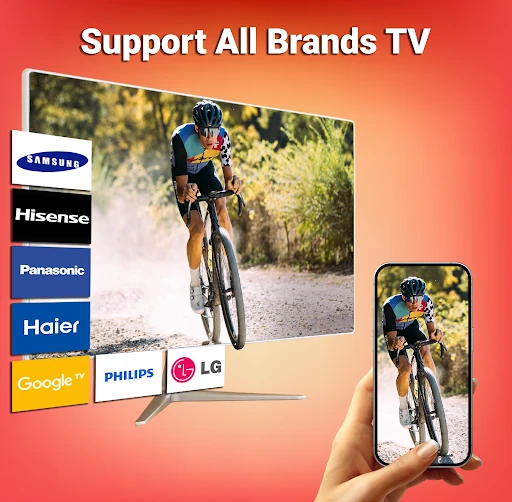
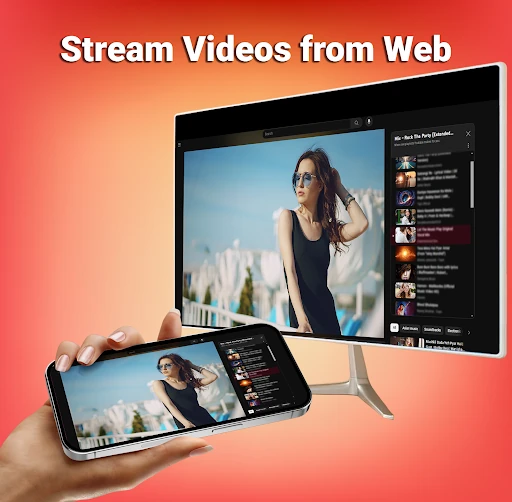

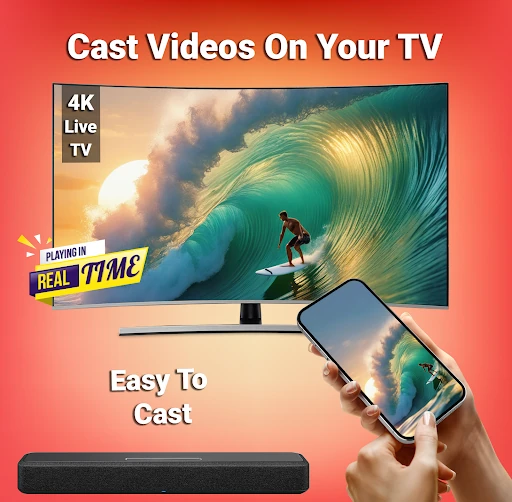
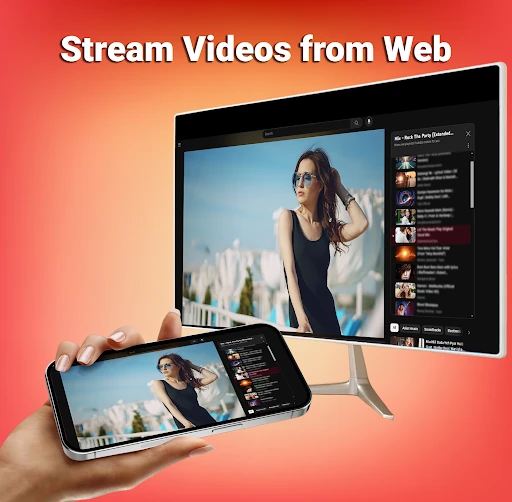

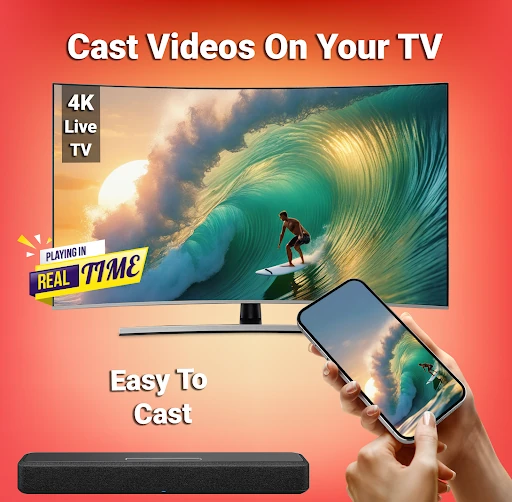
Click to download now, finish the installation quickly, and directly unlock the "all-round experience"
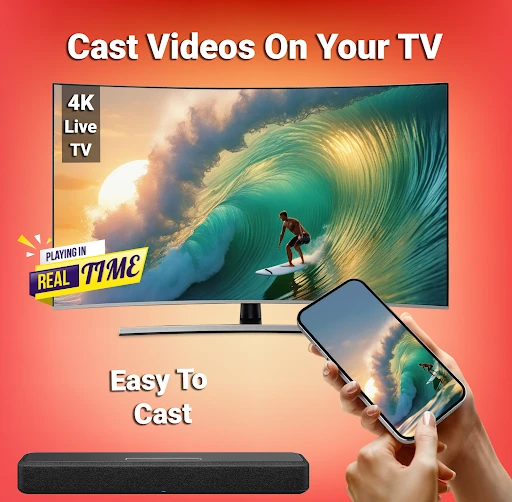
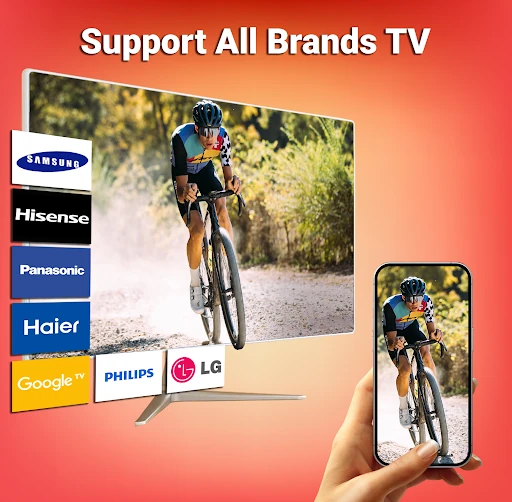
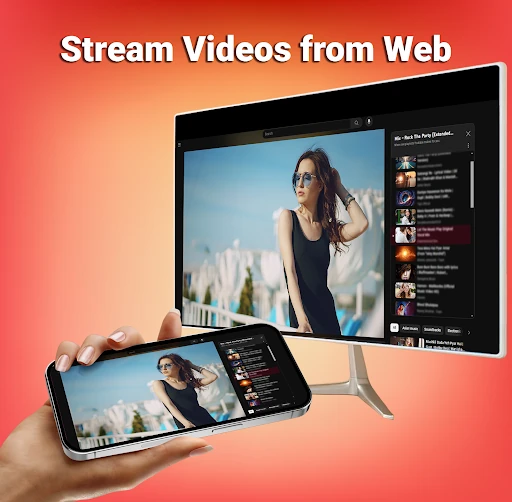
Smart TV Cast: Screen Share is a versatile utility within the Tools landscape, designed to eliminate the physical constraints of mobile viewing. By leveraging Miracast and Chromecast protocols, the app provides a seamless bridge between Android devices and larger displays. It positions itself as a comprehensive solution for both entertainment and productivity, catering to users who require reliable screen mirroring for family gatherings, professional presentations, and media consumption without the need for complex hardware configurations.
The interface of Smart TV Cast: Screen Share is built on the principle of functional simplicity. In the Tools category, users value efficiency over aesthetic flair, and this app delivers by prioritizing a "single-click" philosophy. The layout is intuitive, guiding the user through the necessary Wi-Fi and Wireless Display checks before initiating the stream. By minimizing the steps between launching the app and seeing content on the TV, the UX successfully reduces the friction often associated with wireless screen-sharing technologies.
To further elevate the user experience, the developers could integrate a native "Latency Optimizer" that adjusts stream quality based on real-time Wi-Fi strength. Additionally, providing a more detailed in-app troubleshooting wizard for common handshake errors between specific TV brands and Android versions would decrease user frustration during the initial setup phase. A clearer transparency report or explainer regarding the use of accessibility permissions would also help build user trust.
Smart TV Cast: Screen Share is an ideal tool for families looking to share memories, professionals needing a quick mobile-to-monitor solution for presentations, and gamers who want a more immersive view. It is a reliable, "all-in-one" casting suite that replaces the need for several fragmented apps. We recommend this for any Android user who values a straightforward, high-compatibility approach to screen mirroring.