Advertisement
Click to download now, finish the installation quickly, and directly unlock the "all-round experience"
Advertisement
Screenshots
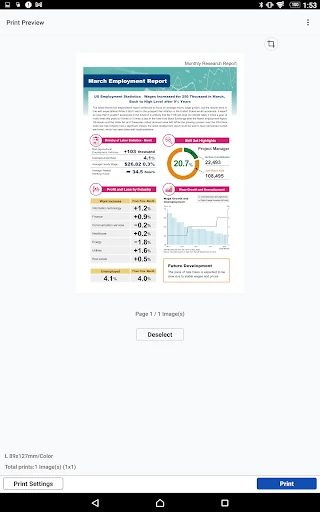
Click to download now, finish the installation quickly, and directly unlock the "all-round experience"
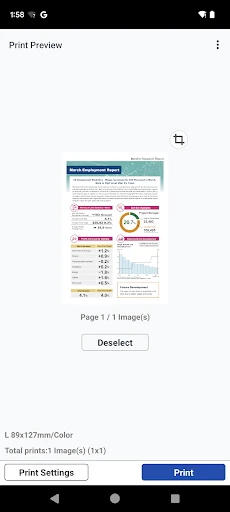
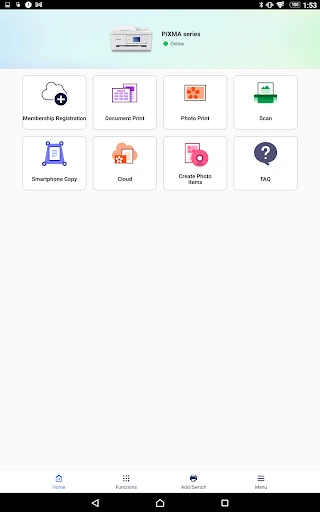
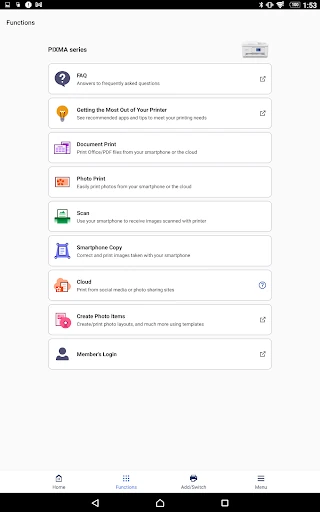
Canon PRINT serves as the definitive mobile gateway for Canon’s vast hardware ecosystem, bridging the gap between mobile productivity and physical documentation. As a staple in the Tools category, it transitions from a simple utility to a comprehensive command center for printing, scanning, and maintenance. While many manufacturer apps feel like afterthoughts, Canon PRINT establishes itself as a robust companion that prioritizes functional reliability for both home office users and creative professionals using PIXMA or SELPHY devices.
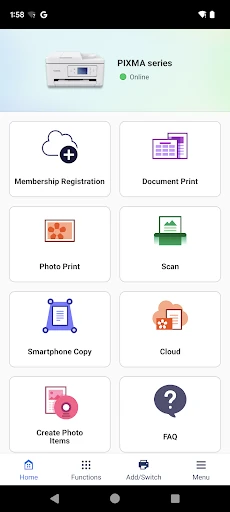
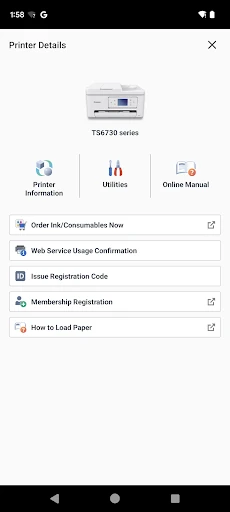
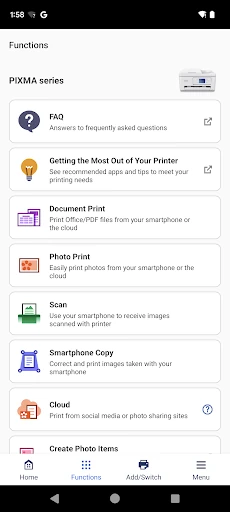
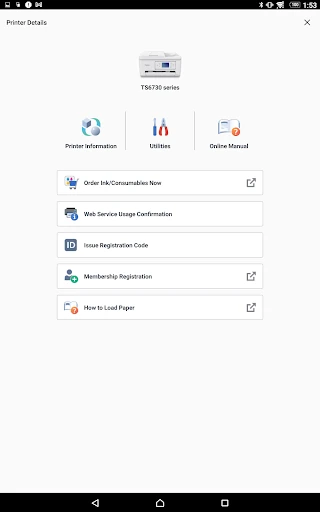
The interface of Canon PRINT reflects a utility-centric design philosophy, favoring accessibility and functional density over modern visual flair. Navigation is straightforward, with primary actions like "Print" and "Scan" occupying prominent positions to minimize the learning curve for new users. While the aesthetic leans toward the conservative side typical of legacy enterprise tools, the layout is logical, ensuring that users can troubleshoot connectivity or check ink levels without digging through convoluted sub-menus. The app prioritizes stability, which is essential for the Tools category, though it lacks some of the fluid animations found in consumer-facing creative apps.
A significant enhancement for future versions would be the implementation of a more unified feature set across the various printer families to reduce user confusion regarding model-specific limitations. Additionally, integrating a modern "Smart Assistant" style troubleshooting guide within the UI could help users resolve connectivity issues without leaving the app. Updating the visual language to better align with contemporary mobile design standards would also improve the overall user perception of the brand.
Canon PRINT is an indispensable utility for any Canon hardware owner, effectively removing the computer from the document lifecycle. It is specifically designed for students, remote professionals, and photography enthusiasts who require a direct pipeline from their smartphone to their printer. Our recommendation is clear: if you own a compatible Canon device, this app is a mandatory installation to unlock the full potential of your hardware.