🏆 Expert Verdict & Overview
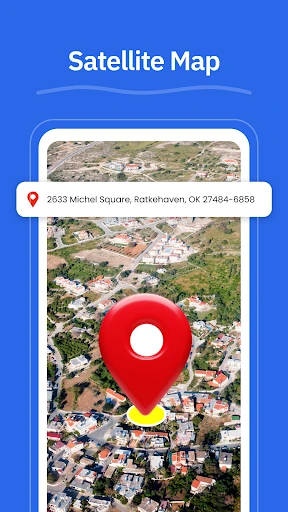
GPS, Maps - Driving Directions enters the highly competitive Maps & Navigation landscape as a utility-focused solution tailored for the North American market. It prioritizes reliability and simplicity, offering a suite of essential navigation tools that cater to both routine urban commutes and interstate travel. While it faces stiff competition from native OS giants, it distinguishes itself through integrated localized discovery and unique utility features like geo-tagged photo logging.
🔍 Key Features Breakdown
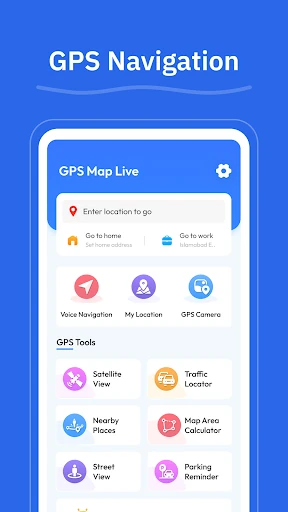
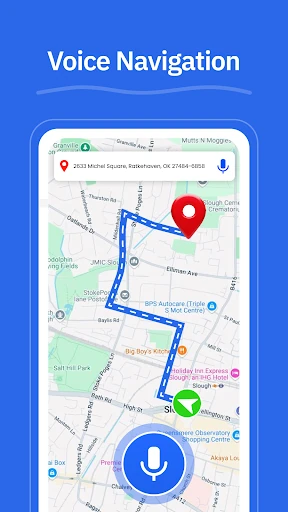
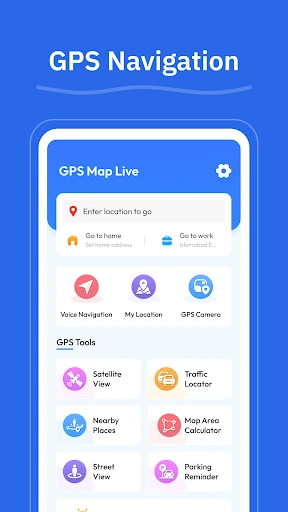
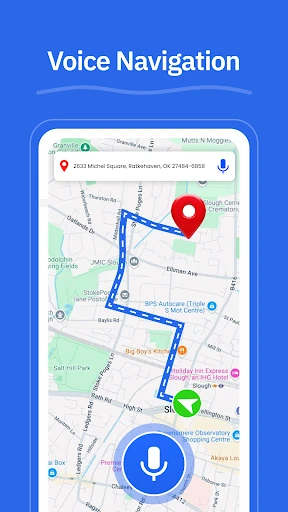
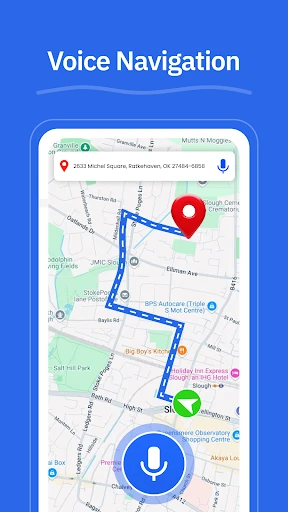
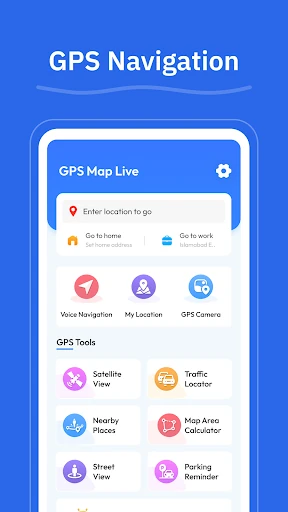
- GPS Navigation: Provides hands-free, turn-by-turn voice guidance, which is critical for maintaining safety and focus during complex urban driving scenarios.
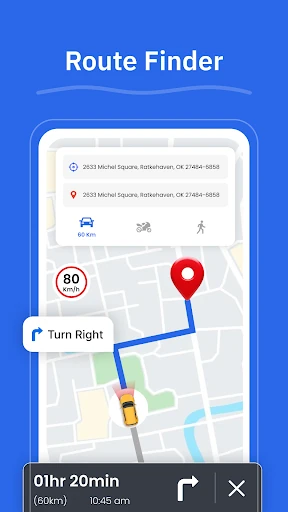
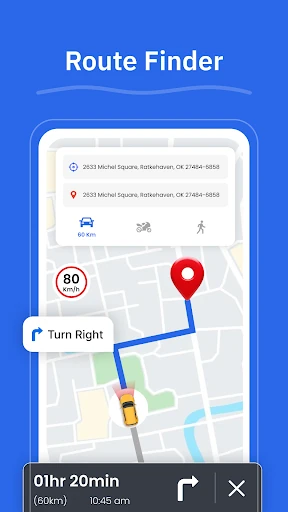
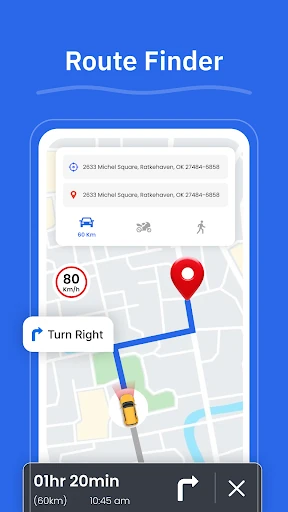
- Route Finder: Dynamically evaluates road conditions to suggest efficient paths, helping users avoid congestion and minimize travel time.
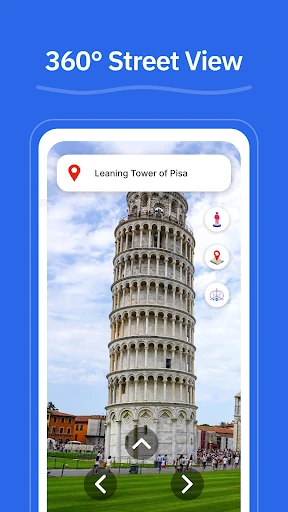
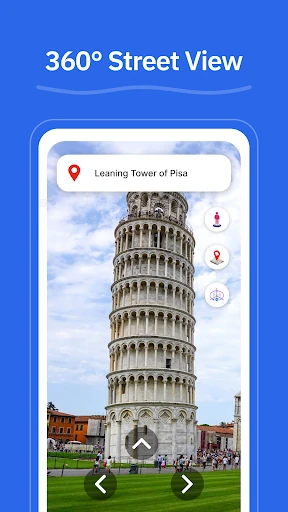
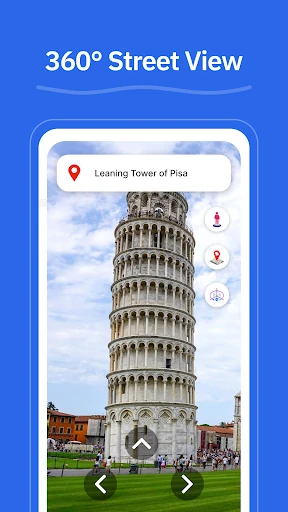
- Street View: Offers visual context for neighborhoods and landmarks, allowing travelers to familiarize themselves with their destination before arrival.
- GPS Camera: A specialized tool that saves locations with geo-tagged photos, solving the problem of remembering specific parking spots or scenic points of interest.
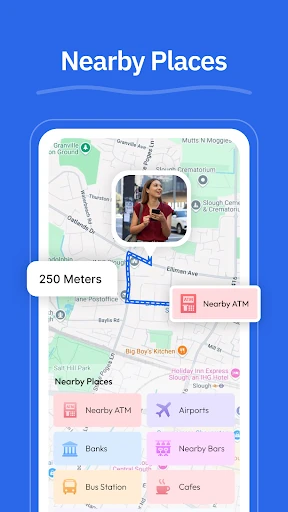
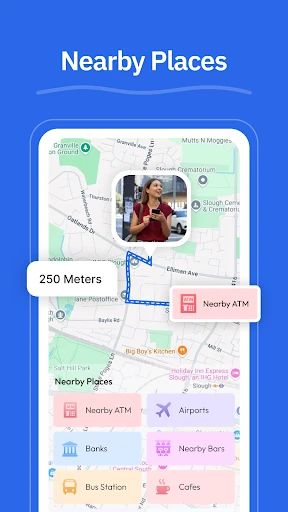
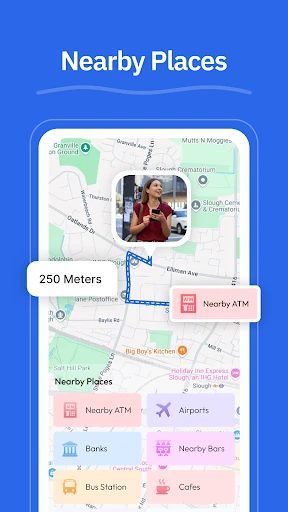
- Nearby Places: Aggregates local data to help users quickly locate essential services like gas stations, EV chargers, and pharmacies without exiting the navigation flow.
🎨 User Experience & Design
The app's design philosophy centers on a clean interface, a necessary trait for any application used behind the wheel. In the Maps & Navigation category, cognitive load must be kept to a minimum; GPS, Maps - Driving Directions appears to achieve this by streamlining its menus and focusing on high-contrast routing visuals. The inclusion of voice guidance further enhances the UX by reducing the need for physical interaction with the device during transit.
⚖️ Pros & Cons Analysis
- ✅ The Good: Highly versatile local discovery tools for points of interest ranging from ATMs to EV chargers.
- ✅ The Good: The unique GPS Camera feature provides a functional way to archive and revisit specific geographical coordinates through visual references.
- ❌ The Bad: Heavy reliance on real-time data connectivity, which may be a hurdle in remote areas or dead zones during cross-state travel.
- ❌ The Bad: The feature set largely overlaps with pre-installed navigation suites, requiring more aggressive innovation to convert power users.
🛠️ Room for Improvement
To better compete with industry leaders, the app should look toward implementing robust offline map functionality for areas with poor cellular reception. Additionally, integrating real-time incident reporting—such as construction alerts or speed trap warnings—and lane-level guidance for complex highway interchanges would significantly elevate its utility for professional drivers and long-distance travelers.
🏁 Final Conclusion & Recommendation
GPS, Maps - Driving Directions is best suited for domestic travelers and daily commuters within the United States who value an all-in-one location utility. It serves as a solid alternative for those seeking a dedicated navigation tool that balances turn-by-turn guidance with helpful local discovery tools. It is a reliable recommendation for users who want a straightforward, voice-guided experience without unnecessary interface clutter.