Advertisement
Click to download now, finish the installation quickly, and directly unlock the "all-round experience"
Advertisement
Screenshots
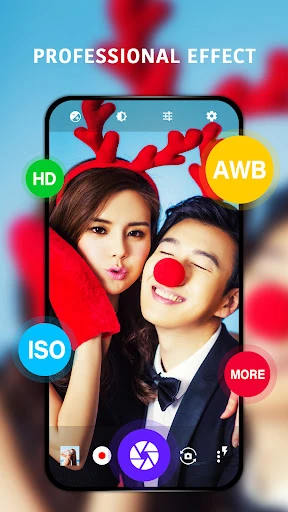
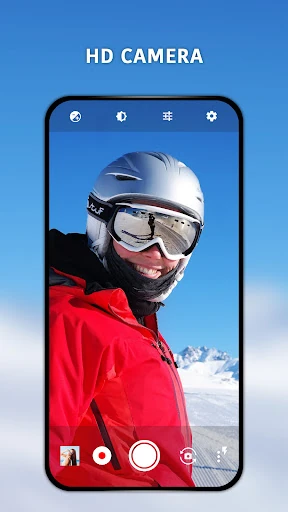
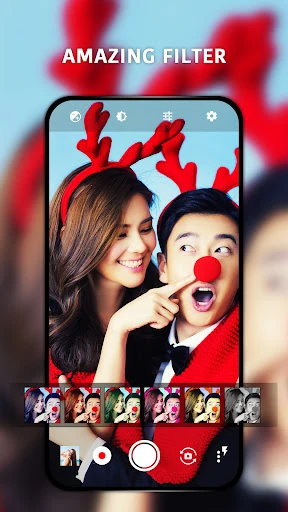
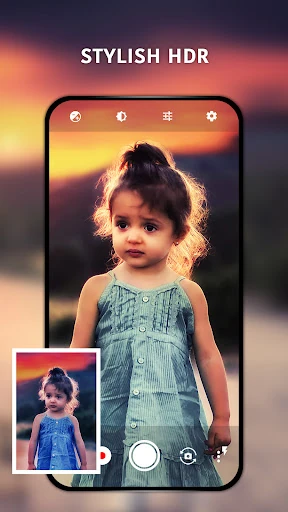
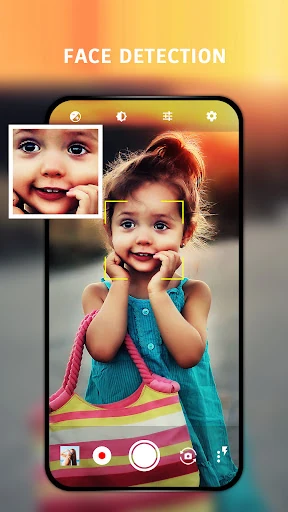
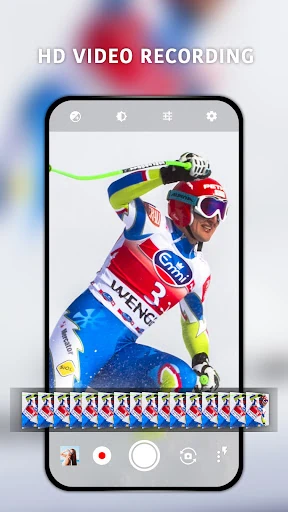
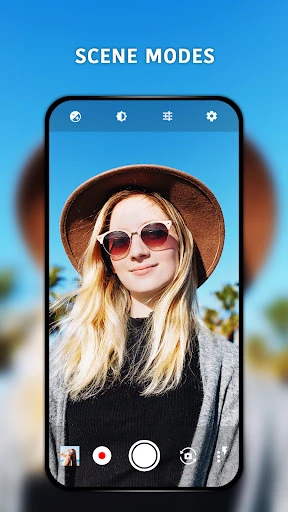
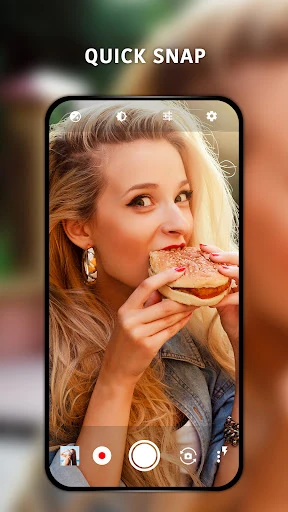
Click to download now, finish the installation quickly, and directly unlock the "all-round experience"
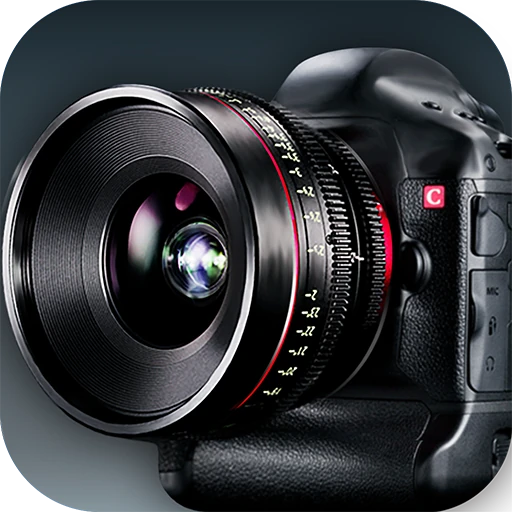
HD Camera is a robust utility within the Photography landscape that aims to bridge the gap between basic point-and-shoot stock apps and professional-grade manual photography. By leveraging the reliable Open Camera framework, it provides users with a suite of sophisticated tools that unlock the full potential of their device's hardware. It is a highly capable alternative for users who feel restricted by the automated nature of standard camera software, offering a high degree of customization and real-time visual feedback.
The interface of HD Camera is designed with a "function-first" philosophy characteristic of high-end photography tools. While the UI may appear dense to a casual user, it is logically organized to put critical controls like exposure lock, ISO, and focus modes within easy reach. The UX excels in providing immediate visual feedback for every adjustment made, though it lacks the hyper-minimalist aesthetic of modern stock apps. For its target demographic—those who want control—the design is efficient and responsive.
To further elevate the user experience, the developers should consider a UI overhaul to modernize the iconography and menu layouts, making them more touch-friendly. Additionally, implementing a "Beginner Mode" that simplifies the interface for casual use while keeping the "Pro Mode" for enthusiasts would widen the app's appeal. Integration of AI-driven scene detection could also help automate some of the manual settings for faster, high-quality captures.
HD Camera is an excellent choice for photography enthusiasts, hobbyists, and content creators who want more "soul" and control in their mobile photography. While it may have a steeper learning curve than standard apps, the payoff is significantly better image quality in challenging conditions. It is a highly recommended download for anyone looking to transform their smartphone into a more serious photographic tool.