Advertisement
Click to download now, finish the installation quickly, and directly unlock the "all-round experience"
Advertisement
Screenshots
Click to download now, finish the installation quickly, and directly unlock the "all-round experience"
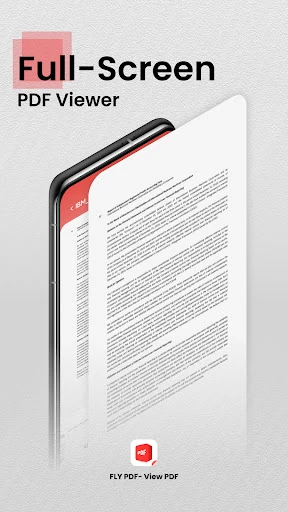
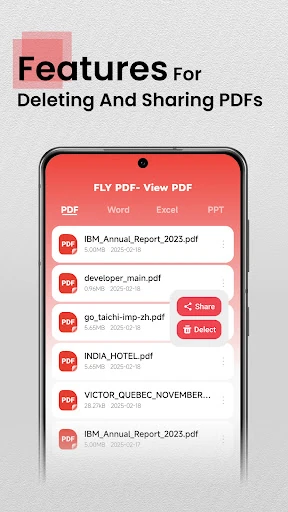
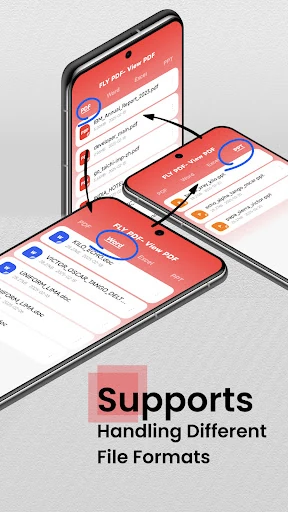
FLY PDF-View PDF enters the crowded Business category as a streamlined, utility-focused document viewer. While its name emphasizes PDF functionality, it positions itself as a versatile multi-format reader capable of handling standard Office suites including Word, Excel, and PowerPoint. For professionals who require a lightweight tool to quickly access and distribute documents without the overhead of heavy editing suites, FLY PDF-View PDF offers a simplified workflow. It effectively addresses the need for mobile accessibility in the business landscape, prioritizing speed and ease of sharing over complex document manipulation.
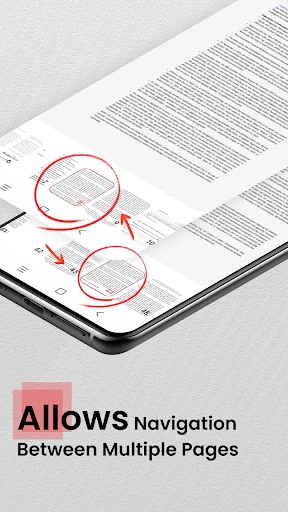
The UI of FLY PDF-View PDF follows a "minimalist-first" philosophy, which is highly valued in the Business category where efficiency is paramount. The interface is clean, focusing on a document-centric layout that minimizes distractions. From a UX perspective, the learning curve is virtually non-existent; the navigation is intuitive, ensuring that even non-technical users can locate and open their files instantly. However, the reliance on broad file permissions suggests that while the experience is smooth, the app is built for users who value functional directness over granular privacy controls.
To truly excel in the competitive business market, the next update should consider implementing a "Dark Mode" to reduce eye strain during late-night document reviews. Additionally, adding basic annotation tools—such as highlighting text or adding digital sticky notes—would transform the app from a passive viewer into a more active productivity tool. Integration with cloud storage services like Google Drive or Dropbox would also bridge the gap between local file management and modern cloud-based workflows.
FLY PDF-View PDF is best suited for students, freelancers, and casual business users who need a reliable, no-frills viewer for various document types. It is an excellent choice for those who find the official Office apps too bloated or slow for quick checks. While it may not satisfy power users who need to edit or sign documents on the fly, it serves as a competent and user-friendly "digital briefcase" for viewing and sharing essential files on the move.