
Advertisement
Click to download now, finish the installation quickly, and directly unlock the "all-round experience"
Advertisement
Screenshots
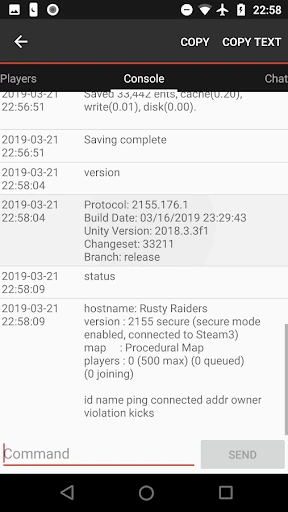
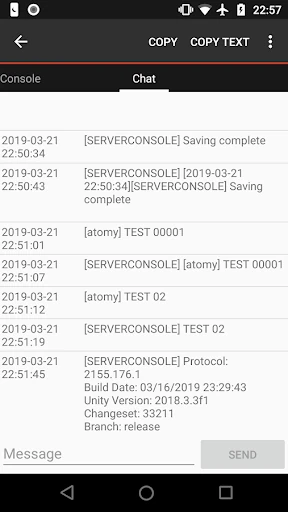
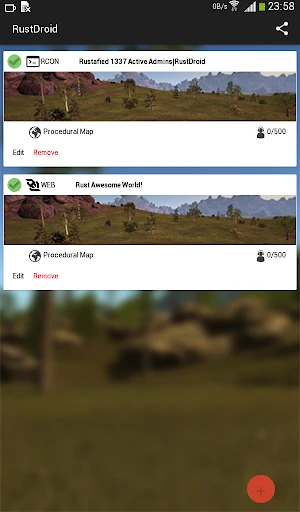
Click to download now, finish the installation quickly, and directly unlock the "all-round experience"
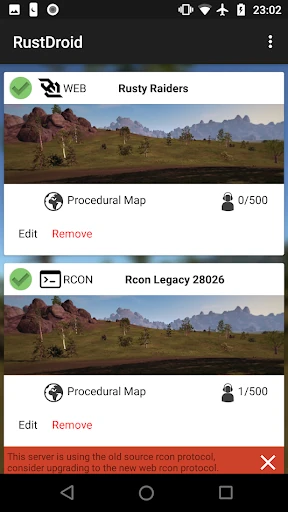
RustDroid: Rust Server Admin is a specialized utility designed for administrators of the popular survival game Rust by Facepunch Studios. Positioned within the Libraries & Demo category, it serves as a robust mobile bridge for real-time server management. As a Senior Analyst, I find that RustDroid provides a critical service for server owners who need to maintain control without being tethered to a desktop. It effectively translates complex RCON (Remote Console) protocols into a mobile-friendly format, making it an indispensable tool for maintaining community health and server stability on the go.
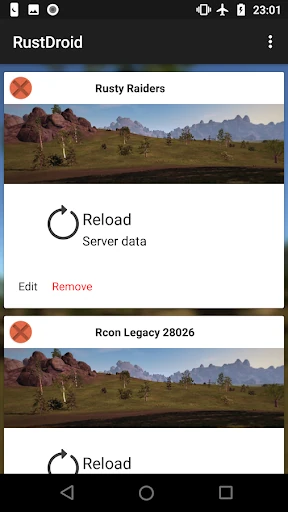
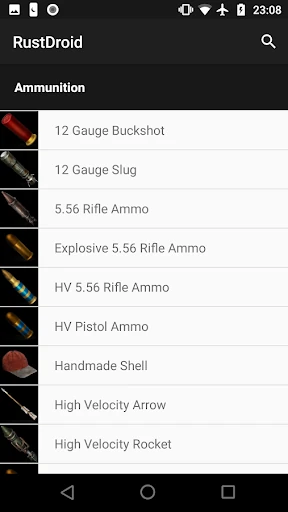
The user interface of RustDroid is intentionally designed with a "Rust Style" aesthetic, which provides an immediate sense of familiarity for fans of the game. From a UX perspective, the app prioritizes utility over visual flair, placing high-frequency actions—such as chat and player lists—within easy reach. While the Libraries & Demo category often features rudimentary interfaces, RustDroid goes a step further by offering an intuitive administration dashboard. However, the initial setup process, particularly regarding port configuration (Query vs. Game ports), presents a slight learning curve for novice administrators.
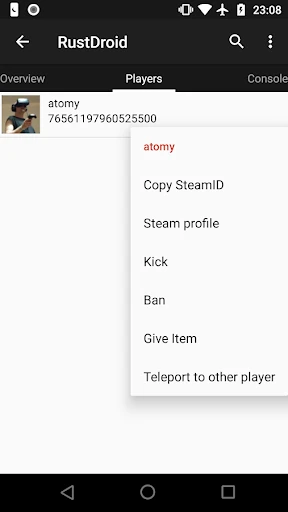
To elevate the experience, the developers should prioritize the implementation of the planned notification system, specifically for keyword alerts like "cheater" or "admin" in chat. Adding a "Connection Wizard" that automatically detects the correct Query port would drastically reduce user frustration during onboarding. Furthermore, integrating Steam profile linking directly within the player administration menu would provide admins with much-needed context when investigating suspicious accounts.
RustDroid: Rust Server Admin is a must-have tool for any serious Rust server administrator. It is specifically built for those who prioritize server uptime and community moderation, offering a level of control that mobile web-based consoles often lack. While it requires a bit of technical know-how to configure initially, the payoff in administrative efficiency is substantial. This is the definitive mobile companion for the modern Rust server owner.