Advertisement
Click to download now, finish the installation quickly, and directly unlock the "all-round experience"
Advertisement
Screenshots
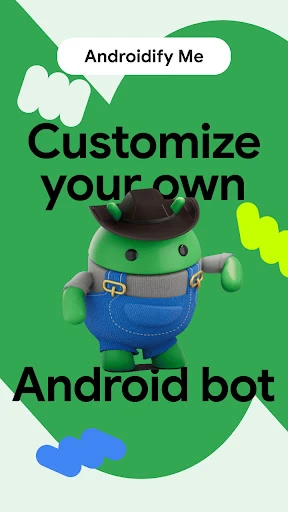
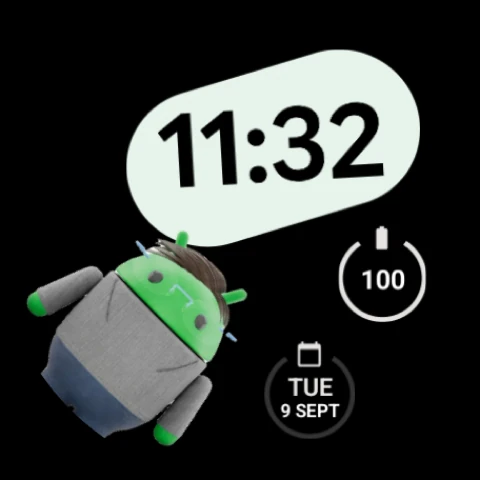

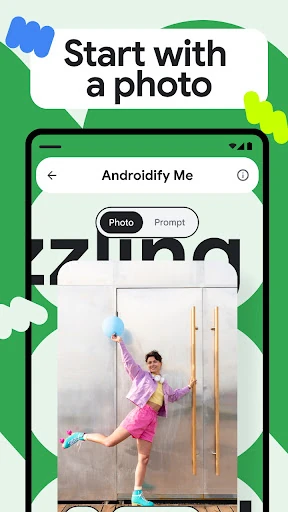
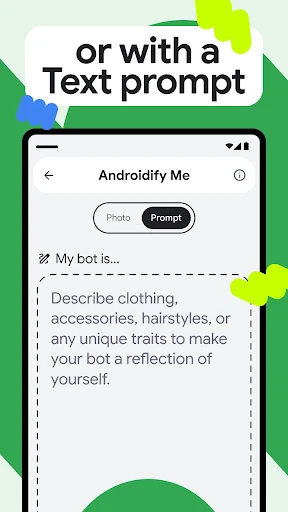
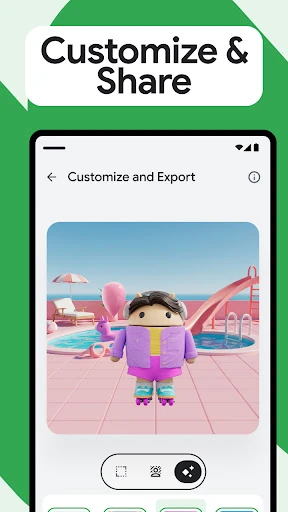
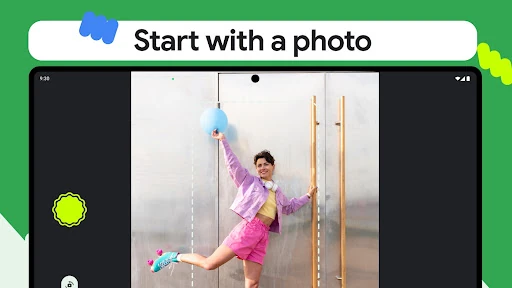
Click to download now, finish the installation quickly, and directly unlock the "all-round experience"
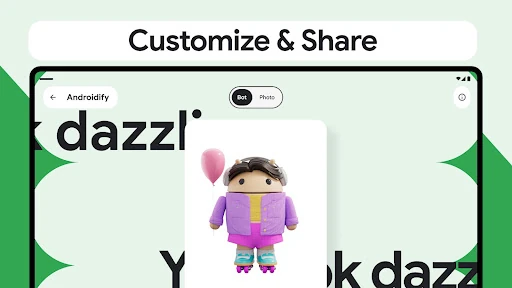
Androidify stands as a premier technical showcase within the Libraries & Demo ecosystem, serving both as a playful creative tool and a robust reference implementation for modern Android development. By leveraging Google's cutting-edge Generative AI stack, it transforms the concept of avatar creation into a sophisticated demonstration of how Gemini and Imagen can be seamlessly integrated into mobile environments. It is more than just an app; it is a high-level blueprint for developers aiming to implement the latest architectural standards and AI capabilities on the Android platform.
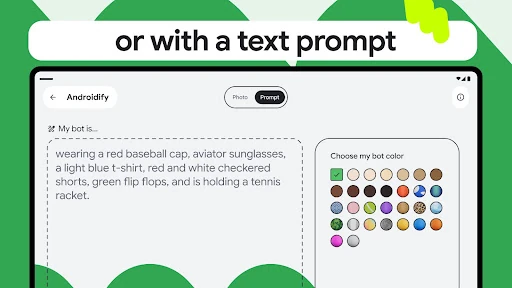
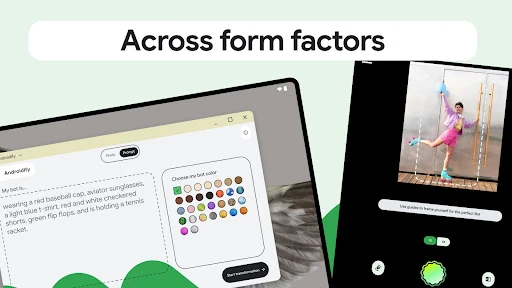
The user experience of Androidify is defined by its adherence to the latest Material Design standards, facilitated by Jetpack Compose. The interface feels lightweight and intuitive, prioritizing the "text-to-image" workflow without unnecessary friction. Navigation is particularly smooth thanks to the implementation of Navigation 3, which handles screen transitions with a level of polish expected from a flagship Google demo. The UI succeeds in making complex AI interactions feel accessible, turning sophisticated backend prompts into a fun, gamified experience for the end user.
To further its mission as a premier demo app, future iterations could include on-device AI processing using Gemini Nano to showcase offline capabilities. Additionally, adding more interactive elements to the generated avatars using Compose-based animations would provide a deeper look into the possibilities of the Media3 and Jetpack animation frameworks. Expanding the export options to include dynamic stickers or 3D models would also enhance the app's utility as a creative tool.
Androidify is a must-install for Android developers, UI/UX designers, and tech enthusiasts who want to stay at the forefront of the Google Play ecosystem. While casual users will enjoy the novelty of creating custom bots, its true value is found in its role as a masterclass in modern app architecture. It is highly recommended for anyone looking to understand how to bridge the gap between complex AI APIs and a polished, user-friendly Android interface.