Volume Booster Speaker Booster
Magic Mobile Studio
Downloads
10,000,000+
Version
Latest
Advertisement
Click to download now, finish the installation quickly, and directly unlock the "all-round experience"
Advertisement
Screenshots


Click to download now, finish the installation quickly, and directly unlock the "all-round experience"
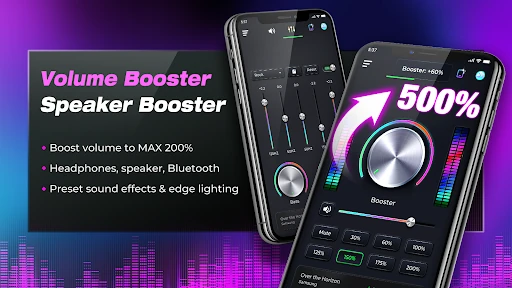
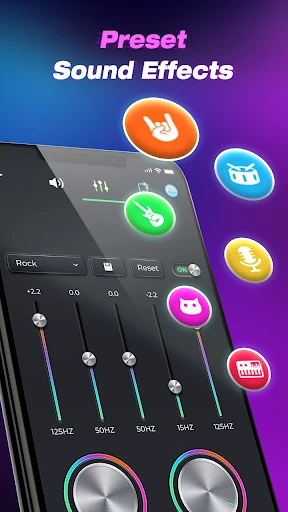
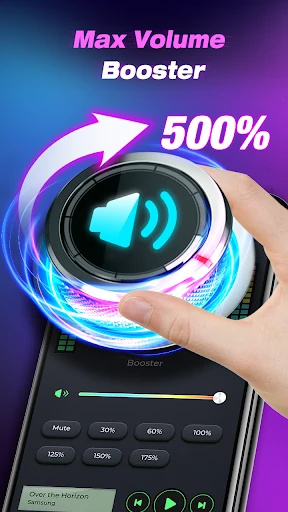
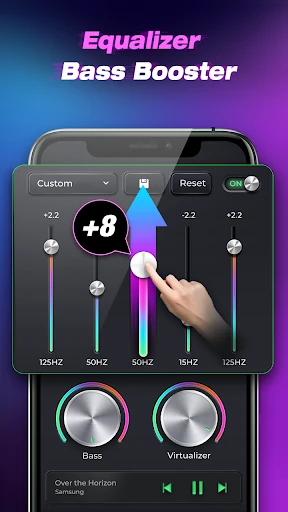
Volume Booster Speaker Booster positions itself as a robust utility within the Android Music & Audio ecosystem, specifically targeting users who find their device's factory volume limits insufficient. As a Senior Analyst, I find this app to be more than a simple gain slider; it is a comprehensive audio enhancement suite that bridges the gap between hardware limitations and user expectations. By integrating a 200% volume threshold with sophisticated equalization tools, it serves as a critical bridge for media consumption in noisy environments or for hardware with underpowered internal speakers.
The interface of Volume Booster Speaker Booster is designed with a "utility-first" philosophy. The UI is clean and avoids the cluttered menus often found in technical audio apps, making it accessible even for non-audiophiles. The "Max Volume" operation is intuitive, requiring only a few taps to initiate background processing. Within the context of the Music & Audio category, the inclusion of edge lighting is a smart UX choice, as it provides a subtle visual indicator that the service is active without requiring the user to constantly check the notification tray.
To further elevate the user experience, the developers should consider implementing an "Auto-Limiter" function that detects and prevents digital clipping at the 200% threshold. Additionally, adding specific presets for popular headphone models or a sleep timer for audiobooks would make the app a more versatile tool for daily use. A more granular battery optimization toggle would also help users manage power consumption when the app is running in the background for long periods.
Volume Booster Speaker Booster is an essential tool for users with older hardware, quiet internal speakers, or those who frequently consume media in loud outdoor settings. It is specifically tailored for movie buffs, audiobook listeners, and gamers who need an immersive audio experience without the complexity of rooting their device. If you find yourself constantly straining to hear your device at max volume, this app is a highly recommended solution.