Advertisement
Click to download now, finish the installation quickly, and directly unlock the "all-round experience"
Advertisement
Screenshots
Click to download now, finish the installation quickly, and directly unlock the "all-round experience"
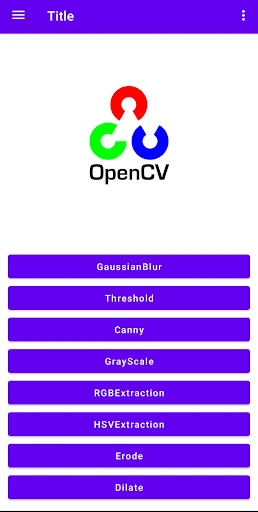
OpenCV Image Process serves as a critical bridge for developers navigating the intersection of mobile hardware and computer vision. Positioned firmly within the Libraries & Demo landscape, this application functions as a live demonstration of how the CameraX API interacts with the industry-standard OpenCV library. From a technical standpoint, it is more than just an app; it is a reference implementation that validates real-time image manipulation performance on Android devices, offering an authoritative look at low-latency visual processing.
Adhering to the conventions of the Libraries & Demo category, the UI of OpenCV Image Process is strictly functional and minimalist. It prioritizes the viewfinder experience, ensuring that the processed image remains the focal point. While it lacks the polish of a consumer-facing photo editor, its utility-first design is ideal for its target audience—developers and researchers—who require a distraction-free environment to analyze frame rates and processing accuracy. The navigation is straightforward, providing immediate access to the camera feed upon launch.
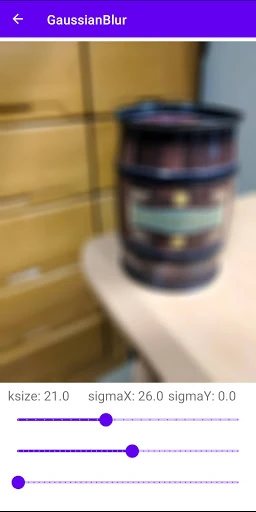
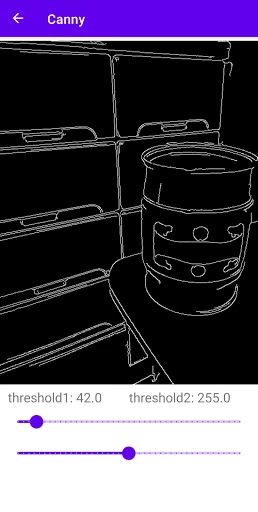
To increase its value as a benchmarking tool, future updates should include an on-screen FPS (frames per second) counter and a processing latency timer. Additionally, adding a toggle menu to switch between different OpenCV algorithms—such as Canny edge detection, Gaussian blur, or color space conversions—would provide a more comprehensive demonstration of the library's capabilities. Integrating adjustable parameters (e.g., sliders for threshold values) would further enhance the interactive learning experience.
OpenCV Image Process is a specialized tool tailored specifically for Android developers, computer vision enthusiasts, and students. It is not intended for the general public seeking a photography app, but rather for those who need a reliable, open-source proof of concept for real-time image manipulation. It is highly recommended for anyone looking to integrate the CameraX API with OpenCV in a production environment.