Advertisement
Click to download now, finish the installation quickly, and directly unlock the "all-round experience"
Advertisement
Screenshots

Click to download now, finish the installation quickly, and directly unlock the "all-round experience"
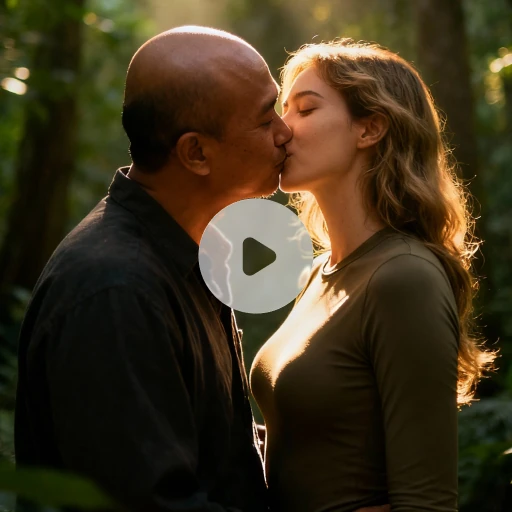
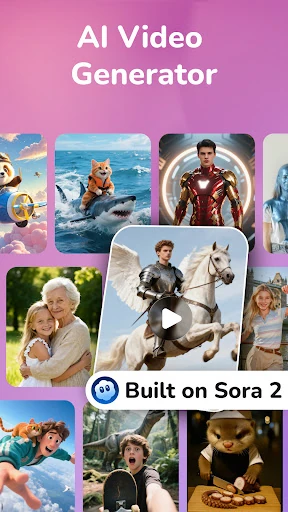
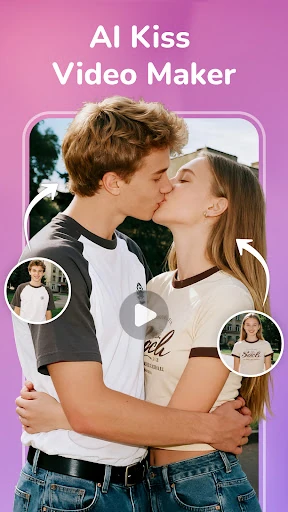
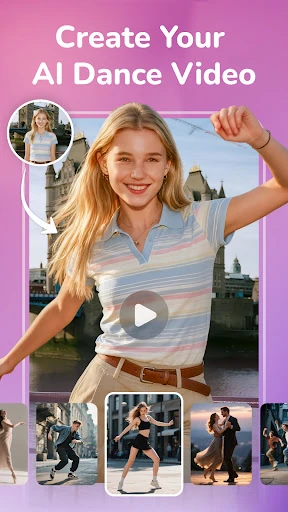
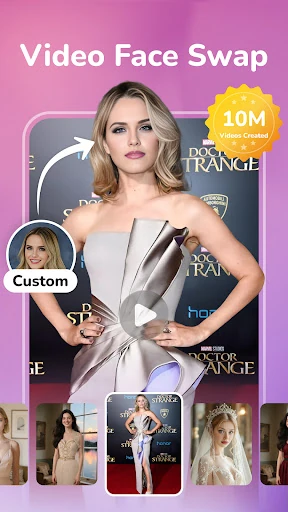
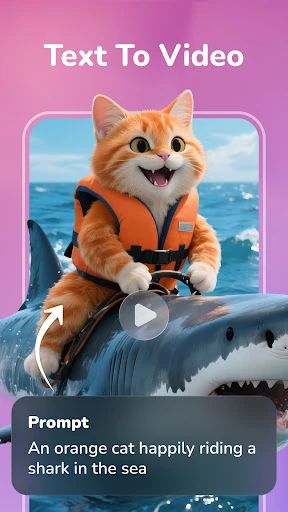
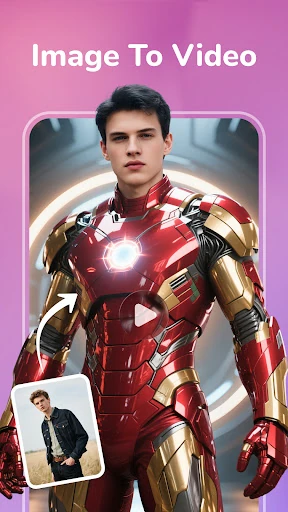
YearCam: AI Video Generator emerges as a sophisticated contender in the rapidly evolving Art & Design category, leveraging advanced generative models like Sora 2 to democratize high-end video production. As the mobile creative landscape shifts from static imagery to dynamic motion, YearCam positions itself as a versatile bridge between simple social media filters and professional-grade cinematic synthesis. It offers users a robust suite of tools that prioritize both creative freedom through custom prompting and accessible engagement via trending interaction templates.
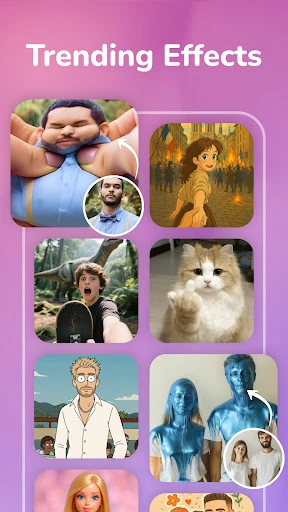
The UI of YearCam: AI Video Generator is designed to balance technical depth with accessibility. By providing a "prompt or template" choice immediately, the app caters to both power users who understand generative linguistics and casual users looking for "one-tap" magic. The interface follows modern Art & Design standards, featuring high-contrast preview cards and a clean workspace that minimizes cognitive load during the resource-intensive video generation process. The motion rendering is fluid, and the organization of "Trending" templates ensures that users remain connected to current aesthetic movements.
To further solidify its place as a market leader, YearCam could benefit from more granular control over the video's aspect ratio and frame rate, allowing for better optimization across different social platforms. Additionally, integrating a "Prompt Assistant" or "Keyword Suggester" within the Text-to-Video interface would help novice users craft better descriptions for more accurate AI interpretations.
YearCam: AI Video Generator is an excellent tool for digital content creators, social media influencers, and hobbyist artists who want to push the boundaries of mobile video. Its strength lies in its ability to synthesize realistic human interactions and cinematic environments from simple inputs. We highly recommend this app for users who prioritize visual quality and emotional storytelling over quick, low-fidelity edits.