Advertisement
Click to download now, finish the installation quickly, and directly unlock the "all-round experience"
Advertisement
Screenshots
Click to download now, finish the installation quickly, and directly unlock the "all-round experience"
The Remote for Smart Samsung TV by BoostVision stands out as a high-utility solution within the House & Home category, addressing the perennial household frustration of misplaced or malfunctioning hardware remotes. As the smart home ecosystem trends toward mobile-first integration, this app provides a fast, stable, and eco-friendly alternative to traditional plastic controllers. By supporting a wide range of Samsung models—from the 6 and 7 series to modern Tizen-based units—it positions itself as a versatile replacement that bridges the gap between legacy hardware and modern software convenience.
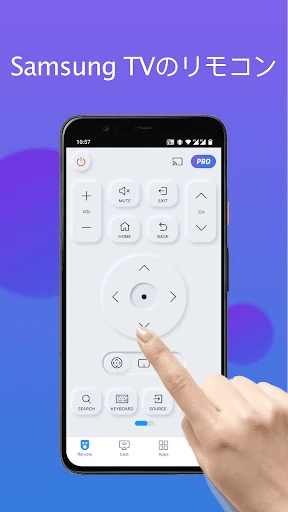
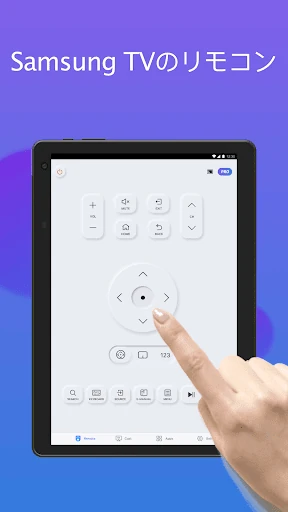
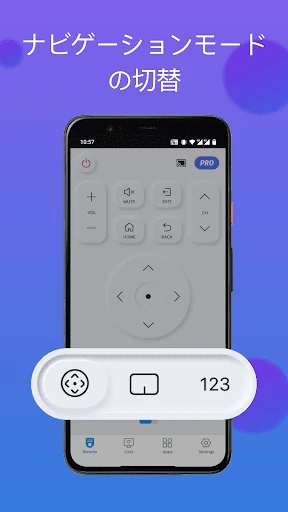
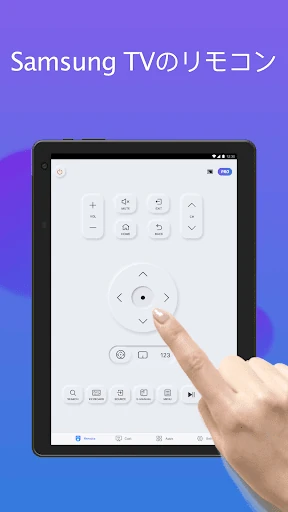
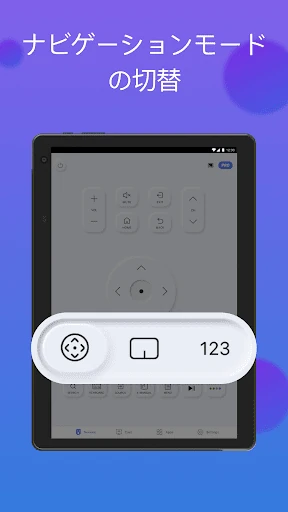
In the House & Home category, simplicity is paramount, and this app delivers a streamlined UI designed for immediate utility. The interface prioritizes high-use buttons—like volume, power, and channel controls—ensuring that the digital layout feels familiar to those accustomed to physical Samsung remotes. The inclusion of a dedicated device selection button in the top right corner indicates a focus on multi-device households, allowing for seamless switching between different TVs in various rooms. The UX is optimized for "lean-back" interaction, ensuring that even non-technical users can navigate the setup process without friction.
To further elevate the user experience, the developer could implement haptic feedback for button presses to better simulate the tactile feel of a physical remote. Additionally, adding voice command integration would align the app more closely with the premium features found in high-end Samsung Smart remotes. A "Dark Mode" specifically for the remote interface would also be a welcome addition for users who frequently watch TV in low-light environments, reducing eye strain during night-time navigation.
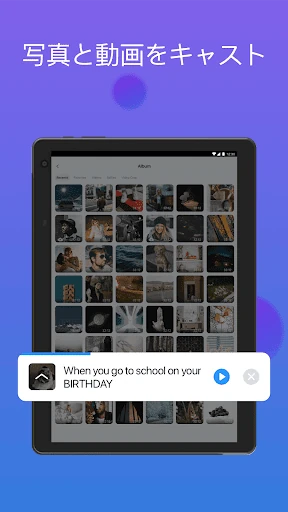
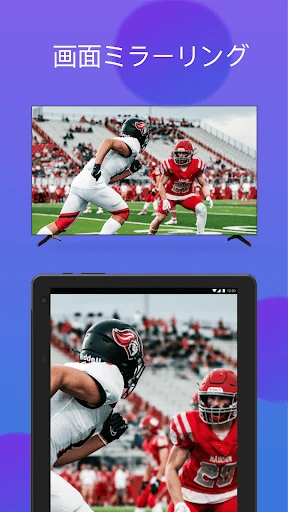
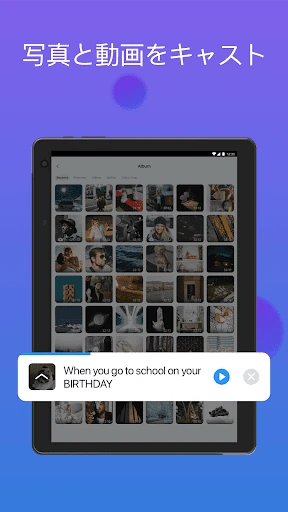
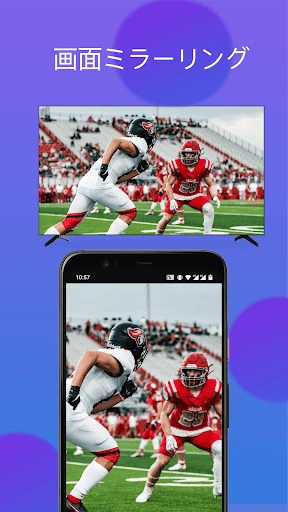
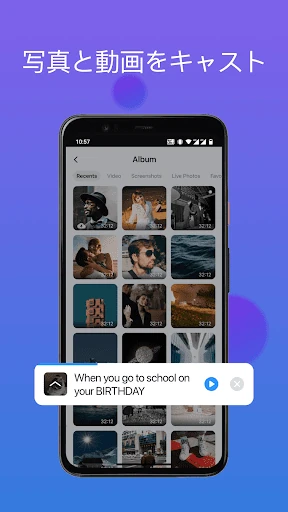
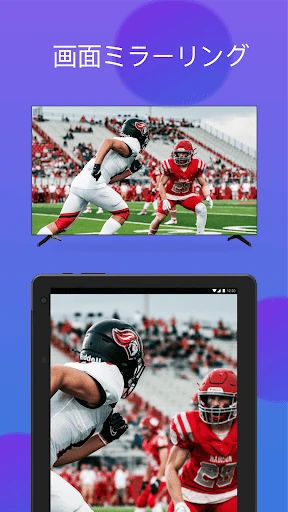
Remote for Smart Samsung TV is an essential download for Samsung Smart TV owners who are tired of dealing with dead batteries or lost controllers. It is particularly well-suited for tech-savvy households that value the convenience of having all home controls centralized on a smartphone. While it is a third-party tool, its stability and feature set—particularly the keyboard and casting functions—make it a superior alternative to basic physical replacements. We recommend this app as a primary control solution for modern, connected living rooms.