PicMonkey Photo Editor
Shutterstock Inc.
Downloads
1,000,000+
Source
Google Play
Advertisement
Click to download now, finish the installation quickly, and directly unlock the all-round experience
Advertisement
Screenshots




Click to download now, finish the installation quickly, and directly unlock the all-round experience
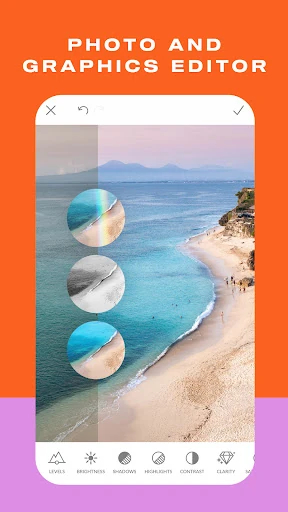
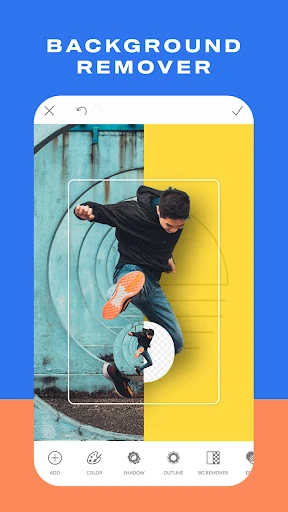
PicMonkey Photo Editor combines photo adjustments with tools for making visual designs. It suits people who want to retouch portraits, add text or graphic elements to images, and prepare artwork for social posts or small-business branding without switching between separate editing and design apps.
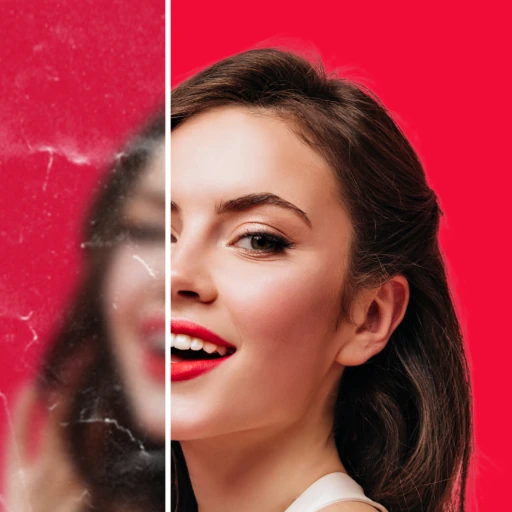
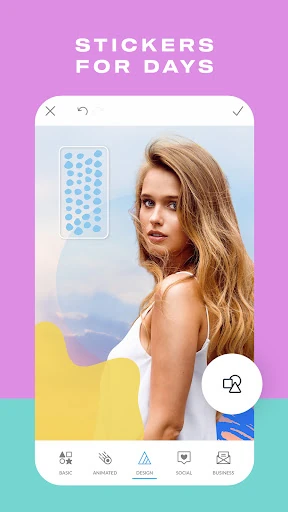
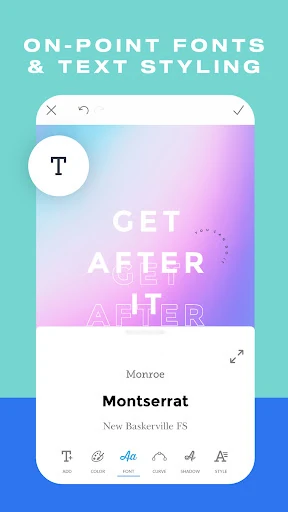
Portrait tools cover adjustments such as smoothing skin, whitening teeth and applying makeup effects. For designs, you can place text and stickers over an image, combine a background with other visual elements, and adjust how those elements appear. Text options include details such as letter spacing and shadows, which can help make a title or caption stand out.
These controls offer more than a filter-and-crop workflow, though the range of editing and design choices may take some exploring if you only need a quick photo fix.
PicMonkey includes crop and canvas presets for social platforms and other online uses, including Instagram, Pinterest and Etsy. Presets can save you from working out dimensions manually, while the editing tools let you adapt an image before sharing it. The app also describes storage that can sync work between mobile and desktop, useful if you move between devices.
Overall, it is aimed at users who make both edited photos and designed graphics, rather than people looking only for a basic camera filter.
Developer: Shutterstock Inc. Rating: 4.3 out of 5 from 11,663 ratings. Installs: 1,000,000+.