Microsoft 365 Copilot
Microsoft Corporation
Downloads
1,000,000,000+
Version
Latest
Advertisement
Click to download now, finish the installation quickly, and directly unlock the "all-round experience"
Advertisement
Screenshots

Click to download now, finish the installation quickly, and directly unlock the "all-round experience"
Microsoft 365 Copilot represents a seismic shift in the productivity landscape, evolving from a suite of standalone editing tools into a unified, AI-first ecosystem. By positioning Copilot as the central interface, Microsoft has successfully bridged the gap between content creation and information retrieval. This app isn't just a mobile version of Office; it is a sophisticated AI assistant designed to navigate the complexities of modern workflows. For professionals and students already embedded in the Microsoft ecosystem, it serves as a high-powered command center that leverages Large Language Models to minimize "work about work," making it a definitive leader in the AI-enhanced productivity category.
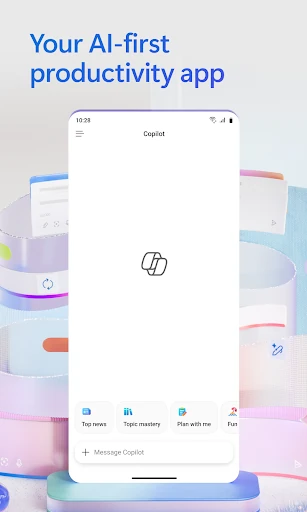
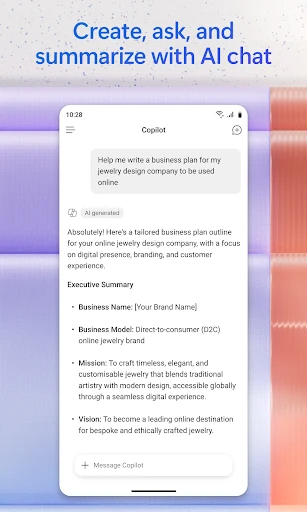
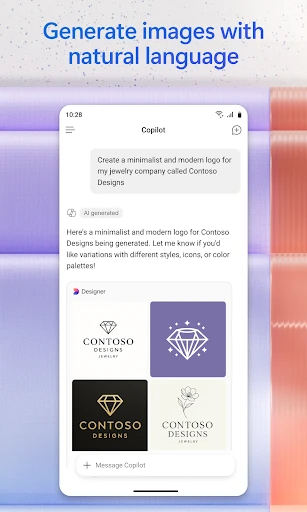
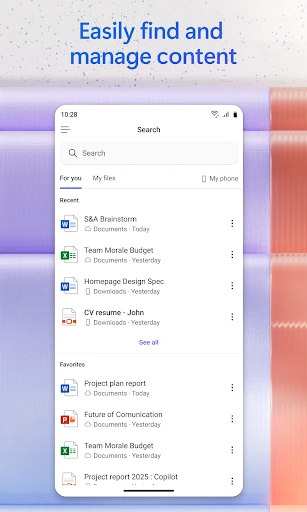
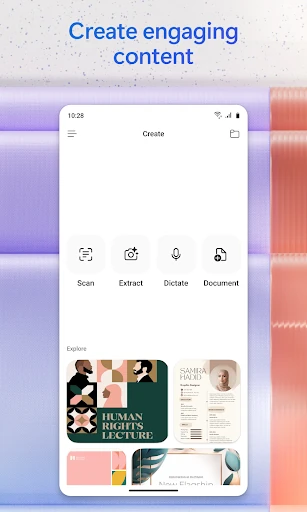
The UI of Microsoft 365 Copilot reflects a modern, minimalist philosophy that prioritizes the chat interface while keeping traditional tools like Word and Excel within easy reach. The UX is optimized for "micro-moments"—those brief intervals where a user needs to quickly check a fact or approve a document. Navigating between the AI "Notebook" and standard file management feels fluid, though the density of features may initially overwhelm casual users. The design successfully integrates the sophisticated "Copilot" branding with the familiar professional aesthetics of the Microsoft 365 brand, maintaining high legibility and intuitive touch targets throughout.
To truly master the mobile productivity space, the next iteration should focus on increasing the "on-device" processing capabilities for basic AI tasks to improve speed and offline functionality. Additionally, the navigation within the "Copilot Notebooks" could be streamlined to help users manage multiple ongoing project threads more clearly. A more transparent onboarding process that explicitly clarifies which features are active based on the user's specific license would also reduce initial friction for new users.
Microsoft 365 Copilot is the premier choice for corporate professionals, researchers, and students who require a deep level of integration with their existing document libraries. It is specifically designed for users who need to synthesize information quickly and produce content while away from a desktop environment. Our final verdict: This is a must-have utility for anyone within the Microsoft 365 ecosystem looking to maximize their efficiency through the power of generative AI.