Advertisement
Click to download now, finish the installation quickly, and directly unlock the "all-round experience"
Advertisement
Screenshots
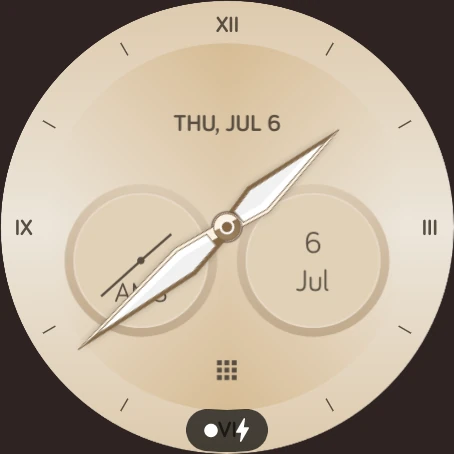
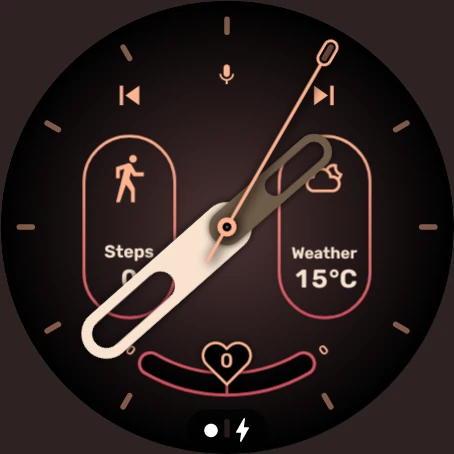
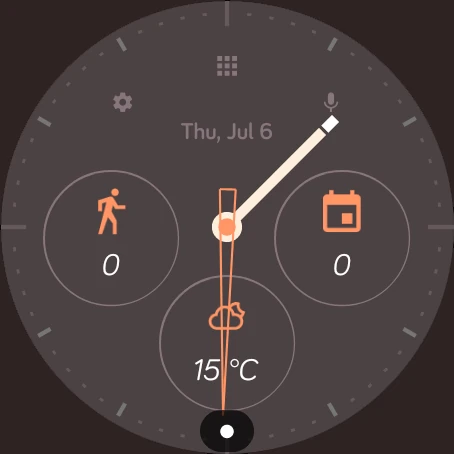
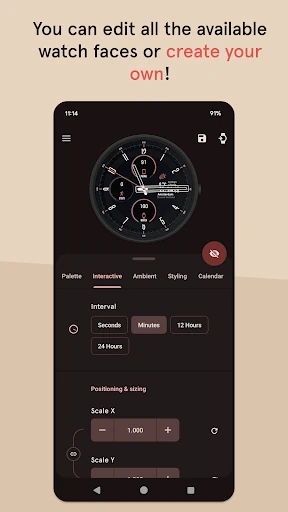
Click to download now, finish the installation quickly, and directly unlock the "all-round experience"
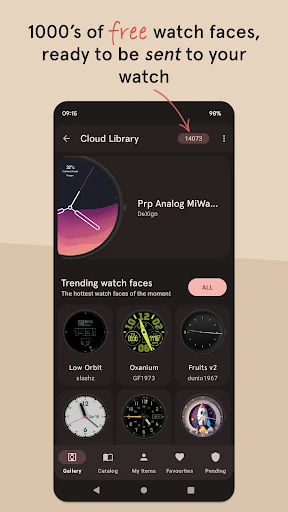
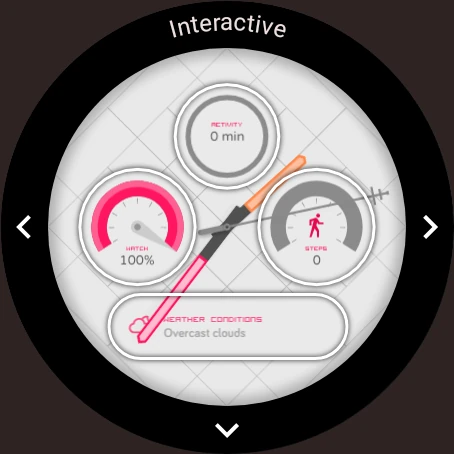
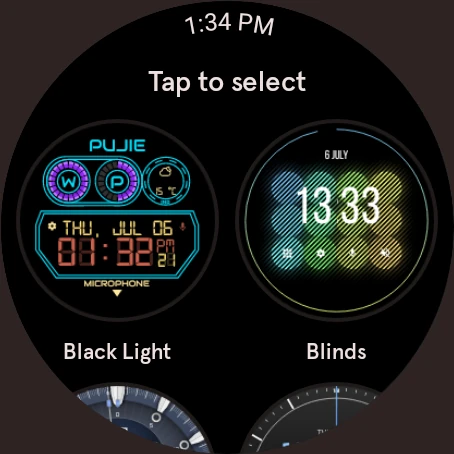
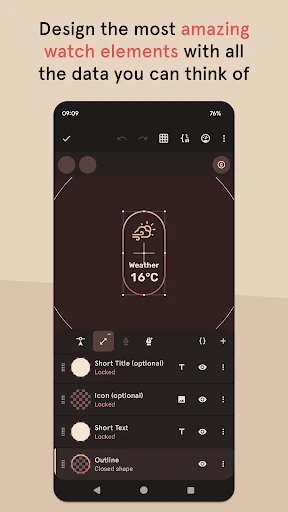
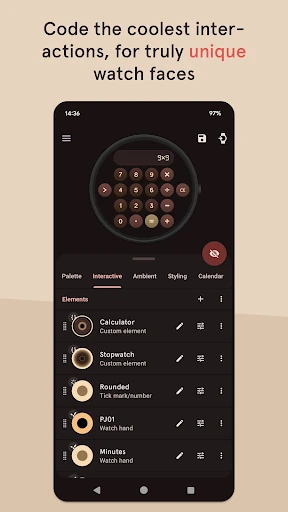
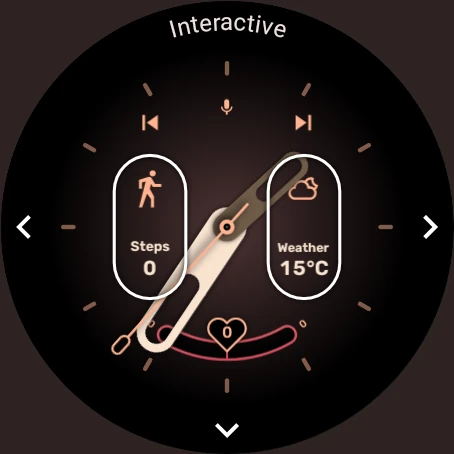
Pujie Watch Faces - Wear OS 4- remains a cornerstone of the Personalization category for Android wearables. Far from being a simple library of static backgrounds, it serves as a sophisticated design engine and application launcher that bridges the gap between aesthetic customization and functional utility. By providing a robust vector-based designer, Pujie Watch Faces - Wear OS 4- empowers users to transcend the limitations of stock watch faces, though it now navigates a complex compatibility landscape as the Wear OS ecosystem transitions toward newer architectures.
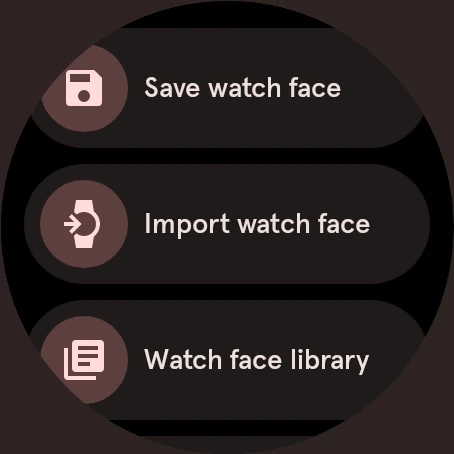
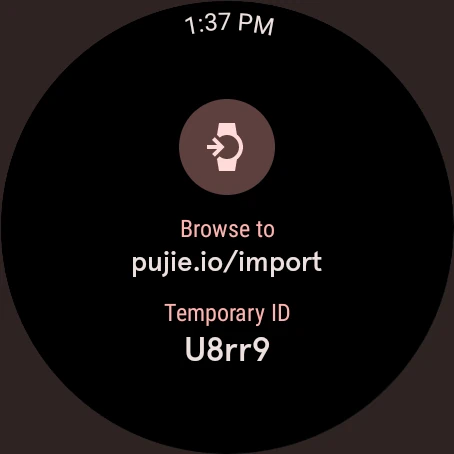
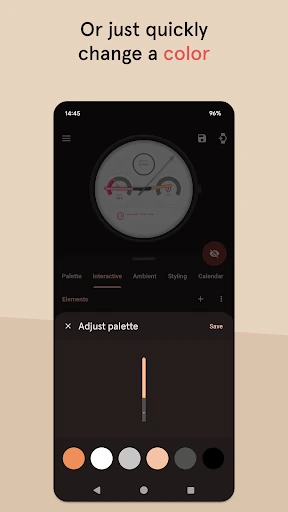
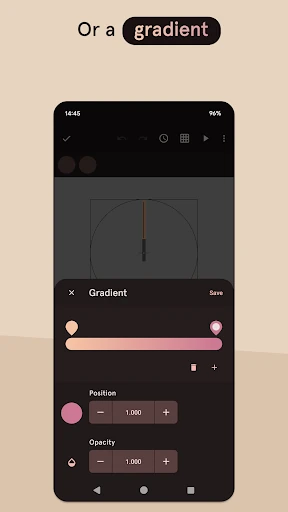
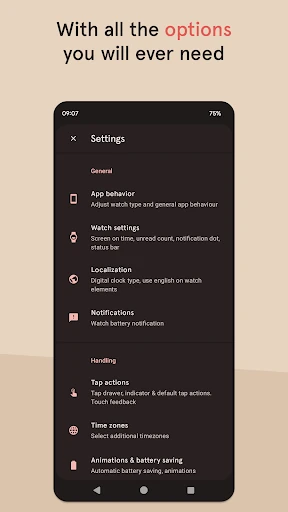
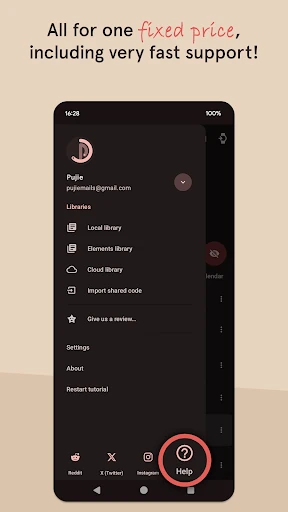
The user experience of Pujie Watch Faces is built for power users. While the initial interface may appear daunting due to the sheer volume of settings, the logic follows professional design software standards. The mobile app serves as the primary "command center," which is a necessary UX choice to handle complex vector editing that would be impossible on a small circular screen. The transition between the phone-side editor and the watch-side rendering is remarkably fluid, though the recent fragmentation of Wear OS versions introduces a layer of cognitive load for users regarding device compatibility.
The most pressing area for improvement is the simplification of the versioning system; the current split between Wear OS 4 and Wear OS 6 apps can lead to user frustration and "1-star" reviews based on compatibility confusion. Additionally, introducing an AI-assisted "Quick Start" designer could help novice users generate cohesive color palettes and layouts without needing to master vector graphics tools manually.
Pujie Watch Faces - Wear OS 4- is the definitive choice for enthusiasts, designers, and automation fans who view their smartwatch as a tool for efficiency rather than just a timepiece. It is less suited for the "set-it-and-forget-it" crowd who may find the interface overly complex. For those on Wear OS 2 through 4 (and certain Wear OS 5 updates), it remains one of the most powerful personalization suites available in the Google Play Store.